 Volvenix
Google Lens vs Vuforia
AI-enhanced independent comparison — features, pros, cons, pricing and rankings.
 ChatGPT
  Claude
  Gemini
  Midjourney
  DALL-E
  Stable Diffusion
  Notion AI
  Canva
Canva  Grammarly
  GitHub Copilot
  ElevenLabs
  Perplexity
  Runway
  Synthesia
  Fireflies.ai
  Hugging Face Hub

| Dimension | Google Lens | Vuforia |
|---|---|---|
| Accuracy & Reliability | ||
| Ease of Use | ||
| Features & Capability | ||
| Value for Money | ||
| Performance & Speed | ||
| Popularity & Adoption |
Who each tool serves best — and when to pick the other one.
This tool fits if you frequently need to identify objects or translate text on the go.
- You need to identify items quickly while shopping.
- You want to translate text in real-time using your camera.
- Your team requires a visual search tool for everyday tasks.
Skip this tool if you require offline functionality or advanced image processing features.
- You need advanced image editing capabilities.
- Free-tier limits are a blocker for extensive use.
- You require offline access for image recognition.
The ability to quickly identify and translate objects using your camera.
Ideal for enterprise teams in manufacturing, service, and training looking for AR solutions.
- You need to enhance training with augmented reality solutions.
- You want to improve operational efficiency in manufacturing.
- Your team requires advanced object recognition capabilities.
Not suitable for small businesses or individuals seeking low-cost AR solutions.
- You need a budget-friendly AR solution for small projects.
- Free-tier limits are a blocker for your team's needs.
- You require extensive customization options not offered.
The need for robust industrial AR capabilities and enterprise-level support.
A canonical comparison across capabilities common to this category. Vendor-specific extras appear below in "Highlighted Features".
| Capability | Google Lens | Vuforia |
|---|---|---|
|
Free Tier Available
Usable without payment (with usage limits)
|
✓ | — |
Each tool's marketing-listed features. Where a feature appears under one tool but not the other, it usually reflects how the vendor describes their product — not a definitive capability gap.
- Object recognition — Identify various objects using your camera
- Text Translation — Translate text in real-time
- Product Search — Find products online based on images
- Image Recognition — Recognizes and tracks images in real-time
- Object Tracking — Tracks 3D objects accurately
- Environment Tracking — Maps and tracks environments
- Guided Workflows — Overlays step-by-step guidance
- Multi-Device Support — Compatible with mobile devices and smart glasses
- Fast object identification
- Real-time translation capabilities
- Integration with Google services
- Mature computer vision tracking
- Scalable AR solutions for enterprises
- Step-by-step guidance features
- Requires internet connection
- Limited features for advanced users
- High pricing may deter smaller users
- Limited customization options
- Identifying plants and animals
- Translating foreign language signs
- Finding similar products while shopping
- Industrial training programs
- Manufacturing process guidance
- Service and maintenance support
Where each tool runs — web, mobile, desktop, browser extension, API.
The underlying AI models each tool runs on. Model details show on hover.
No models confirmed.
Natural languages each tool generates and understands. Primary languages are listed first.
What each tool can accept (input) and produce (output) — text, image, audio, video, code.
Google Lens is completely free to use with no paid tiers.
-
Free
popular
Free
Vuforia offers enterprise pricing tailored for large teams and organizations, with no public pricing details available.
-
Enterprise (Custom License)
popular
Custom pricing
Languages, frameworks, databases, and infrastructure each tool is built on. Mostly relevant for self-hosted or open-source tools.
Who each tool is positioned for — primary audience first.
No specific audience listed.
How you can reach support — email, live chat, phone, community, docs.
- Documentation primary
- Documentation primary visit ↗
How each tool is classified in the Volvenix catalog.
These vocabulary domains are managed in our catalog but not yet exposed at the tool level. We're tracking them for future expansion of this comparison.
- Encryption Types — AES-256, ChaCha20, RSA-2048, and similar at-rest/in-transit cipher families.
- Encryption Contexts — where encryption is applied (data at rest, in transit, end-to-end).
- Plan-tier Model Mapping — which AI models are available on which pricing tier (currently only the model list is tracked, not the per-plan availability).
- What is this tool?
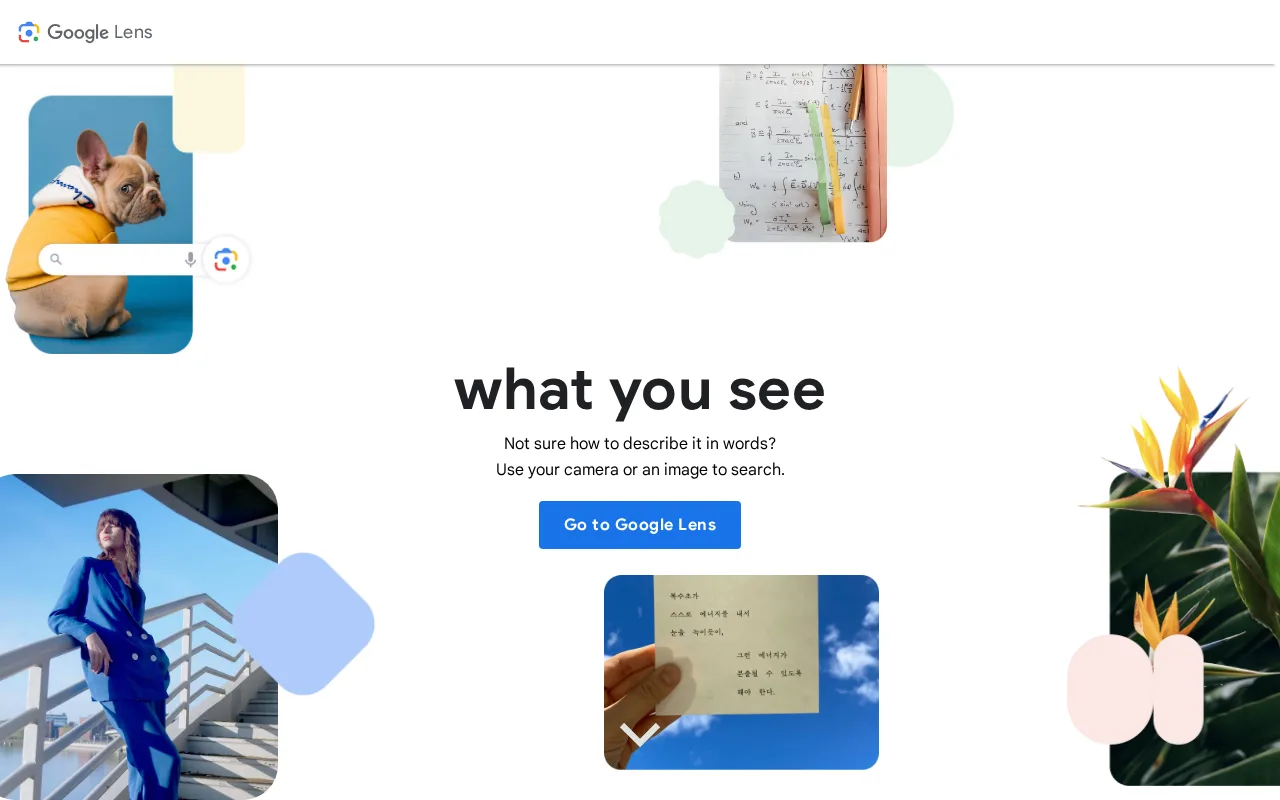
- Google Lens is a visual search tool that identifies objects and translates text.
- How much does it cost?
- Google Lens is completely free to use.
- Does it have a free plan?
- Yes, Google Lens is free for all users.
- What integrations does it support?
- It integrates with Google Search and Photos.
- Who is it best for?
- It's ideal for everyday users needing quick identification and translation.
- What is this tool?
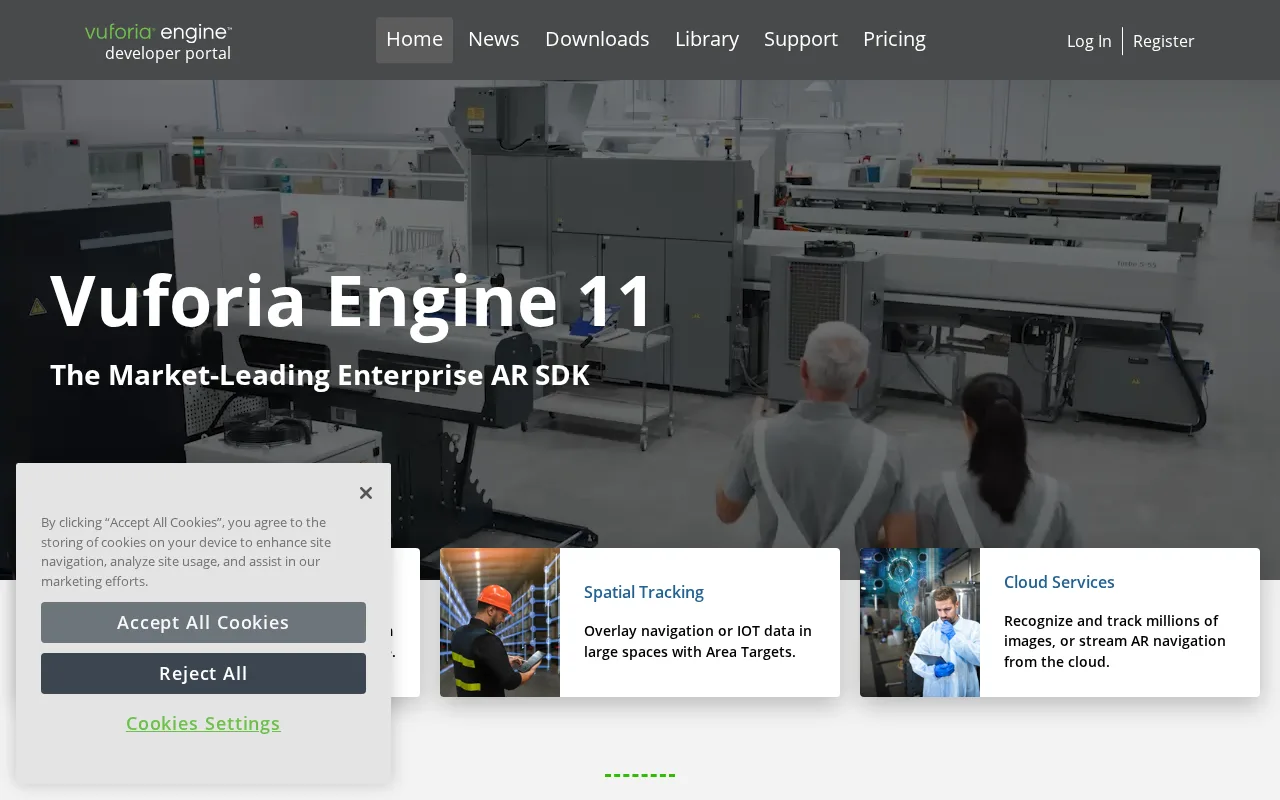
- Vuforia is an industrial AR platform for object recognition and guidance.
- How much does it cost?
- Pricing is enterprise-level and not publicly disclosed.
- Does it have a free plan?
- No, Vuforia does not offer a free plan.
- What integrations does it support?
- Integrations are not publicly listed.
- Who is it best for?
- Best for enterprise teams in manufacturing and training.
| Info | Google Lens | Vuforia |
|---|---|---|
| Pricing | Free | Enterprise |
| Launch Year | 2017 | — |
| Category | Computer Vision & Image Recognition | Computer Vision & Image Recognition |
| Deployment | Cloud | Cloud |
| Learning Curve | Beginner | Advanced |
| Free Plan | ✓ | ✗ |
| AI Agent | ✓ | ✗ |
 Azure AI Vision
 Lumen5
 Infera AI
 Percepto AI
 IBM Watson Visual Recognition
 Bing Visual Search
 Viz.ai
Google Lens, with an overall score of 6.4/10, is a free tool primarily designed for image recognition and augmented reality applications accessible to general consumers. Vuforia, scoring 5.4/10, is an enterprise-focused augmented reality platform that offers advanced features for industrial and commercial use, typically requiring a paid subscription. While Google Lens emphasizes ease of use and broad accessibility, Vuforia provides specialized capabilities suited for professional AR development and deployment.
ⓘ How Volvenix scores work
Scores are computed by Volvenix — not supplied by the vendors, and not third-party benchmark results. Each 0–10 dimension (Overall, Features, Usability, Support, Pricing) is a directional estimate aggregated from catalog signals — editorial cataloguing, content depth, engagement, and provider-reputation indicators — so treat them as a starting point, not a lab result.
Confidence reflects how complete the underlying data is for both tools; lower confidence means fewer signals were available, not a worse tool. We never accept payment for rankings or scores. More about how Volvenix works →