 Volvenix
Kiuwan vs Bito
AI-enhanced independent comparison — features, pros, cons, pricing and rankings.
 ChatGPT
  Claude
  Gemini
  Midjourney
  DALL-E
  Stable Diffusion
  Notion AI
  Canva
Canva  Grammarly
  GitHub Copilot
  ElevenLabs
  Perplexity
  Runway
  Synthesia
  Fireflies.ai
  Hugging Face Hub

| Dimension | Kiuwan | Bito |
|---|---|---|
| Accuracy & Reliability | ||
| Ease of Use | ||
| Features & Capability | ||
| Value for Money | ||
| Performance & Speed | ||
| Popularity & Adoption |
Who each tool serves best — and when to pick the other one.
Development teams and organizations seeking detailed static code analysis to improve code quality and security.
- You need comprehensive static analysis across multiple programming languages.
- You want to integrate code quality checks into your CI/CD pipelines.
- Your team requires detailed metrics to manage technical debt and security risks.
Individual developers or teams needing lightweight or real-time code analysis may find Kiuwan too complex or resource-intensive.
- You need a lightweight or instant code analysis tool for quick feedback.
- Free-tier limits are a blocker for your team’s scale or feature needs.
- You require extensive AI-powered code suggestions or generation.
Depth and breadth of static code analysis with actionable quality and security metrics.
Development teams and individual developers who want to automate error detection and reduce debugging time in their coding workflows.
- You want to reduce time spent manually debugging code errors in your projects.
- You need a tool that integrates into your development workflow to automate error detection.
- Your team requires faster resolution of code bugs to improve overall productivity.
Developers working on highly specialized or complex codebases that require manual debugging expertise may find Bito less effective.
- You need a debugging tool specialized for niche or highly complex code errors.
- Free-tier limits are a blocker for your team’s debugging volume or feature needs.
- You require deep manual debugging controls and customizations beyond automation.
The tool’s ability to automate and accelerate debugging workflows to reduce error resolution time.
A canonical comparison across capabilities common to this category. Vendor-specific extras appear below in "Highlighted Features".
| Capability | Kiuwan | Bito |
|---|---|---|
|
Coding Assistance
Writes, explains, or debugs code
|
✓ | ✓ |
|
Multi-language Support
Understands and generates content in multiple languages
|
✓ | — |
|
Free Tier Available
Usable without payment (with usage limits)
|
✓ | ✓ |
Each tool's marketing-listed features. Where a feature appears under one tool but not the other, it usually reflects how the vendor describes their product — not a definitive capability gap.
- Static Code Analysis — Analyzes code quality and security issues
- CI/CD Integration — Integrates with Jenkins, Azure DevOps, GitLab CI
- Security vulnerability detection — Identifies security risks in code
- Custom Metrics and Dashboards — Create tailored reports and visualizations
- Automated Debugging — Automatically detects and suggests fixes for code errors
- Error Resolution Suggestions — Provides actionable recommendations to fix bugs
- Integration with Development Workflows — Seamlessly fits into existing coding environments
- Collaboration Features — Supports multiple users for shared debugging
- User Analytics — Tracks debugging activity and efficiency
- Supports multiple programming languages
- Integrates with popular CI/CD tools
- Detailed technical debt and security metrics
- Actionable insights for maintainability
- Scalable for teams and enterprises
- Automates debugging to save time
- Enhances code quality and efficiency
- Easy integration into developer workflows
- Freemium pricing allows trial without cost
- Simplifies error resolution for teams
- User interface can be overwhelming for new users
- Limited features in free plan
- No public API available
- Limited support for complex or niche bugs
- No public API available for integrations
- Free tier may not suffice for larger teams
- Static code quality analysis
- Security vulnerability detection
- Technical debt management
- CI/CD pipeline integration
- Compliance reporting
- Automate bug detection in software projects
- Reduce debugging time for development teams
- Improve code quality through error resolution
- Streamline developer workflows with automation
- Support collaborative debugging efforts
Where each tool runs — web, mobile, desktop, browser extension, API.
Natural languages each tool generates and understands. Primary languages are listed first.
What each tool can accept (input) and produce (output) — text, image, audio, video, code.
Offers a free plan with basic static analysis; paid plans unlock advanced features and integrations.
-
Free
Free
Bito offers a free tier with basic debugging automation and paid plans for advanced features and team usage.
-
Free
Free
Regulatory frameworks each tool claims compliance with (HIPAA, SOC 2, GDPR, etc.).
Vendor-published numbers each tool highlights — usage scale, breadth, and operational stats. Different tools track different metrics, so direct row-by-row comparison usually isn't meaningful.
- Languages Supported 20+
- Integrations 3+ CI/CD tools
- Time saved per week 5 hours/week
Who each tool is positioned for — primary audience first.
How you can reach support — email, live chat, phone, community, docs.
- Documentation primary
- Email primary
How each tool is classified in the Volvenix catalog.
These vocabulary domains are managed in our catalog but not yet exposed at the tool level. We're tracking them for future expansion of this comparison.
- Encryption Types — AES-256, ChaCha20, RSA-2048, and similar at-rest/in-transit cipher families.
- Encryption Contexts — where encryption is applied (data at rest, in transit, end-to-end).
- Plan-tier Model Mapping — which AI models are available on which pricing tier (currently only the model list is tracked, not the per-plan availability).
- What is this tool?
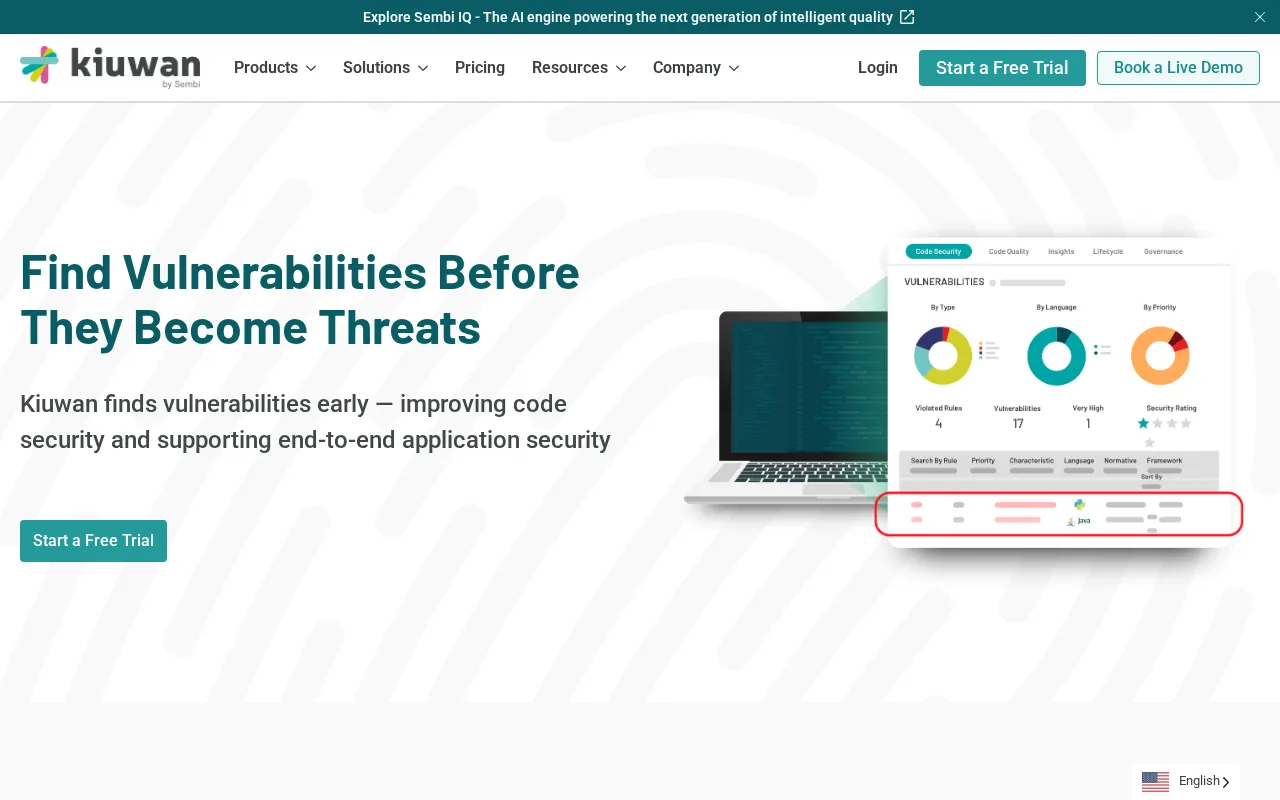
- Kiuwan is a static code analysis platform that helps developers improve code quality and security.
- How much does it cost?
- Kiuwan offers a free plan with basic features; advanced features require paid subscriptions.
- Does it have a free plan?
- Yes, Kiuwan provides a free tier with limited static analysis capabilities.
- What integrations does it support?
- Kiuwan integrates with CI/CD tools like Jenkins, Azure DevOps, and GitLab CI.
- Who is it best for?
- It is best suited for development teams seeking detailed static analysis and security insights.
- What is this tool?
- Bito automates the debugging process to help developers quickly identify and fix code errors.
- How much does it cost?
- Bito offers a free tier with basic features and paid plans for advanced capabilities and team use.
- Does it have a free plan?
- Yes, Bito provides a free plan suitable for individual developers with limited usage.
- What integrations does it support?
- Bito integrates into developer workflows but does not currently offer public API or third-party integrations.
- Who is it best for?
- It is best for developers and teams seeking to automate debugging and reduce error resolution time.
| Info | Kiuwan | Bito |
|---|---|---|
| Pricing | Freemium | Freemium |
| Category | Code & Developer AI | Code & Developer AI |
| Deployment | Cloud | Cloud |
| Learning Curve | Intermediate | Intermediate |
| Free Plan | ✓ | ✓ |
| AI Agent | ✗ | ✗ |
 OverOps
 Launchable
 Semgrep
 SonarCloud
 Cody
Cody LinearB
Kiuwan has an overall score of 5.5/10 and offers a freemium pricing model focused on application security and code quality analysis for enterprises. Bito scores slightly lower at 5.2/10 and also uses a freemium pricing approach, primarily targeting automated code review and developer productivity enhancements. While both provide freemium options, Kiuwan emphasizes comprehensive security compliance and risk management features, whereas Bito centers more on streamlining code review workflows and integration with development environments.
ⓘ How Volvenix scores work
Scores are computed by Volvenix — not supplied by the vendors, and not third-party benchmark results. Each 0–10 dimension (Overall, Features, Usability, Support, Pricing) is a directional estimate aggregated from catalog signals — editorial cataloguing, content depth, engagement, and provider-reputation indicators — so treat them as a starting point, not a lab result.
Confidence reflects how complete the underlying data is for both tools; lower confidence means fewer signals were available, not a worse tool. We never accept payment for rankings or scores. More about how Volvenix works →