 Volvenix
SageMaker Autopilot vs Streamlit Cloud
AI-enhanced independent comparison — features, pros, cons, pricing and rankings.
 ChatGPT
  Claude
  Gemini
  Midjourney
  DALL-E
  Stable Diffusion
  Notion AI
  Canva
Canva  Grammarly
  GitHub Copilot
  ElevenLabs
  Perplexity
  Runway
  Synthesia
  Fireflies.ai
  Hugging Face Hub

| Dimension | SageMaker Autopilot | Streamlit Cloud |
|---|---|---|
| Accuracy & Reliability | ||
| Ease of Use | ||
| Features & Capability | ||
| Value for Money | ||
| Performance & Speed | ||
| Popularity & Adoption |
Who each tool serves best — and when to pick the other one.
Data scientists, ML engineers, and analysts who want automated model building with code transparency within AWS.
- You want to automate ML model creation for tabular data with minimal manual tuning
- You need transparency into the generated ML pipeline and code for customization
- Your team uses AWS services and requires integrated model training and deployment
Users without AWS infrastructure or those needing AutoML for non-tabular data like images or text.
- You need AutoML for image, text, or other non-tabular data types
- Free-tier limits are a blocker for your large-scale ML experiments
- You require a platform-agnostic AutoML solution outside the AWS ecosystem
Seamless automation of tabular ML workflows with transparent code generation inside AWS.
Ideal for data scientists and ML engineers who need to deploy analytics apps quickly.
- You need to deploy data apps rapidly from GitHub.
- You want a simple interface for app sharing.
- Your team requires minimal infrastructure management.
Not suitable for teams requiring extensive customization or those with strict budget constraints.
- You need extensive customization options for your apps.
- Free-tier limits are a blocker for your team.
- You require advanced enterprise features.
The ability to deploy apps quickly without managing infrastructure.
A canonical comparison across capabilities common to this category. Vendor-specific extras appear below in "Highlighted Features".
| Capability | SageMaker Autopilot | Streamlit Cloud |
|---|---|---|
|
Free Tier Available
Usable without payment (with usage limits)
|
✓ | ✓ |
Each tool's marketing-listed features. Where a feature appears under one tool but not the other, it usually reflects how the vendor describes their product — not a definitive capability gap.
- Automated Model Building — Builds ML models automatically from tabular data
- Code Transparency — Exposes generated training and tuning code
- Hyperparameter tuning — Automatically tunes model hyperparameters
- AWS Integration — Integrates with AWS S3, SageMaker endpoints, and more
- Model deployment — Supports deploying models as SageMaker endpoints
- GitHub Integration — Deploy apps directly from GitHub repositories
- Secrets management — Manage sensitive information securely
- One-Click Sharing — Easily share apps with a single click
- Collaboration Tools — Features for team collaboration
- Analytics Dashboard — Monitor app performance and usage
- Automates end-to-end ML model creation for tabular data
- Provides transparency by exposing generated code
- Seamlessly integrates with AWS services
- Supports users with varying ML expertise
- Scales with AWS infrastructure
- Fast deployment from GitHub
- User-friendly interface
- Optimized for Streamlit
- Supports only tabular data, no image or text AutoML
- Requires AWS account and familiarity with AWS ecosystem
- No public API for direct programmatic control
- Limited customization options
- Pricing may be high for larger teams
- Automated ML model creation for business tabular datasets
- Rapid prototyping of predictive models without deep ML expertise
- Customizable ML pipelines with code access
- Scaling ML workflows within AWS infrastructure
- Hyperparameter tuning for improved model accuracy
- Deploying data visualization apps
- Sharing machine learning models
- Collaboration on data projects
- Rapid prototyping of analytics tools
The underlying AI models each tool runs on. Model details show on hover.
No models confirmed.
Natural languages each tool generates and understands. Primary languages are listed first.
What each tool can accept (input) and produce (output) — text, image, audio, video, code.
SageMaker Autopilot is free to use but incurs standard AWS charges for underlying compute and storage resources.
-
Free
Free
Offers a free plan for individuals and paid plans for teams with additional features.
-
Free
Free -
Pro
popular
$20.00/mo -
Team
$30.00/mo
Regulatory frameworks each tool claims compliance with (HIPAA, SOC 2, GDPR, etc.).
Vendor-published numbers each tool highlights — usage scale, breadth, and operational stats. Different tools track different metrics, so direct row-by-row comparison usually isn't meaningful.
- Automation Level High
- AWS Integration Seamless
No metrics published.
Languages, frameworks, databases, and infrastructure each tool is built on. Mostly relevant for self-hosted or open-source tools.
Stack not disclosed.
Who each tool is positioned for — primary audience first.
How each tool is classified in the Volvenix catalog.
These vocabulary domains are managed in our catalog but not yet exposed at the tool level. We're tracking them for future expansion of this comparison.
- Encryption Types — AES-256, ChaCha20, RSA-2048, and similar at-rest/in-transit cipher families.
- Encryption Contexts — where encryption is applied (data at rest, in transit, end-to-end).
- Plan-tier Model Mapping — which AI models are available on which pricing tier (currently only the model list is tracked, not the per-plan availability).
- What is this tool?
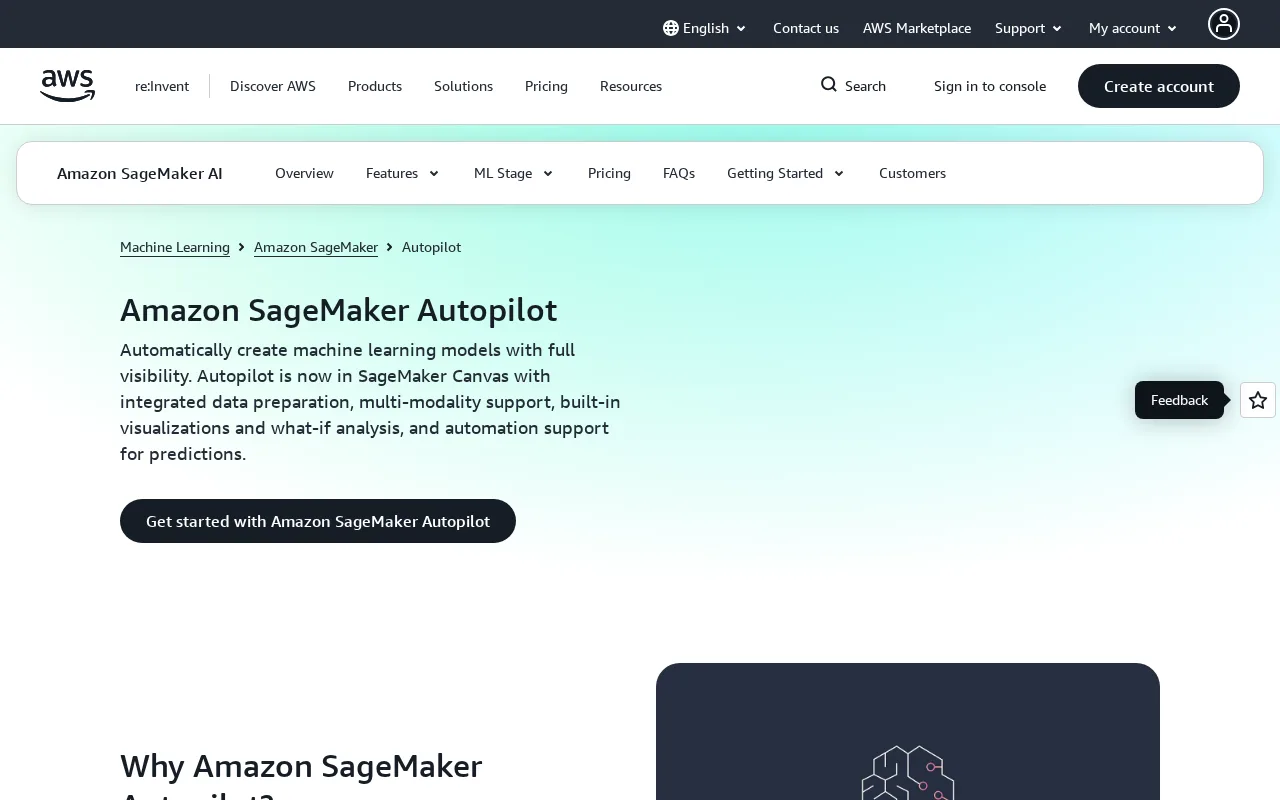
- SageMaker Autopilot automates building, training, and tuning ML models for tabular data with code transparency.
- How much does it cost?
- SageMaker Autopilot itself is free, but you pay for the AWS resources used during model training and deployment.
- Does it have a free plan?
- Yes, the service is free to use, but underlying AWS compute and storage costs apply.
- What integrations does it support?
- It integrates natively with AWS services like S3, SageMaker endpoints, and AWS IAM.
- Who is it best for?
- It is best for AWS users seeking automated ML model creation for tabular data with transparency.
- What is this tool?
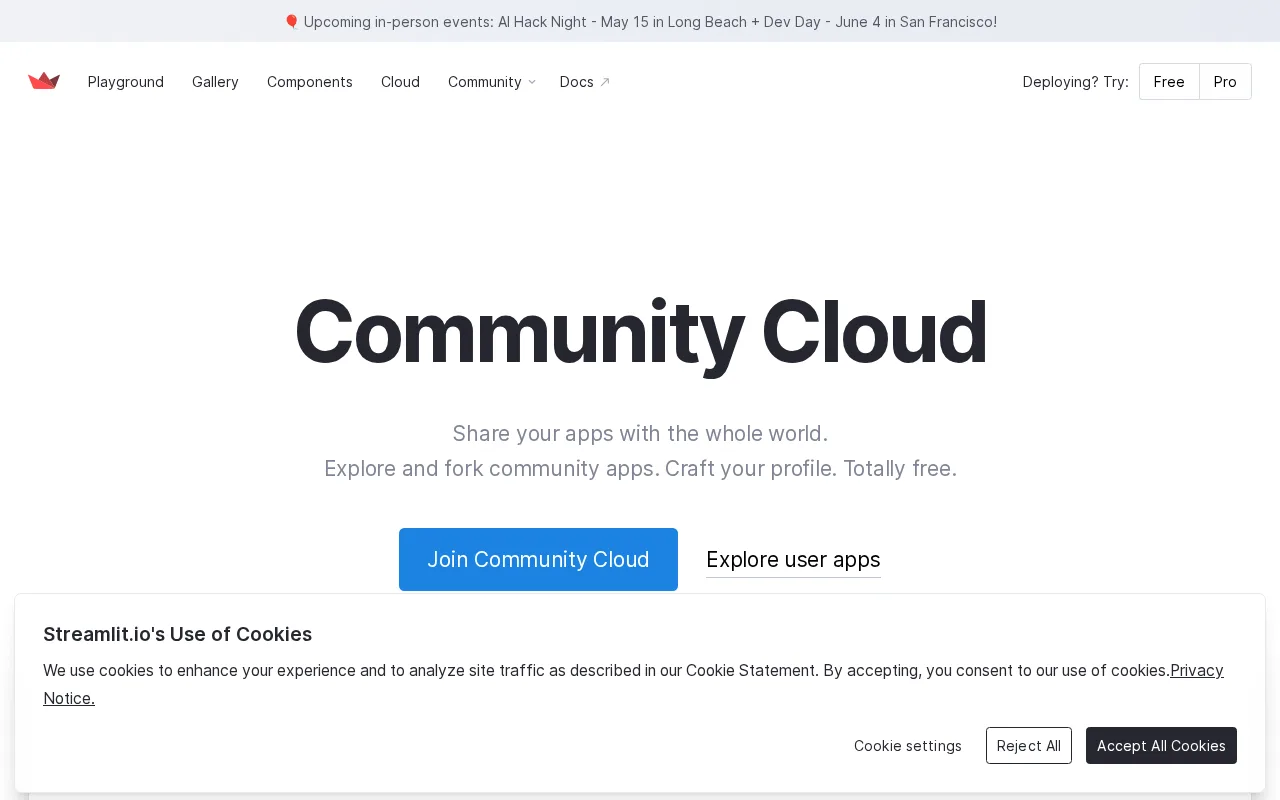
- Streamlit Cloud is a platform for deploying Streamlit apps quickly.
- How much does it cost?
- It offers a free plan and paid plans starting at $20/month.
- Does it have a free plan?
- Yes, there is a free plan available.
- What integrations does it support?
- It integrates with GitHub for deployment.
- Who is it best for?
- It's best for data scientists and ML engineers.
| Info | SageMaker Autopilot | Streamlit Cloud |
|---|---|---|
| Pricing | Free | Freemium |
| Category | AI Security, Safety & Governance | AI Security, Safety & Governance |
| Deployment | Cloud | Cloud |
| Learning Curve | Intermediate | Intermediate |
| Free Plan | ✓ | ✓ |
| AI Agent | ✓ | ✗ |
| Autonomy | Assistant | Assistant |
| Risk Tier | Medium | Medium |
 OctoAI
 Guardrails AI
 AutoGluon
 Credo AI
 Arthur AI
 LawGeex
SageMaker Autopilot (5.4) and Streamlit Cloud (5.5) score within our confidence interval — treat this as a tie for practical purposes. SageMaker Autopilot leads on pricing; Streamlit Cloud leads on features. Pick based on the specific dimensions that matter to your workflow.
ⓘ How Volvenix scores work
Scores are computed by Volvenix — not supplied by the vendors, and not third-party benchmark results. Each 0–10 dimension (Overall, Features, Usability, Support, Pricing) is a directional estimate aggregated from catalog signals — editorial cataloguing, content depth, engagement, and provider-reputation indicators — so treat them as a starting point, not a lab result.
Confidence reflects how complete the underlying data is for both tools; lower confidence means fewer signals were available, not a worse tool. We never accept payment for rankings or scores. More about how Volvenix works →