
Animaker logo
Rank #1460
FREEMIUM CLOUD #6 in Animated Video Creators

Animaker Review — Animated Video Creators

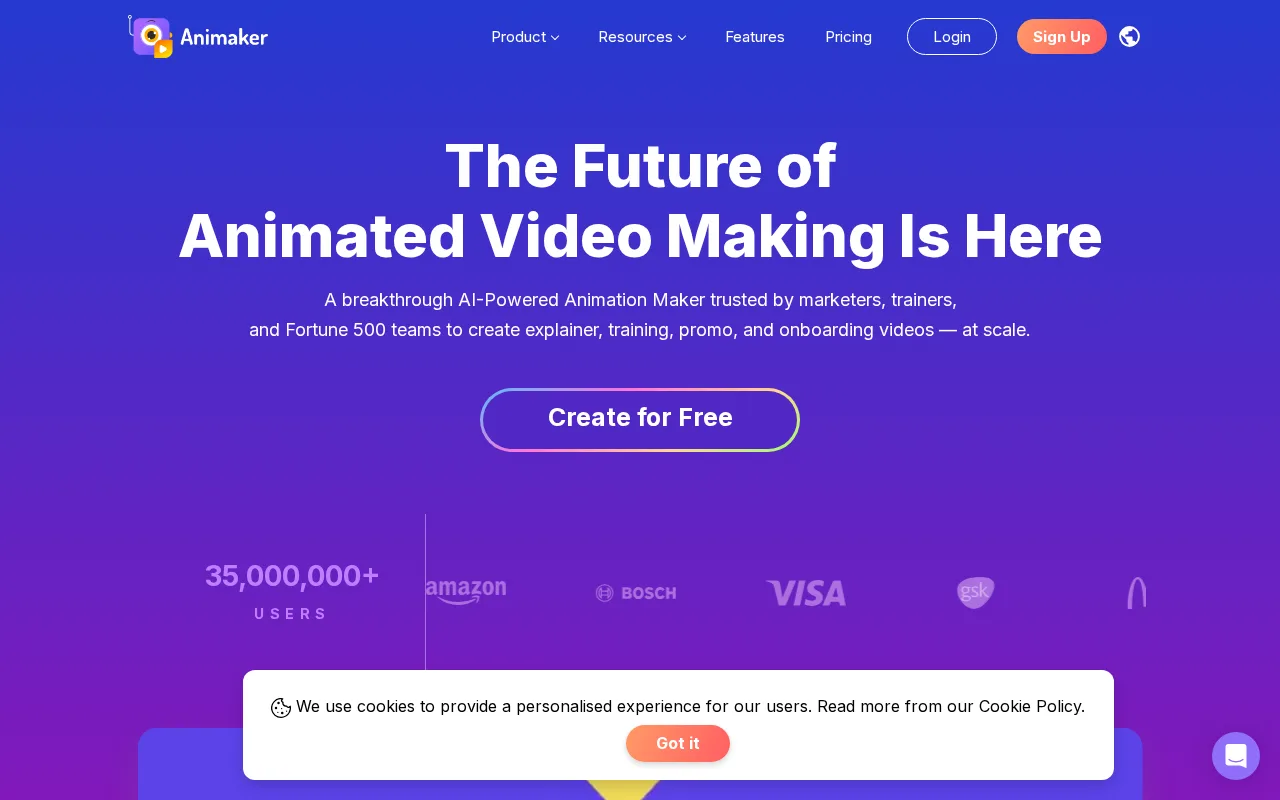
Cloud-based animated video creator with easy drag-and-drop and vast asset library.
2 monthly visitors 2 page views (30d)
Reviewed by Volvenix Editorial
7.5
Volvenix Verdict
AI-powered editorial review
Animaker
A user-friendly animated video creator ideal for beginners and small teams.
PROS
  • Intuitive drag-and-drop interface
  • Extensive library of animated assets
  • Cloud-based with easy access
  • Supports multiple video styles
  • Generous free plan for basic use
CONS
  • Limited advanced animation customization
  • Export options restricted on free plan

Is Animaker Right for You?

A quick checklist to help you decide.

You want to create animated videos quickly without prior animation experience
You need advanced animation controls and professional-grade features
You need a cloud-based tool accessible from any device with a browser
Free-tier export limitations block your workflow or output quality needs
Your team requires ready-made assets and templates to speed up video production
You require offline or self-hosted animation software

Ideal for: Marketers, educators, and small teams needing fast, easy animated video creation without technical skills.

Less suited for: Professional animators or studios requiring advanced customization and high-end animation features.

Bottom line: Ease of use with drag-and-drop animation and a large ready-made asset library.

Editorial Review AI-generated
Animaker excels with its intuitive drag-and-drop interface and extensive asset library, making animation accessible to non-experts. It supports multiple video styles and formats, which is great for marketing and educational content. However, advanced users may find customization options limited compared to professional animation software. The free tier is generous but has export limitations, and pricing scales reasonably for teams. Overall, it suits small businesses and individuals needing quick animated videos without a steep learning curve.
Pros & Cons

Pros

User-friendly drag-and-drop interface
Large library of animated assets and templates
Cloud-based for easy access anywhere
Supports multiple animation styles
Free plan available for basic needs

Cons

Limited advanced animation features moderate
Export quality and options limited on free plan moderate
Workaround: Upgrade to paid plan for HD exports
Who Is It For & What Can It Do
Best For
Marketer Small Business (1–10) Beginner curve
AI Capabilities
Video generation
Key Features
Drag-and-drop editor
Intuitive interface for easy animation creation
Asset Library
Extensive collection of animated characters and props
Video Export
Supports HD and SD video exports
Team collaboration
Tools for multiple users to work on projects
Voiceover Recording
Record and add voiceovers directly in the platform
Best Use Cases
Marketing video creation Educational animated lessons Social media content production Explainer videos for products Internal corporate training videos
Available Platforms
Inputs & Outputs
Textinput Videooutput
Supported Languages
English
Security & Compliance
Certifications
SOC 2 Type II
AICPA
ISO 27001
ISO
GDPR
European Union
Compliance Standards
GDPR
Privacy · EU
API & Developer Tools
Pricing Plans

Free

Best for individuals

Free
 
  • Basic video exports
  • Limited assets and templates

Team

For small teams

$30/mo
$30.00/mo billed annually
  • Collaboration tools
  • Priority support

Offers a free plan with basic features and export limits; paid plans add HD exports, more assets, and team collaboration.

Price Range
Free $0–$0 Mid Range $20–$100
Support Channels
Email
Did you find this page helpful?
Frequently Asked Questions
What is this tool?
Animaker is a cloud-based platform for creating animated videos using drag-and-drop tools and ready-made assets.
How much does it cost?
Animaker offers a free plan with basic features and paid subscriptions starting at $20/month for additional capabilities.
Does it have a free plan?
Yes, Animaker provides a free plan with limited exports and asset access.
What integrations does it support?
Animaker does not publicly document native integrations with third-party apps.
Who is it best for?
It is best suited for marketers, educators, and small teams needing quick, easy animated video creation.
User Reviews

No reviews yet. Be the first to review Animaker!

Write a Review
Discussion
No discussions yet. Start the conversation!
0 tools selected
Compare Now →
Animaker Visit Tool