Bannerbear logo
Rank #201
FREEMIUM CLOUD #1 in Automated Graphic Design State of the Art

Bannerbear Review — Automated Graphic Design

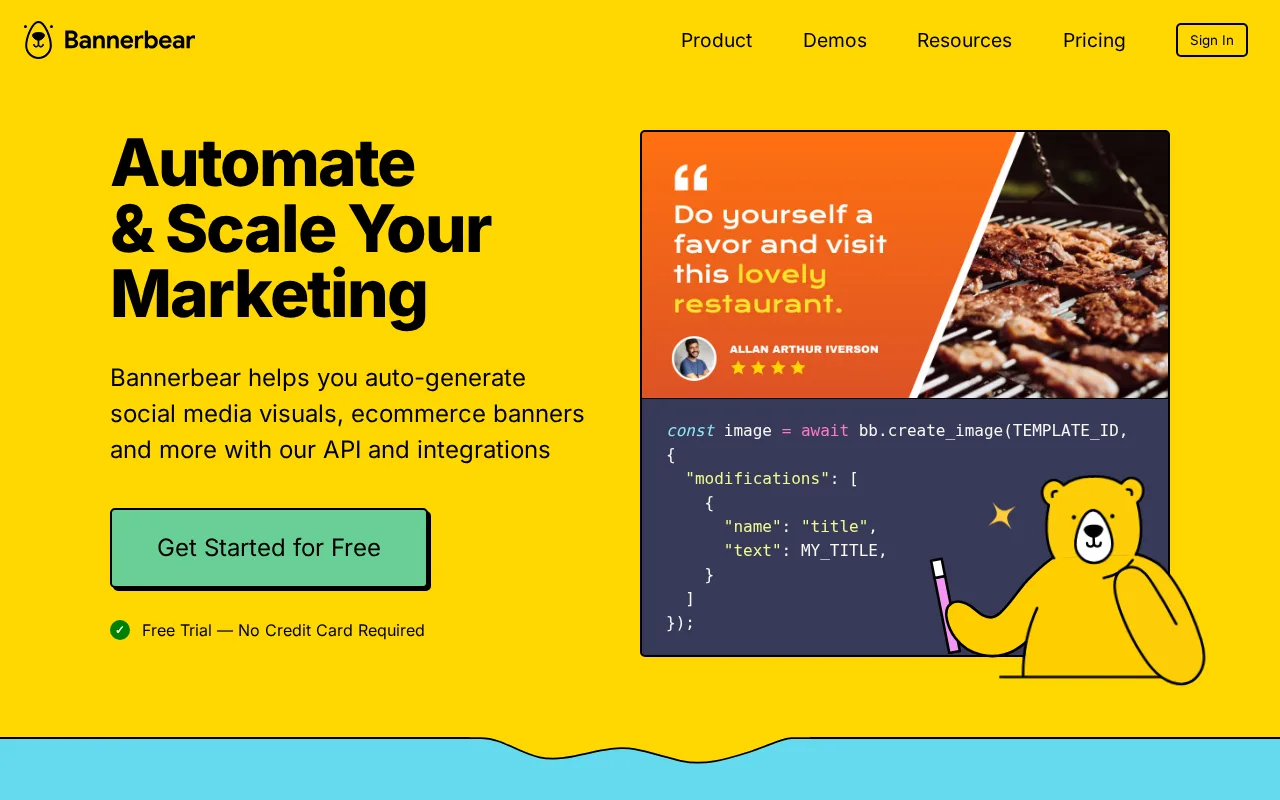
Automate graphic design by creating images and videos from templates using API or no-code tools.

Bannerbear — preview
7.5
Volvenix Verdict
AI-powered editorial review
Bannerbear
A versatile tool for automated graphic content generation with strong API support but limited advanced design features.
PROS
  • Robust API for automated image and video generation
  • Supports dynamic templates for scalable content creation
  • Integrates well with marketing and development workflows
CONS
  • Limited advanced manual design tools
  • No real-time collaboration features

Is Bannerbear Right for You?

A quick checklist to help you decide.

You need to automate image and video creation from data or templates at scale.
You need advanced manual graphic design and editing capabilities.
You want to integrate graphic generation into your existing marketing or development workflows.
Free-tier limits are a blocker for your volume of image or video generation.
Your team requires consistent branded visuals without manual design effort.
You require real-time collaborative design features.

Ideal for: Developers, marketers, and small to medium e-commerce teams needing automated, scalable graphic and video content generation.

Less suited for: Users seeking full-featured manual graphic design tools or real-time collaborative design environments should look elsewhere.

Bottom line: The ability to automate graphic content creation via API and templates is the primary deciding factor.

Editorial Review AI-generated
Bannerbear excels at automating image and video generation through customizable templates and an easy-to-use API, making it ideal for marketing teams and developers. Its strengths lie in scalability and integration capabilities, allowing users to produce consistent branded visuals quickly. However, it lacks advanced design tools and real-time collaboration features found in dedicated graphic design platforms. Overall, it suits users who prioritize automation over manual design control.
Pros & Cons

Pros

Powerful API for automated image and video generation
Flexible template system supports dynamic content
Good integration options for marketing and dev workflows
Scalable for high-volume content production
User-friendly no-code interface for non-developers

Cons

Limited advanced manual design features moderate
No real-time collaboration tools minor
Free tier limits may restrict high-volume users moderate
Workaround: Upgrade to paid plans for higher limits
Who Is It For & What Can It Do
Best For
Developer / Engineer Marketer Product Manager Intermediate curve
AI Capabilities
Image generation Template-based automation Tool Calling Video generation
Key Features
API Access
Full REST API for image and video generation
Template Editor
Create and customize templates with dynamic fields
Video Generation
Generate short videos from templates
No-Code Builder
Drag-and-drop interface for non-technical users
Integrations
Supports Zapier and webhook integrations
Best Use Cases
Automated social media image creation Dynamic product image generation for e-commerce Personalized marketing video production Branded content creation at scale API-driven graphic generation for apps
Available Platforms
Web App
Integrations
Inputs & Outputs
Apiinput Imageoutput Videooutput
Supported Languages
English
Security & Compliance
Compliance Standards
GDPR
Privacy · EU
Pricing Plans

Free

Best for individuals

Free
 
  • Up to 100 API credits per month
  • Access to templates and basic features

Team

For small teams

$99/mo
$82.50/mo billed annually save 17%
  • Up to 3000 API credits per month
  • Team collaboration and shared assets

Offers a free tier with basic features and paid plans for higher usage and advanced capabilities.

Price Range
Free $0–$0 Mid Range $20–$100 Premium $100–$500
Support Channels
Popular Comparisons
Did you find this page helpful?
Frequently Asked Questions
What is this tool?
Bannerbear automates creating images and videos from templates using an API or no-code tools.
How much does it cost?
Bannerbear offers a free tier and paid plans starting at $49/month for higher usage and features.
Does it have a free plan?
Yes, Bannerbear provides a free plan with limited API credits and basic features.
What integrations does it support?
Bannerbear supports Zapier, webhooks, and direct API integrations.
Who is it best for?
It is best for developers, marketers, and e-commerce teams needing automated graphic content at scale.
User Reviews

No reviews yet. Be the first to review Bannerbear!

Write a Review
Discussion
No discussions yet. Start the conversation!
0 tools selected
Compare Now →
Bannerbear Visit Tool