DocAcquire logo
Rank #863
TASK AUTOMATION FREEMIUM CLOUD #12 in Task Automation

DocAcquire Review — Document Automation for Finance

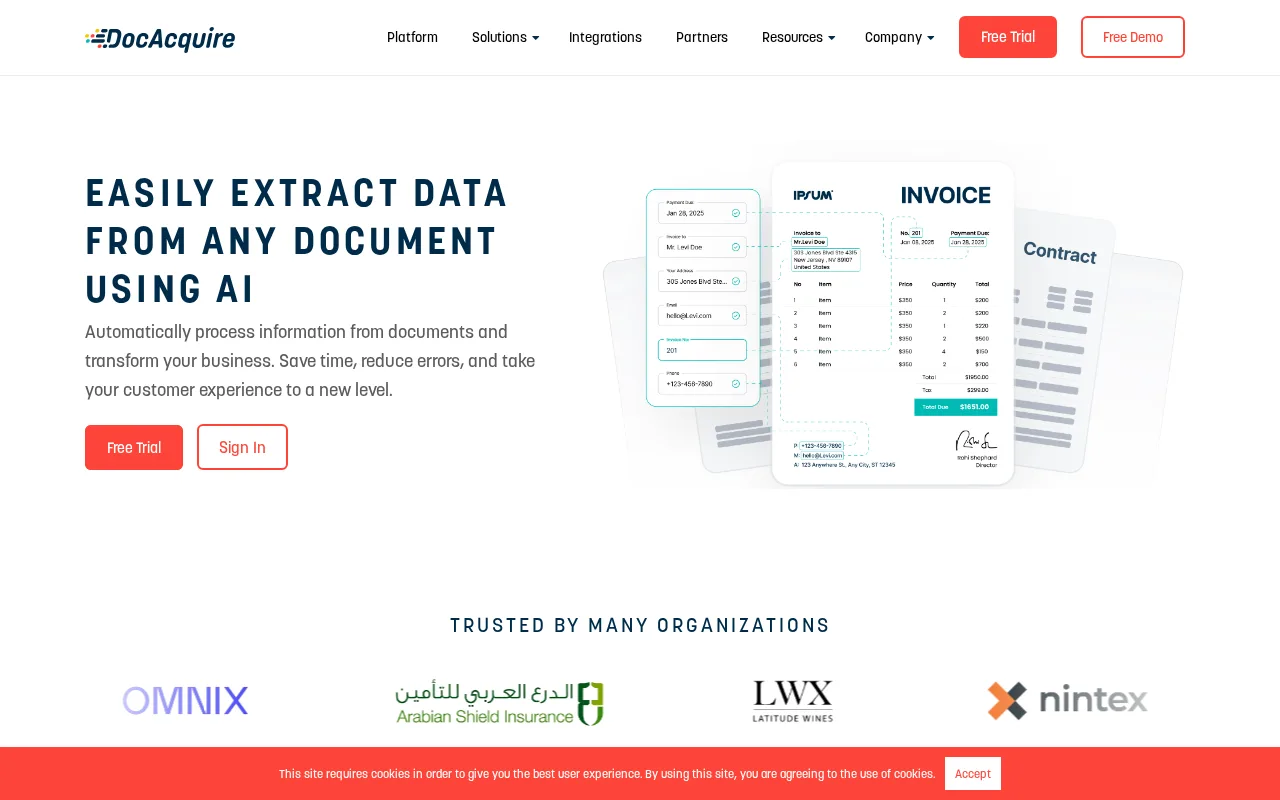
DocAcquire automates document data extraction to streamline finance and accounting workflows.

7.5
Volvenix Verdict
AI-powered editorial review
DocAcquire
A solid tool for finance teams needing automated document data extraction with flexible workflow options.
PROS
  • Effective automation of invoice and receipt data extraction
  • Customizable workflows for finance teams
  • User-friendly interface requiring minimal technical skill
CONS
  • No public API limits integration options
  • Lacks advanced AI agent or autonomous features

Is DocAcquire Right for You?

A quick checklist to help you decide.

You need to reduce manual data entry from financial documents like invoices
You need a public API for deep custom integrations
You want customizable workflows tailored for accounting automation
Free-tier limits are a blocker for your volume of document processing
Your team requires a user-friendly tool for finance document processing
You require advanced AI agent or autonomous capabilities

Ideal for: Finance and accounting teams looking to automate data extraction from invoices and receipts to save time and reduce errors.

Less suited for: Teams requiring extensive API integrations or advanced AI agent features should consider other tools.

Bottom line: Effectiveness and ease of automating document data extraction for finance workflows.

Editorial Review AI-generated
DocAcquire excels at automating the extraction of key data from financial documents, reducing manual effort and errors. Its user-friendly interface and customizable workflows make it accessible for finance professionals without deep technical skills. However, it lacks a public API and advanced AI agent capabilities, which may limit integration flexibility for some users. Best suited for small to mid-sized finance teams focused on invoice and receipt processing.
Pros & Cons

Pros

Automates extraction of financial document data
Customizable workflows for finance processes
Easy to use for non-technical finance users
Reduces manual data entry errors
Cloud-based with no installation required

Cons

No public API for integrations major
Limited advanced AI or agent features moderate
No mobile app available minor
Who Is It For & What Can It Do
Best For
Finance Professional Small Business (1–10) SMB (11–200) Beginner curve
AI Capabilities
Task Automation
Key Features
Document Data Extraction
Extracts key data from invoices and receipts
Workflow Customization
Allows tailoring of automation workflows
Cloud deployment
Accessible via web without installation
API Access
No public API available
Mobile App
No mobile app currently offered
Best Use Cases
Automate invoice data entry Streamline receipt processing Reduce manual accounting errors Improve finance team productivity Customize finance workflows
Available Platforms
Inputs & Outputs
Documentinput Textoutput
Supported Languages
English
Security & Compliance
Pricing Plans

Free

Best for individuals

Free
 
  • Basic document processing
  • Limited monthly usage

Offers a free plan with basic features and paid subscriptions for higher volume and advanced capabilities.

Price Range
Free $0–$0
Support Channels
Email
Did you find this page helpful?
Frequently Asked Questions
What is this tool?
DocAcquire automates data extraction from financial documents to simplify accounting workflows.
How much does it cost?
DocAcquire offers a free plan with basic features; paid plans are available for higher usage.
Does it have a free plan?
Yes, DocAcquire provides a free plan suitable for individuals with limited document processing needs.
What integrations does it support?
DocAcquire does not currently offer a public API or native integrations.
Who is it best for?
It is best for finance and accounting teams seeking to automate invoice and receipt data extraction.
User Reviews

No reviews yet. Be the first to review DocAcquire!

Write a Review
Discussion
No discussions yet. Start the conversation!
0 tools selected
Compare Now →
DocAcquire Visit Tool