
Excire logo
Rank #1474
FREEMIUM DESKTOP #1 in Image Organization State of the Art

Excire Review — AI Image Organization

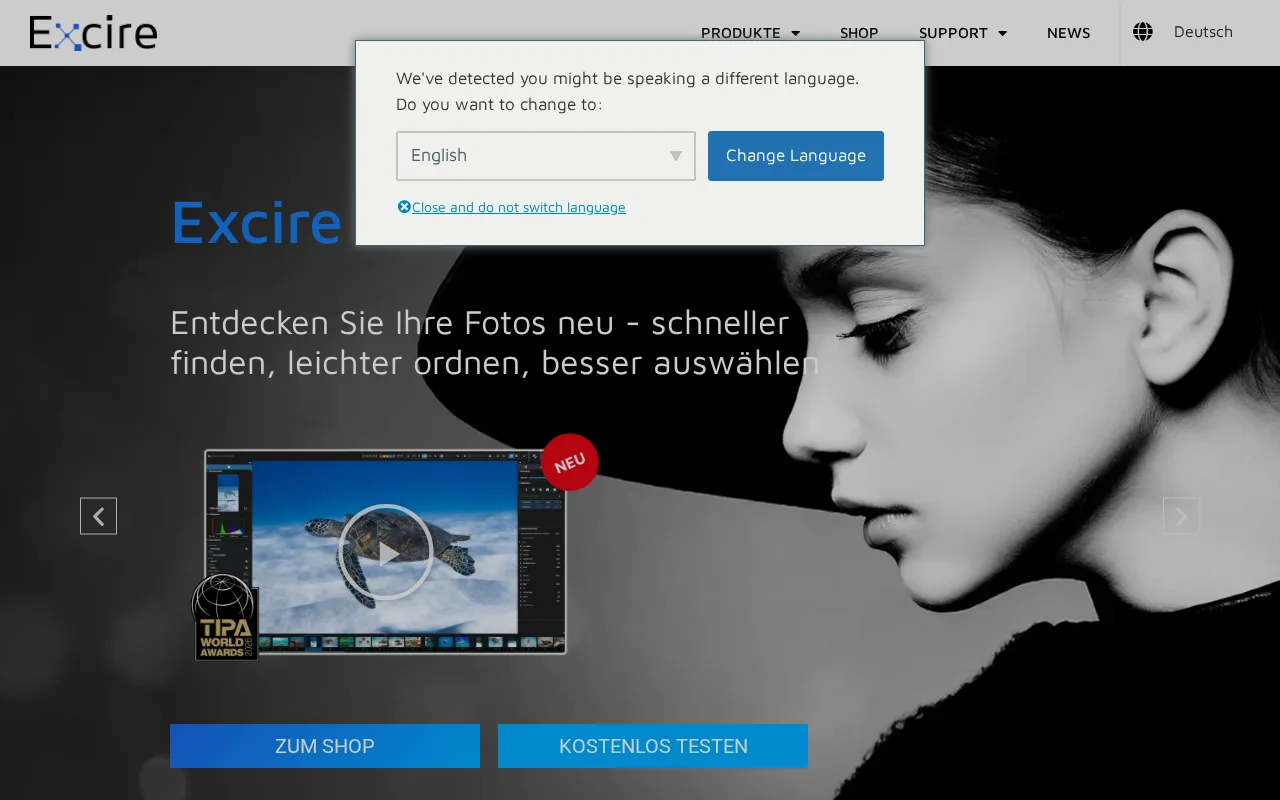
Excire helps photographers and creatives organize images with AI-powered search and tagging.
1 monthly visitors 1 page views (30d)
Reviewed by Volvenix Editorial
7.5
Volvenix Verdict
AI-powered editorial review
Excire
Excire offers powerful AI image organization with strong privacy but limited integrations.
PROS
  • Accurate AI-based automatic image tagging
  • Offline processing ensures privacy and speed
  • User-friendly interface for photo organization
CONS
  • Limited third-party integrations
  • No cloud collaboration features

Is Excire Right for You?

A quick checklist to help you decide.

You want to quickly find photos using AI without manual tagging
You need cloud-based collaboration features for teams
You manage large local photo libraries and need automated organization
Free-tier limits prevent you from organizing large photo collections
You require privacy by keeping image analysis offline on your device
You require extensive integrations with other creative or DAM tools

Ideal for: Photographers and individual creatives needing fast, private AI-based image organization and search.

Less suited for: Teams requiring cloud collaboration or users needing broad third-party app integrations.

Bottom line: Offline AI-powered image analysis for private, efficient photo organization.

Editorial Review AI-generated
Excire excels at automatic image tagging and search, making it ideal for photographers managing large libraries. Its offline AI engine ensures privacy and fast performance without internet dependency. However, it lacks extensive third-party integrations and advanced collaborative features, limiting its use in team environments. The interface is straightforward but may feel basic compared to full DAM systems. Overall, it’s a solid choice for individual creatives focused on local photo organization.
Pros & Cons

Pros

Accurate AI-driven image tagging
Offline processing for privacy
Fast local image search
Simple and intuitive UI
Supports Lightroom integration

Cons

No cloud or team collaboration features moderate
Limited third-party integrations beyond Lightroom moderate
Pricing details for Pro plan not publicly listed minor
Who Is It For & What Can It Do
Best For
Individual / Freelancer Intermediate curve
AI Capabilities
Image analysis Image Classification Image Organization
Key Features
AI Image Tagging
Automatically tags photos using AI analysis
Offline processing
Image analysis runs locally without internet
Image Search
Search photos by content and tags
Lightroom Plugin
Integrates with Adobe Lightroom for tagging
Facial recognition
Detects and tags faces in photos
Best Use Cases
Organizing large personal photo libraries Professional photographers managing shoots Searching images by content without manual tags Enhancing Lightroom workflows with AI tagging Maintaining privacy with offline image analysis
Available Platforms
Integrations
Inputs & Outputs
Imageinput Imageoutput
Supported Languages
English
Security & Compliance
API & Developer Tools
Pricing Plans

Free

Basic AI tagging and search

Free
 
  • Basic image analysis
  • Limited tagging features

Offers a free plan with basic features and paid plans unlocking advanced AI tagging and search capabilities.

Price Range
Free $0–$0 Mid Range $20–$100
Support Channels
Email
Did you find this page helpful?
Frequently Asked Questions
What is this tool?
Excire is a desktop tool that uses AI to automatically tag and organize photos for easy search.
How much does it cost?
Excire offers a free plan with basic features and a paid Pro plan with advanced AI tagging; exact Pro pricing is not publicly listed.
Does it have a free plan?
Yes, Excire provides a free plan with limited AI tagging and search capabilities.
What integrations does it support?
Excire integrates primarily with Adobe Lightroom via a plugin; other integrations are limited.
Who is it best for?
It is best suited for photographers and creatives who want fast, private AI-based photo organization on their desktop.
User Reviews

No reviews yet. Be the first to review Excire!

Write a Review
Discussion
No discussions yet. Start the conversation!
0 tools selected
Compare Now →
Excire Visit Tool