Grammarly logo
Rank #34
FREEMIUM CLOUD #1 in Writing Assistance State of the Art

Grammarly Review — Real-time Writing Assistance

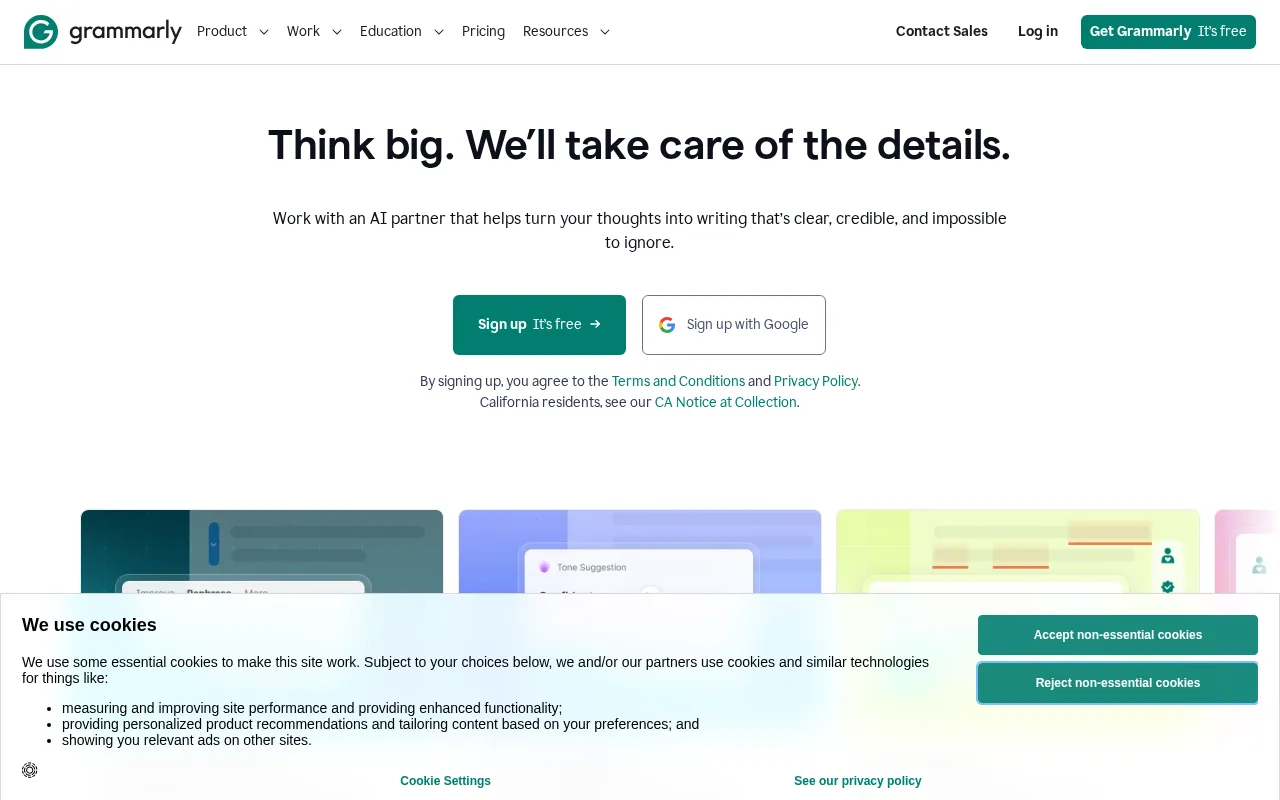
Grammarly improves your writing with instant grammar, spelling, and style corrections.

67 monthly visitors 67 page views (30d)
Reviewed by Volvenix Editorial
8.0
Volvenix Verdict
AI-powered editorial review
Grammarly
A reliable and user-friendly writing assistant ideal for improving everyday writing.
PROS
  • Accurate real-time grammar and spelling corrections
  • Contextual tone and clarity suggestions
  • User-friendly interface and browser integration
CONS
  • Advanced features require paid subscription
  • Limited plagiarism detection in free tier

Is Grammarly Right for You?

A quick checklist to help you decide.

You want instant grammar and spelling corrections while writing.
You need comprehensive plagiarism detection beyond basic checks.
You need help improving clarity and tone in your documents.
Free-tier limits are a blocker for your extensive writing needs.
Your team requires a simple tool to enhance everyday writing quality.
You require deep customization for niche writing styles.

Ideal for: Individuals, students, and professionals who want real-time grammar and style improvements in their writing.

Less suited for: Users needing advanced plagiarism detection or highly specialized writing style tools may find Grammarly limited.

Bottom line: Real-time, context-aware grammar and style correction accuracy.

Editorial Review AI-generated
Grammarly excels at catching grammar and spelling mistakes quickly, making it a valuable tool for a wide range of users. Its intuitive interface and contextual suggestions help improve tone and clarity effectively. However, advanced style customization and deeper plagiarism detection require paid plans. Best suited for individuals and professionals seeking polished writing without complex setup.

Reviewed by Volvenix Editorial · Volvenix Editorial Team

AI-assessed from 3 sources.

Pros & Cons

Pros

Highly accurate grammar and spelling detection
Contextual tone and clarity improvements
Easy-to-use browser and app integrations
Supports multiple writing styles and formats
Widely trusted by students and professionals

Cons

Advanced features locked behind premium plans moderate
Plagiarism detection limited in free version moderate
No public API for integrations minor
Who Is It For & What Can It Do
Best For
Individual / Freelancer Marketer Product Manager Student / Academic Beginner curve
AI Capabilities
Error detection Memory Text Transformation
Key Features
Grammar and spelling correction
Detects and corrects grammar and spelling errors in real time
Tone Detection
Suggests tone adjustments to match writing intent
Plagiarism checker
Checks text against billions of web pages for plagiarism
Writing Style Adaptation
Adapts suggestions based on selected writing style
Browser Extension
Works across web apps via browser integration
Best Use Cases
Academic writing improvement Professional email editing Content creation and blogging Business communication polishing Social media post refinement
AI Models Used
Proprietary AI Models by Unknown
Available Platforms
Android App Browser Extension Desktop App iOS App Web App
Integrations
Inputs & Outputs
Textinput Textoutput
Supported Languages
English
Security & Compliance
Certifications
GDPR
European Union
Compliance Standards
GDPR
Privacy · EU
Pricing Plans

Free

Best for individuals

Free
 
  • Basic grammar and spelling checks
  • Conciseness and clarity suggestions

Business

For teams

$25/mo
$25.00/mo billed annually
  • All Premium features
  • Team management and style guides

Offers a free plan with basic grammar and spelling checks; premium plans add advanced style, tone, and plagiarism features.

Price Range
Free $0–$0 Mid Range $20–$100
Support Channels
Email
Tools using similar AI models

Inferred from shared AI-model tagging — not a confirmed product relationship.

Did you find this page helpful?
Frequently Asked Questions
What is this tool?
Grammarly is a writing assistant that corrects grammar, spelling, and style errors in real time.
How much does it cost?
Grammarly offers a free plan with basic features and paid Premium and Business plans for advanced tools.
Does it have a free plan?
Yes, Grammarly provides a free plan with essential grammar and spelling checks.
What integrations does it support?
Grammarly integrates via browser extensions and desktop/mobile apps but does not offer a public API.
Who is it best for?
It is best for students, professionals, and anyone needing real-time writing assistance.
User Reviews

No reviews yet. Be the first to review Grammarly!

Write a Review
Discussion
No discussions yet. Start the conversation!
0 tools selected
Compare Now →
Grammarly Visit Tool