 Volvenix
Hex Review — Collaborative Data Platform
Hex is a collaborative data platform combining notebooks, workflows, and dashboards for teams.
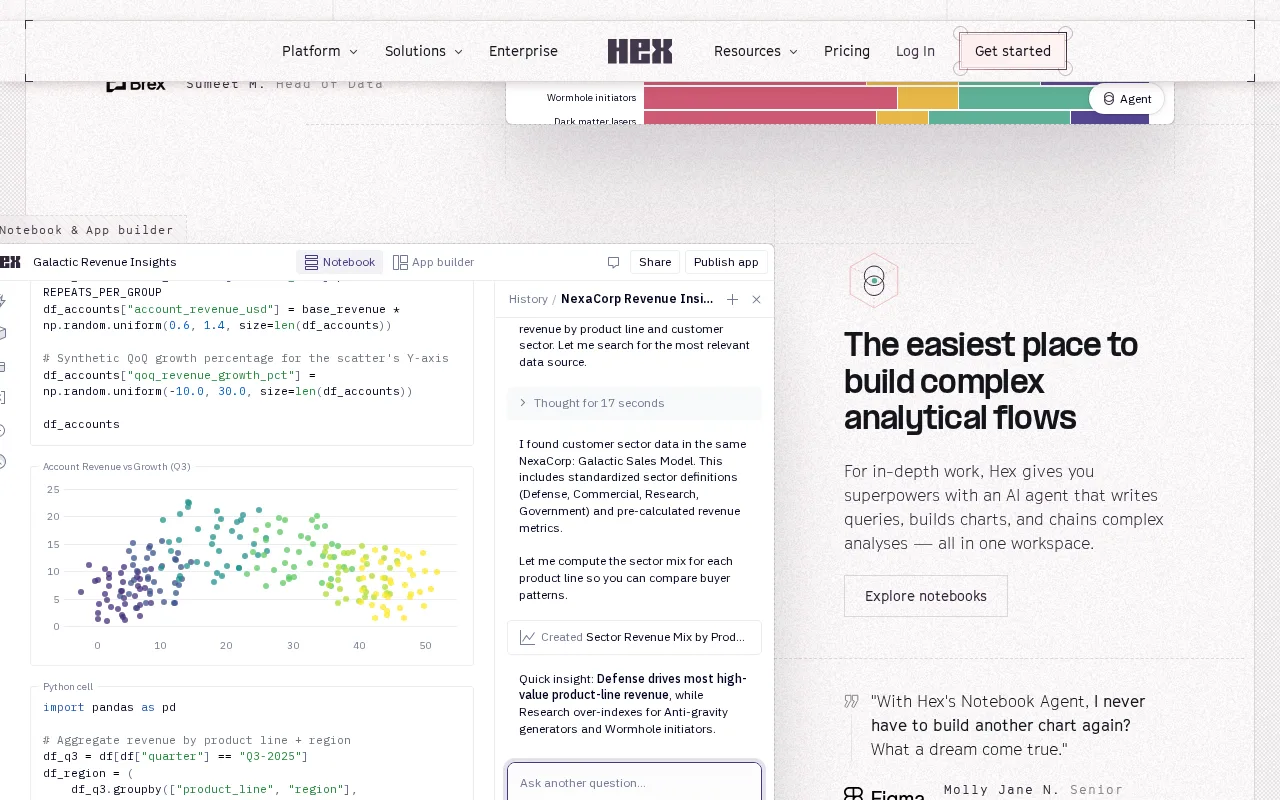
Hex offers a powerful collaborative environment for data teams but may be complex for beginners.
- Integrated live notebooks with SQL and Python support
- Collaborative environment for data teams
- Workflow automation and dashboard building
- Supports both code and no-code workflows
- Freemium pricing with useful free tier
- Steep learning curve for non-technical users
- Limited public documentation on enterprise security
Is Hex Right for You?
A quick checklist to help you decide.
Ideal for: Data teams and analysts who need to collaborate on notebooks, automate workflows, and build dashboards in one platform.
Less suited for: Individuals or teams seeking simple, no-code-only tools or those unwilling to invest time in learning a complex platform.
Bottom line: The platform’s ability to combine live notebooks, workflows, and dashboards for collaborative data projects.
Pros
Cons
Free
Best for individuals
- Core notebook and dashboard features
- Basic collaboration
Hex offers a free tier with core features and paid plans for advanced collaboration and automation capabilities.



What is this tool?
How much does it cost?
Does it have a free plan?
What integrations does it support?
Who is it best for?
No reviews yet. Be the first to review Hex!
Scores are calculated algorithmically from feature coverage, pricing, user feedback & benchmark data — not influenced by commercial relationships. How we score → · Vendor Data Policy