 Volvenix
Kami Review — Collaborative Document Annotation
Kami enables real-time document annotation and collaboration to enhance classroom and group study engagement.
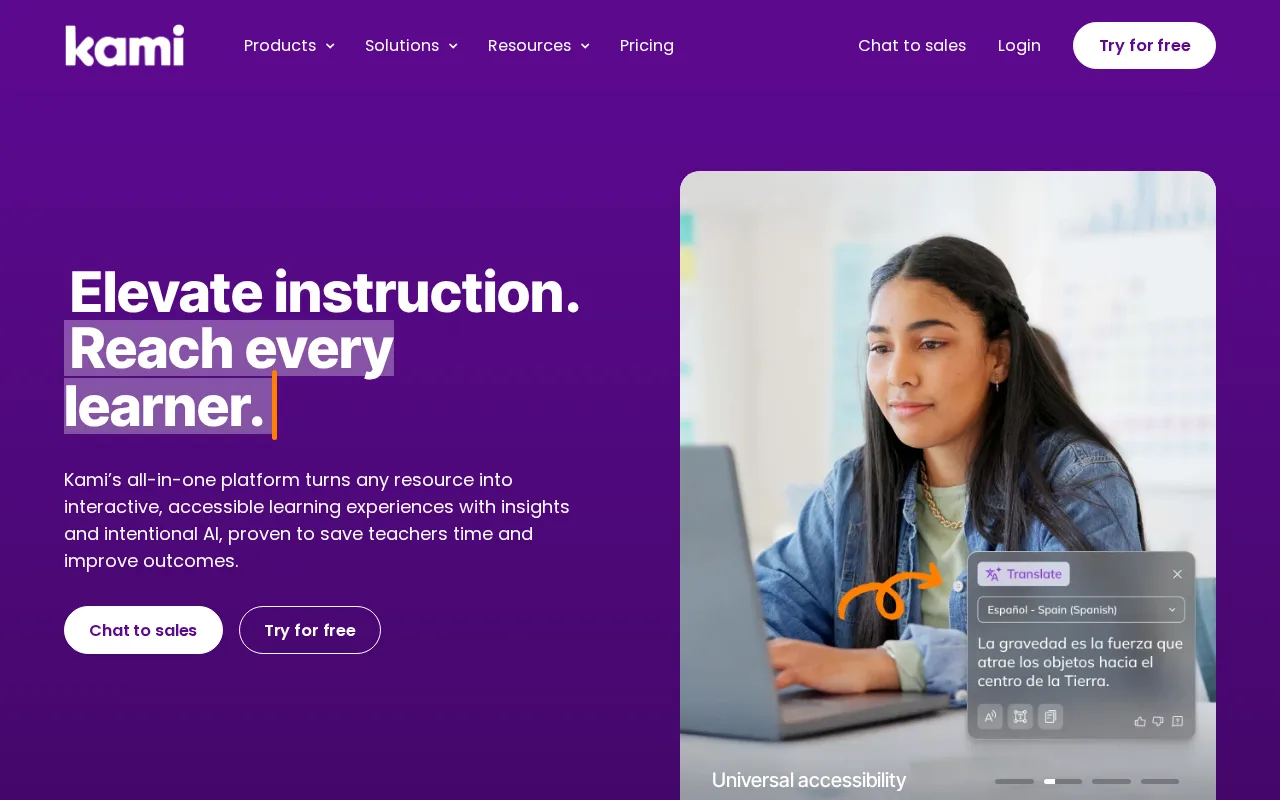
Kami is a solid collaborative annotation tool best suited for educators and students seeking interactive document engagement.
- Real-time collaborative annotation
- Integration with Google Classroom and LMS
- User-friendly interface for educators and students
- Supports multiple document formats
- Enhances interactive learning and engagement
- Limited advanced PDF editing features
- Free plan has notable feature restrictions
Is Kami Right for You?
A quick checklist to help you decide.
Ideal for: Educators and students who need real-time collaborative annotation and document sharing in educational settings.
Less suited for: Users requiring advanced PDF editing tools or enterprise-grade security and compliance features.
Bottom line: Real-time collaborative annotation and integration with educational platforms.
AI-assessed from 3 sources.
Pros
Cons
Free
Best for individuals
- Basic annotation tools
- Real-time collaboration
Pro
- Advanced annotation tools
- Offline access
Team
For small teams
- Team collaboration features
- Admin controls
Kami offers a free plan with basic annotation features and paid subscriptions for advanced tools and team collaboration.


What is this tool?
How much does it cost?
Does it have a free plan?
What integrations does it support?
Who is it best for?
No reviews yet. Be the first to review Kami!
Scores are calculated algorithmically from feature coverage, pricing, user feedback & benchmark data — not influenced by commercial relationships. How we score → · Vendor Data Policy