Krea.ai logo
Rank #1047
CONTENT GENERATION FREEMIUM CLOUD #18 in Content Generation

Krea.ai Review — Instant Visual Image Generation

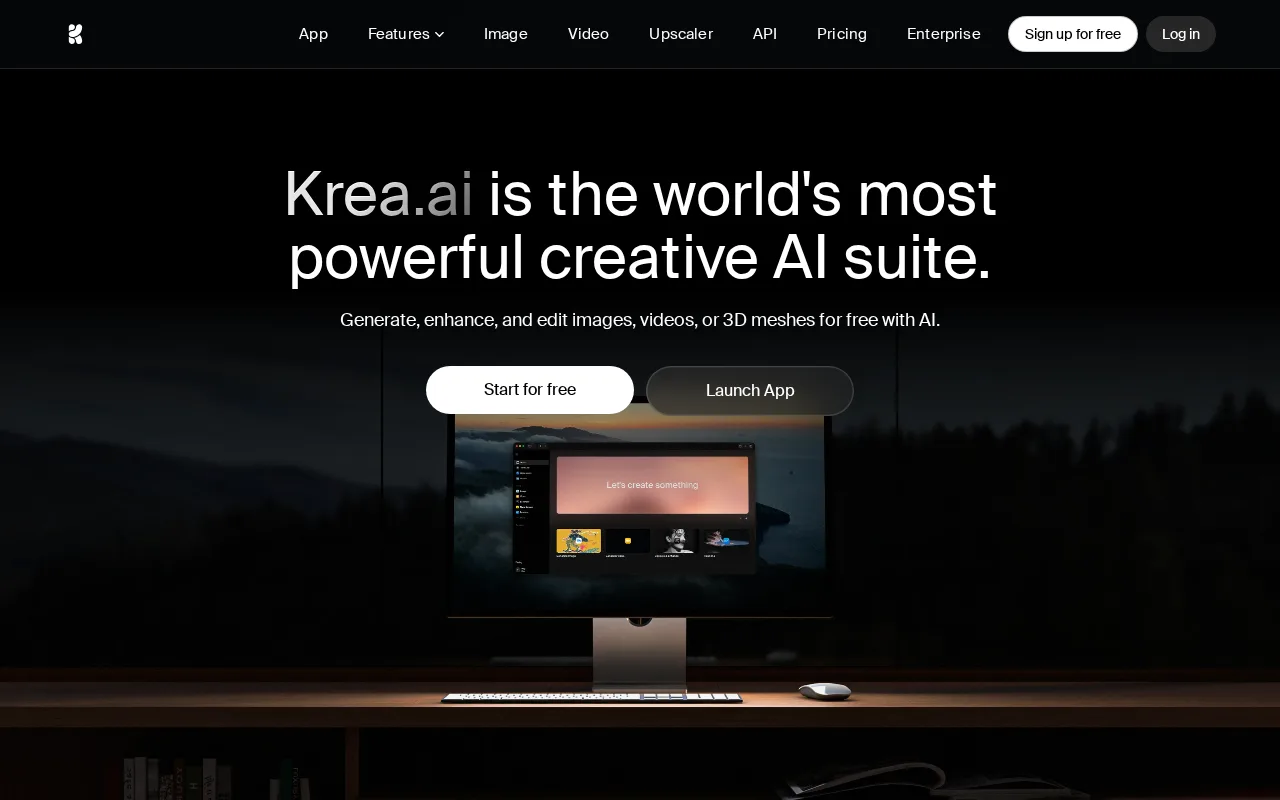
Browser-based tool for creators to generate and edit images with instant visual prompt feedback.
10 monthly visitors 11 page views (30d)
Reviewed by Volvenix Editorial
7.5
Volvenix Verdict
AI-powered editorial review
Krea.ai
Krea.ai is a versatile browser-based image generation tool ideal for creative professionals seeking instant visual feedback.
PROS
  • Instant visual prompt feedback accelerates creativity
  • Browser-based with no installation required
  • Supports remixing and editing generated images
CONS
  • Limited API and integration options
  • Free tier has usage restrictions

Is Krea.ai Right for You?

A quick checklist to help you decide.

You want to create and remix images quickly without complex software installations.
You need deep API access for automated image generation workflows.
You need a browser-based tool that provides immediate visual feedback on prompts.
Free-tier limits are a blocker for your high-volume image creation needs.
Your team requires an easy-to-use platform for generating creative visuals on demand.
You require enterprise-grade security and compliance certifications.

Ideal for: Individual creators, marketers, and small design teams needing quick, browser-based image generation with instant feedback.

Less suited for: Users requiring extensive API integrations, large-scale automation, or advanced enterprise security features should look elsewhere.

Bottom line: Instant visual prompt feedback that accelerates image generation and remixing workflows.

Editorial Review AI-generated
Krea.ai excels in providing an intuitive interface for image generation and remixing, making it accessible for creators and marketers. Its instant visual prompt feedback is a standout feature that enhances the creative process. However, it lacks advanced integrations and API access, limiting its use in automated workflows. The freemium pricing model offers a good entry point, but power users may find the free tier restrictive. Overall, it suits individual creators and small teams focused on visual content creation.

AI-assessed from 3 sources.

Pros & Cons

Pros

Instant visual prompt feedback enhances creativity
No installation needed, fully browser-based
Supports remixing and editing generated images
Simple and clean user interface
Flexible freemium pricing with upgrade options

Cons

No public API for automation major
Free tier has limited usage credits moderate
Workaround: Upgrade to paid plans for higher limits
Lacks mobile apps for on-the-go use minor
Who Is It For & What Can It Do
Best For
Marketer Designer / Creative Individual / Freelancer Beginner curve
AI Capabilities
Image generation Memory Tool Calling
Key Features
Visual Prompt Feedback
Provides instant visual feedback on image prompts
Image Remixing
Allows editing and remixing of generated images
Browser-Based Access
Accessible via web browser without installation
API Access
No public API available
Team collaboration
Collaboration features available on Team plan
Best Use Cases
Creating marketing visuals quickly Designing social media graphics Remixing and editing AI-generated images Prototyping visual concepts Generating creative assets for campaigns
AI Models Used
GPT-3 by OpenAI 4K context · Fine-tunable
Available Platforms
Web App
Inputs & Outputs
Textinput Imageoutput
Supported Languages
English
Security & Compliance
Compliance Standards
GDPR
Privacy · EU
Pricing Plans

Free

Best for individuals

Free
 
  • Basic image generation
  • Limited usage credits

Team

For small teams

$30/mo
$30.00/mo billed annually
  • Team collaboration tools
  • Higher usage limits

Offers a free tier with basic features and paid subscriptions for higher usage and advanced capabilities.


Price Range
Free $0–$0 Low Cost $0–$20 Mid Range $20–$100
Support Channels
Email
Tools using similar AI models

Inferred from shared AI-model tagging — not a confirmed product relationship.

Did you find this page helpful?
Frequently Asked Questions
What is this tool?
Krea.ai is a browser-based platform for generating and editing images with instant visual prompt feedback.
How much does it cost?
Krea.ai offers a free tier with limited usage and paid subscriptions starting at $20/month.
Does it have a free plan?
Yes, Krea.ai provides a free plan with basic features and usage limits.
What integrations does it support?
Krea.ai currently does not offer public API or third-party integrations.
Who is it best for?
It is best suited for individual creators, marketers, and small teams needing quick image generation and remixing.
User Reviews

No reviews yet. Be the first to review Krea.ai!

Write a Review
Discussion
No discussions yet. Start the conversation!
0 tools selected
Compare Now →
Krea.ai Visit Tool