 Volvenix
NVIDIA Canvas Review — Photorealistic Landscape Creation
Turn rough sketches into detailed landscape images with real-time AI rendering.
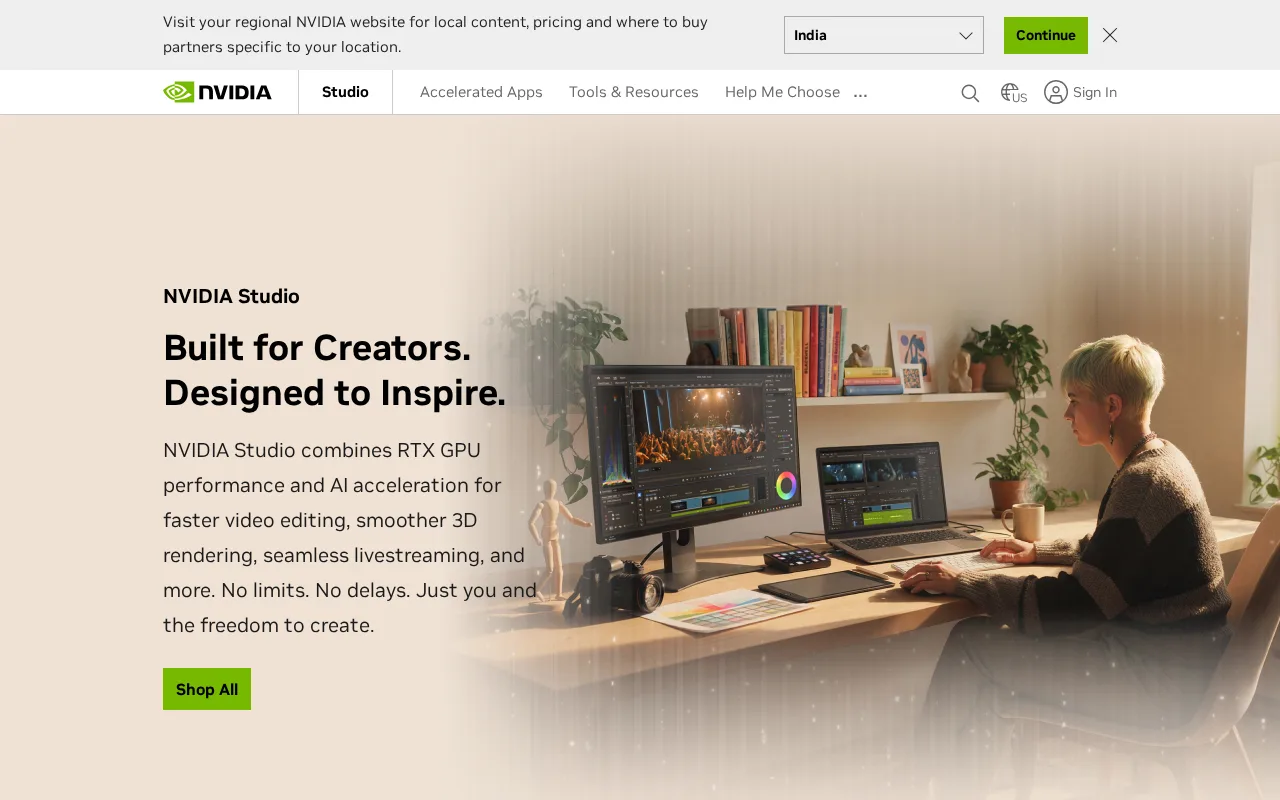
A powerful tool for artists seeking fast, AI-assisted photorealistic landscape creation.
- Fast real-time rendering of landscapes
- Intuitive and artist-friendly interface
- High-quality photorealistic output
- Limited to landscape image synthesis
- Requires NVIDIA GPU for operation
Is NVIDIA Canvas Right for You?
A quick checklist to help you decide.
Ideal for: Artists and designers who create landscape visuals and want to speed up concept art workflows with AI.
Less suited for: Users needing broad image generation beyond landscapes or those without compatible NVIDIA hardware.
Bottom line: Ability to convert simple brushstrokes into photorealistic landscapes in real time.
Pros
Cons
Free
Free with NVIDIA GPU
- Photorealistic landscape generation
- Real-time AI rendering
Free to use with NVIDIA Studio drivers and compatible GPUs; no paid tiers publicly listed.
What is this tool?
How much does it cost?
Does it have a free plan?
What integrations does it support?
Who is it best for?
No reviews yet. Be the first to review NVIDIA Canvas!
Scores are calculated algorithmically from feature coverage, pricing, user feedback & benchmark data — not influenced by commercial relationships. How we score → · Vendor Data Policy