 Volvenix
OCR.space Review — Optical Character Recognition
OCR.space offers fast, accurate OCR to convert images and PDFs into editable text with a freemium model.
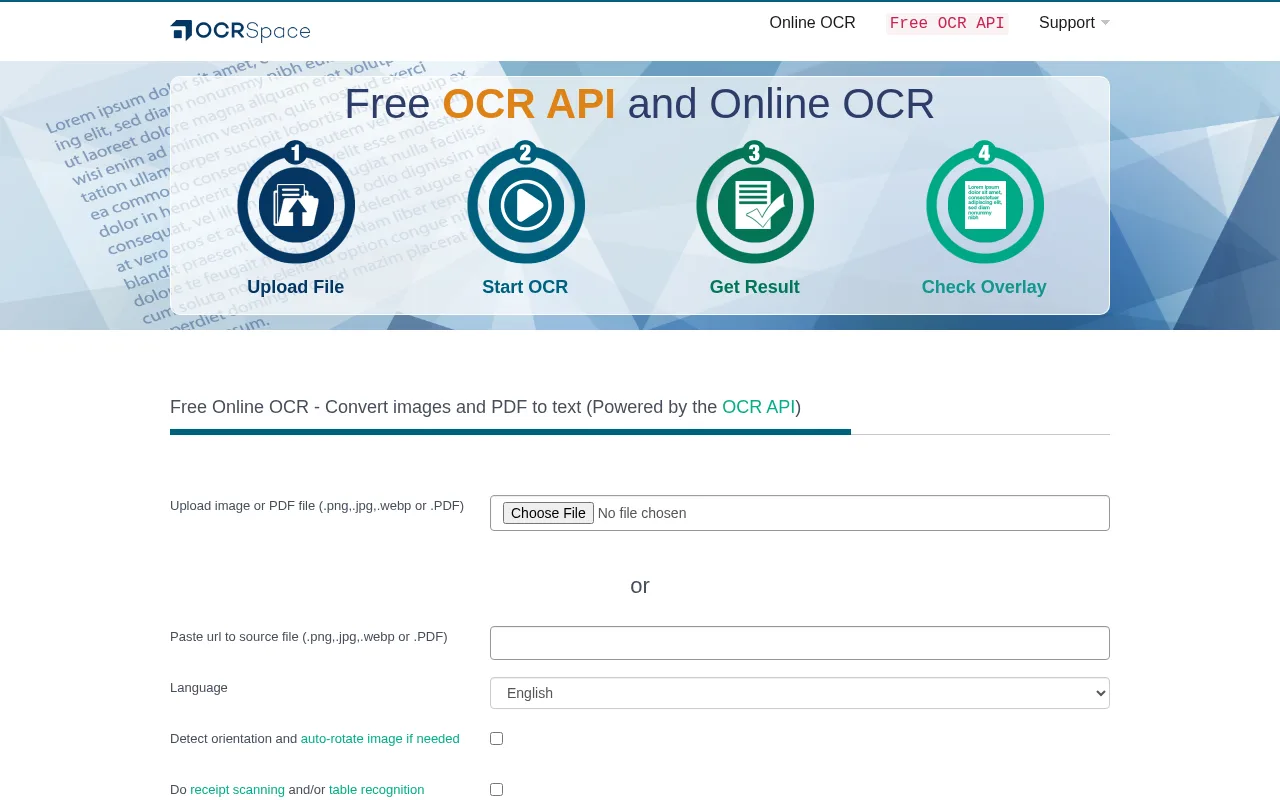
A straightforward, reliable OCR tool ideal for users needing quick text extraction from images and PDFs.
- Accurate OCR for images and PDFs
- Supports multiple languages
- Simple web interface and API
- Freemium pricing with paid upgrades
- No complex setup required
- Limited free-tier usage
- Lacks advanced customization options
Is OCR.space Right for You?
A quick checklist to help you decide.
Ideal for: Individuals or small teams needing fast, accurate OCR for occasional document digitization or text extraction.
Less suited for: Large enterprises or users requiring extensive customization, high-volume processing, or advanced OCR features.
Bottom line: Accuracy and ease of use for extracting text from images and PDFs.
AI-assessed from 3 sources.
Pros
Cons
Free
Best for individuals
- Up to 25,000 conversions per month
- Basic OCR features
Pro
- Up to 100,000 conversions per month
- Priority support
- No ads
Team
For small teams
- Up to 250,000 conversions per month
- Team management
- Priority support
Free tier available with limited usage; paid plans offer higher volume and additional features.


What is this tool?
How much does it cost?
Does it have a free plan?
What integrations does it support?
Who is it best for?
No reviews yet. Be the first to review OCR.space!
Scores are calculated algorithmically from feature coverage, pricing, user feedback & benchmark data — not influenced by commercial relationships. How we score → · Vendor Data Policy