
Parlay Ideas logo
Rank #1216
PEER LEARNING PLATFORMS FREEMIUM CLOUD #1 in Peer Learning Platforms State of the Art

Parlay Ideas Review — Peer Learning Platform

Parlay Ideas enables educators to create interactive discussions and assessments for student engagement.
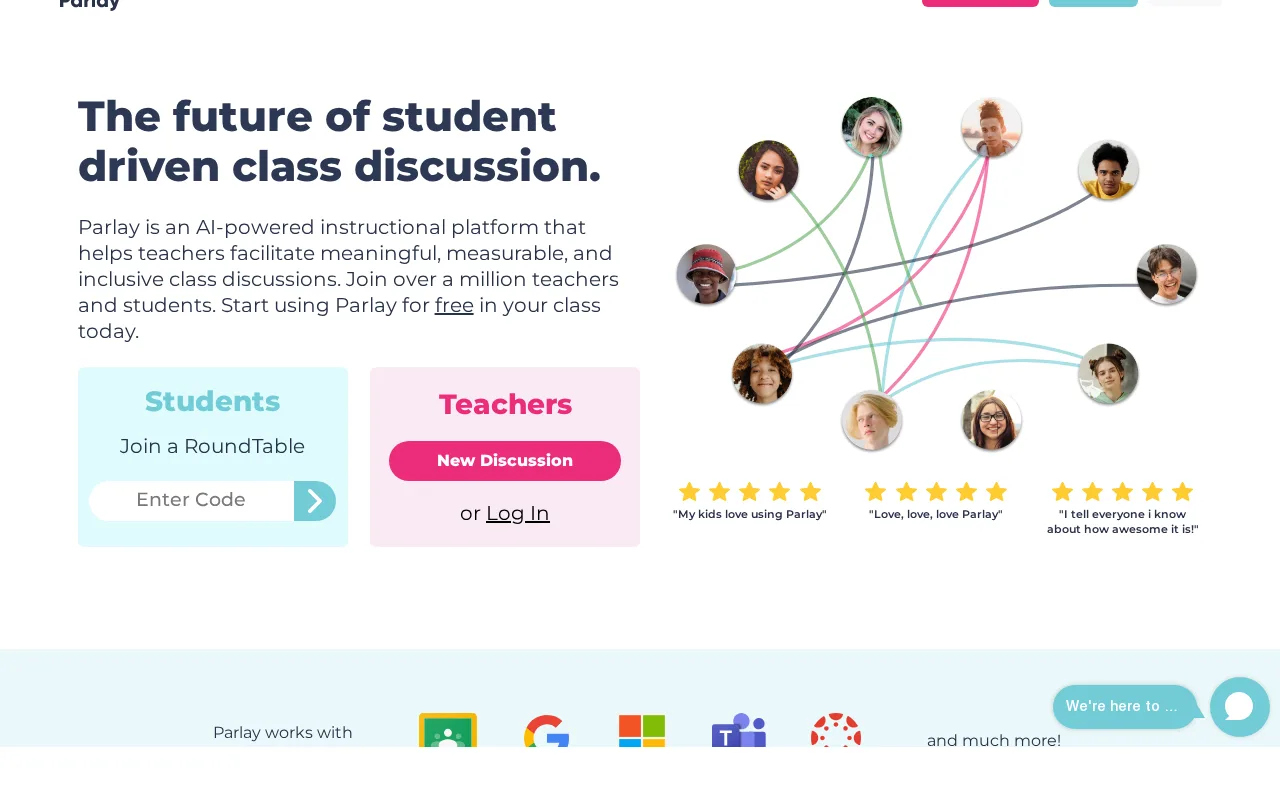
Parlay Ideas — preview
7.5
Volvenix Verdict
AI-powered editorial review
Parlay Ideas
A solid tool for educators aiming to enhance classroom discussions and peer learning.
PROS
  • Engages students with structured peer discussions
  • Supports both synchronous and asynchronous formats
  • User-friendly interface for educators and students
CONS
  • Limited integrations with other educational tools
  • No dedicated mobile app for students

Is Parlay Ideas Right for You?

A quick checklist to help you decide.

You want to encourage student collaboration and critical thinking through discussions
You need a comprehensive LMS with gradebook and course management
You need a tool that supports both live and asynchronous classroom engagement
Free-tier limits are a blocker for scaling to large classes or multiple courses
Your team requires easy-to-use peer assessment and feedback features
You require mobile apps for on-the-go student participation

Ideal for: Educators and facilitators seeking to enhance student engagement through structured peer discussions and reflective assessments.

Less suited for: Users needing full-featured LMS capabilities or extensive third-party integrations should consider other platforms.

Bottom line: The platform’s strength in facilitating peer-to-peer discussions and reflective learning.

Editorial Review AI-generated
Parlay Ideas excels at creating structured, interactive discussions that promote critical thinking and peer feedback. Its intuitive interface and flexible formats support diverse teaching styles and learning environments. However, it lacks advanced integrations and mobile app support, which may limit accessibility for some users. Best suited for educators focused on collaborative learning rather than comprehensive LMS features.
Pros & Cons

Pros

Facilitates meaningful peer-to-peer discussions
Flexible for synchronous and asynchronous learning
Easy to use for both teachers and students
Supports reflective learning and critical thinking
Provides actionable insights through analytics

Cons

Limited third-party integrations moderate
No mobile app available moderate
Workaround: Use mobile browser access as a partial workaround
Pricing details for paid plans are not publicly disclosed minor
Who Is It For & What Can It Do
Best For
Student / Academic Non-Technical User Beginner curve
AI Capabilities
Collaboration
Key Features
Discussion Formats
Supports live and asynchronous peer discussions
Peer Assessment
Enables students to provide feedback on peers’ work
Analytics Reporting
Provides insights on student participation and engagement
Moderation Tools
Allows educators to guide and manage discussions
Integration Options
Limited integrations with LMS and other tools
Best Use Cases
Classroom peer discussions Student reflective assessments Remote and hybrid learning engagement Collaborative learning projects Formative assessment facilitation
Available Platforms
Inputs & Outputs
Textinput Textoutput
Supported Languages
English
Security & Compliance
Compliance Standards
GDPR
Privacy · EU
API & Developer Tools
Pricing Plans

Free

Best for individual educators

Free
 
  • Create and moderate discussions
  • Basic peer assessment tools

Offers a free plan with basic features; paid plans unlock advanced discussion and assessment tools for educators.

Price Range
Free $0–$0 Mid Range $20–$100
Support Channels
Email
Did you find this page helpful?
Frequently Asked Questions
What is this tool?
Parlay Ideas is a peer learning platform that helps educators facilitate interactive discussions and assessments.
How much does it cost?
Parlay Ideas offers a free plan with basic features; paid plans with advanced tools are available but pricing is not publicly listed.
Does it have a free plan?
Yes, there is a free plan suitable for individual educators.
What integrations does it support?
It has limited integrations and does not publicly list extensive third-party connections.
Who is it best for?
It is best for educators seeking to enhance student engagement through peer discussions and assessments.
User Reviews

No reviews yet. Be the first to review Parlay Ideas!

Write a Review
Discussion
No discussions yet. Start the conversation!
0 tools selected
Compare Now →
Parlay Ideas Visit Tool