
Timely logo
Rank #673
ADMINISTRATIVE TASK SOLUTIONS FREEMIUM CLOUD #3 in Administrative Task Solutions

Timely Review — Automatic Time Tracking

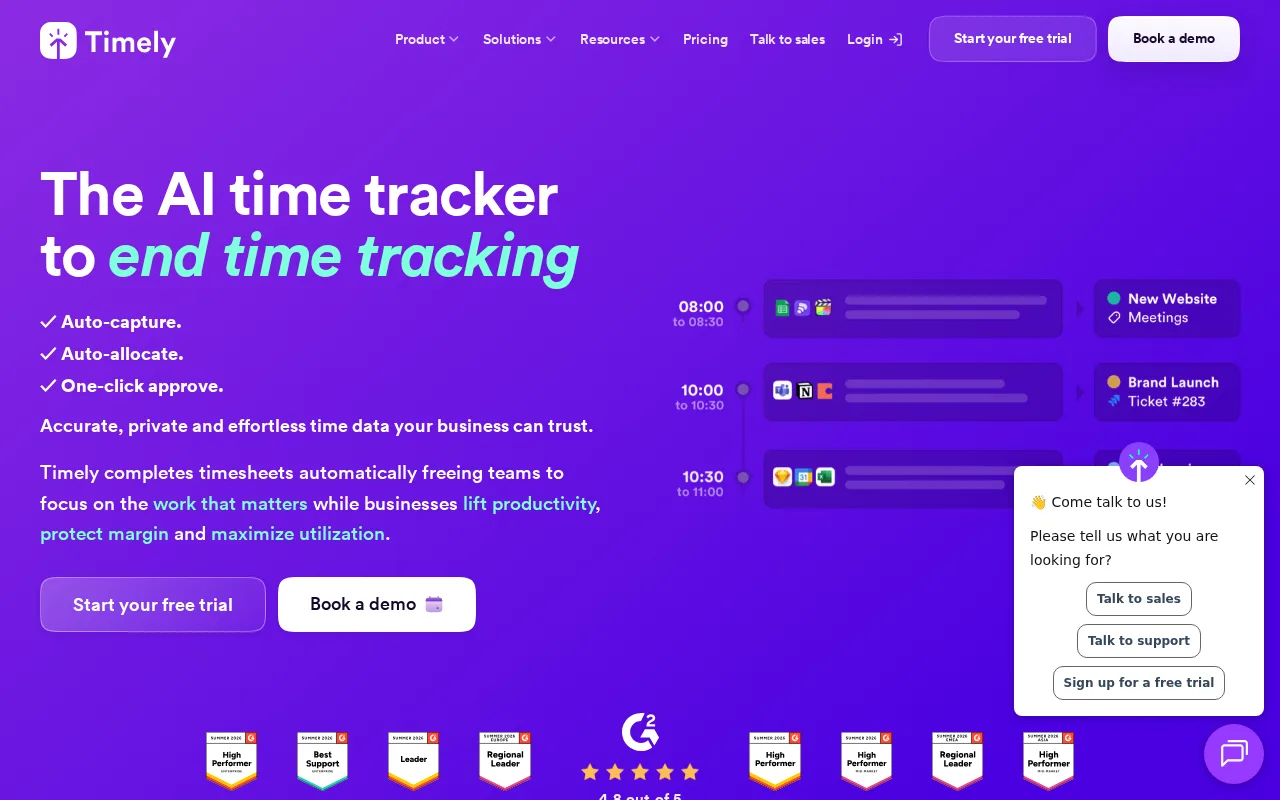
Timely automates time tracking and project management for teams and freelancers.
1 monthly visitors 1 page views (30d)
Reviewed by Volvenix Editorial
7.5
Volvenix Verdict
AI-powered editorial review
Timely
Timely offers seamless automatic time tracking ideal for teams needing accurate project insights.
PROS
  • Automatic AI-powered time tracking
  • Intuitive and user-friendly interface
  • Accurate project and billing insights
CONS
  • Limited third-party integrations
  • Free plan has feature and user limits

Is Timely Right for You?

A quick checklist to help you decide.

You need automatic time tracking without manual input to save time and reduce errors
You need extensive third-party app integrations beyond core productivity tools
You want detailed project and team activity insights for better billing and management
Free-tier limits are a blocker for your team’s size or feature needs
Your team requires seamless integration of time tracking into workflows with minimal setup
You require fully manual time entry without AI automation

Ideal for: Freelancers and teams seeking automated, accurate time tracking to improve billing and project management.

Less suited for: Users who prefer manual time entry or require deep third-party integrations should consider other tools.

Bottom line: The tool’s automatic AI-driven time tracking accuracy and ease of use.

Editorial Review AI-generated
Timely excels at automating time tracking by capturing work activities in the background, reducing manual errors and saving time. Its intuitive interface and AI-powered memory make it easy for teams to manage projects and billing efficiently. However, it may be less suitable for users who prefer manual tracking or need extensive integrations. Overall, Timely is best for freelancers and teams focused on productivity and accurate time management.
Pros & Cons

Pros

Automatic background time tracking
Simple and clean user interface
Accurate billing and reporting
Supports team collaboration
Cross-platform cloud access

Cons

Limited integrations with third-party apps moderate
Workaround: Use manual exports or Zapier for basic automation
No public API available moderate
Mobile apps lack some desktop features minor
Who Is It For & What Can It Do
Best For
Small Business (1–10) SMB (11–200) Beginner curve
AI Capabilities
Automatic Time Tracking Project Management
Key Features
Automatic Time Tracking
Records work activities automatically in the background
Project Management
Organize tracked time by projects and clients
Reporting & Insights
Generate detailed reports for billing and productivity
Team collaboration
Manage multiple users and track team time
Calendar Integration
Sync with calendars to enhance tracking accuracy
Best Use Cases
Freelancers tracking billable hours automatically Small teams managing project time and budgets Agencies needing accurate client billing Remote teams monitoring productivity Consultants simplifying timesheet management
Available Platforms
Integrations
Inputs & Outputs
Textinput Textoutput
Supported Languages
English
Security & Compliance
Compliance Standards
GDPR
Privacy · EU
API & Developer Tools
Pricing Plans

Free

Best for individuals

Free
 
  • Automatic time tracking
  • Limited projects and users

Business

For growing teams

$14/mo
$14.00/mo billed annually
  • All Pro features
  • Priority support
  • Custom roles

Timely offers a free plan with basic features and paid subscriptions for advanced capabilities and larger teams.


Price Range
Free $0–$0 Low Cost $0–$20 Mid Range $20–$100
Support Channels
Email
Did you find this page helpful?
Frequently Asked Questions
What is this tool?
Timely is an AI-powered automatic time tracking and project management tool for teams and freelancers.
How much does it cost?
Timely offers a free plan and paid subscriptions starting at $8 per user per month.
Does it have a free plan?
Yes, Timely provides a free plan with limited features suitable for individuals.
What integrations does it support?
Timely supports calendar integrations and basic exports but lacks extensive third-party app integrations.
Who is it best for?
It is best for freelancers and small to medium teams needing automated, accurate time tracking.
User Reviews

No reviews yet. Be the first to review Timely!

Write a Review
Discussion
No discussions yet. Start the conversation!
0 tools selected
Compare Now →
Timely Visit Tool
