 Volvenix
tl;dv Review — Meeting Notes Automation
Capture and create meeting notes from video calls to improve documentation and collaboration.
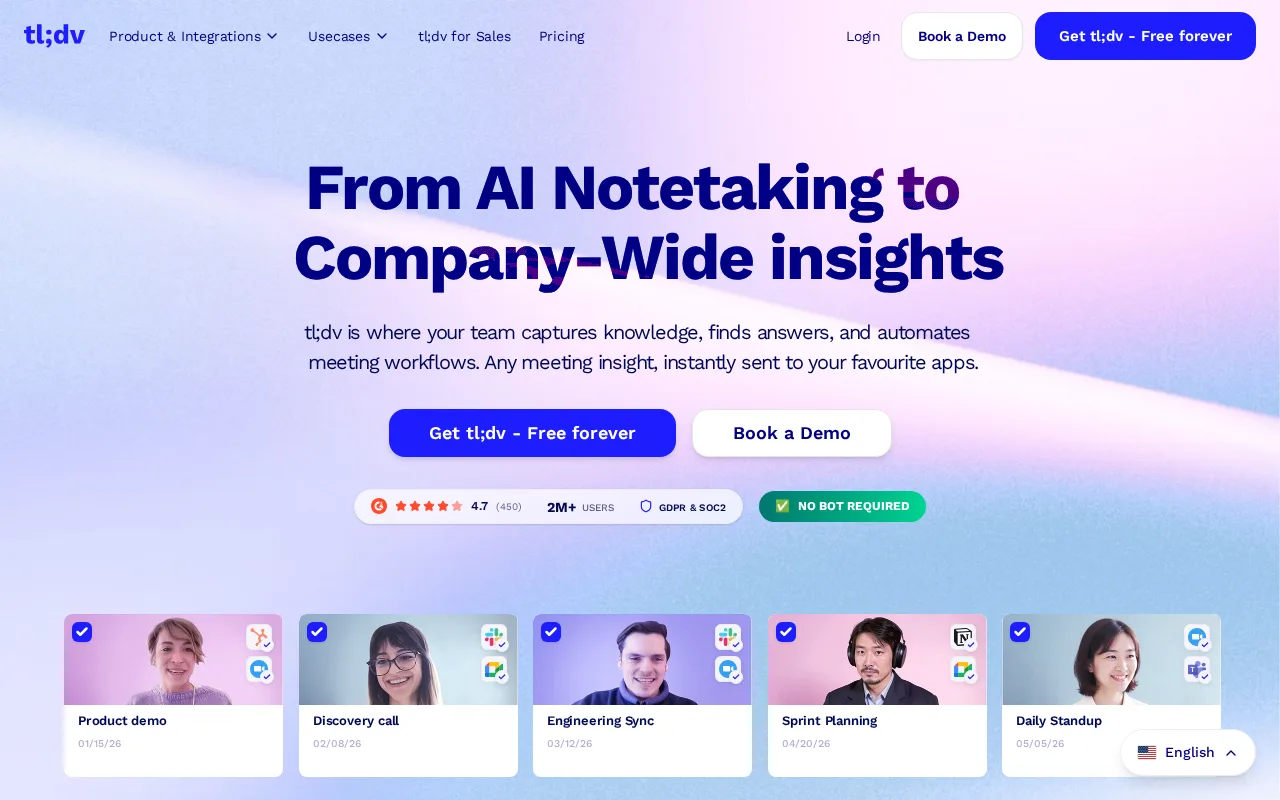
A practical tool for capturing and summarizing video meetings with useful integrations.
- Seamless integration with major video conferencing tools
- Automatic timestamped note generation
- Easy sharing and collaboration features
- Limited advanced AI summarization capabilities
- Free plan has usage restrictions
Is tl;dv Right for You?
A quick checklist to help you decide.
Ideal for: Teams and professionals who frequently hold video meetings and want to automate note-taking and sharing.
Less suited for: Users who require advanced AI-generated summaries or extensive customization of meeting transcripts.
Bottom line: Integration with video conferencing platforms and ease of generating timestamped notes.
AI-assessed from 3 sources.
Pros
Cons
Free
Best for individuals
- Record up to 3 hours of meetings per month
- Basic note-taking features
Pro
- Unlimited meeting recordings
- Advanced note editing
- Priority support
Team
For small teams
- Team collaboration features
- Shared meeting library
- Admin controls
Offers a free plan with basic features and paid subscriptions for advanced capabilities and higher usage limits.








What is this tool?
How much does it cost?
Does it have a free plan?
What integrations does it support?
Who is it best for?
No reviews yet. Be the first to review tl;dv!
Scores are calculated algorithmically from feature coverage, pricing, user feedback & benchmark data — not influenced by commercial relationships. How we score → · Vendor Data Policy