Upscale Media logo
Rank #1457
IMAGE CLASSIFICATION FREEMIUM CLOUD #9 in Image classification

Upscale Media Review — Image Upscaling & Enhancement

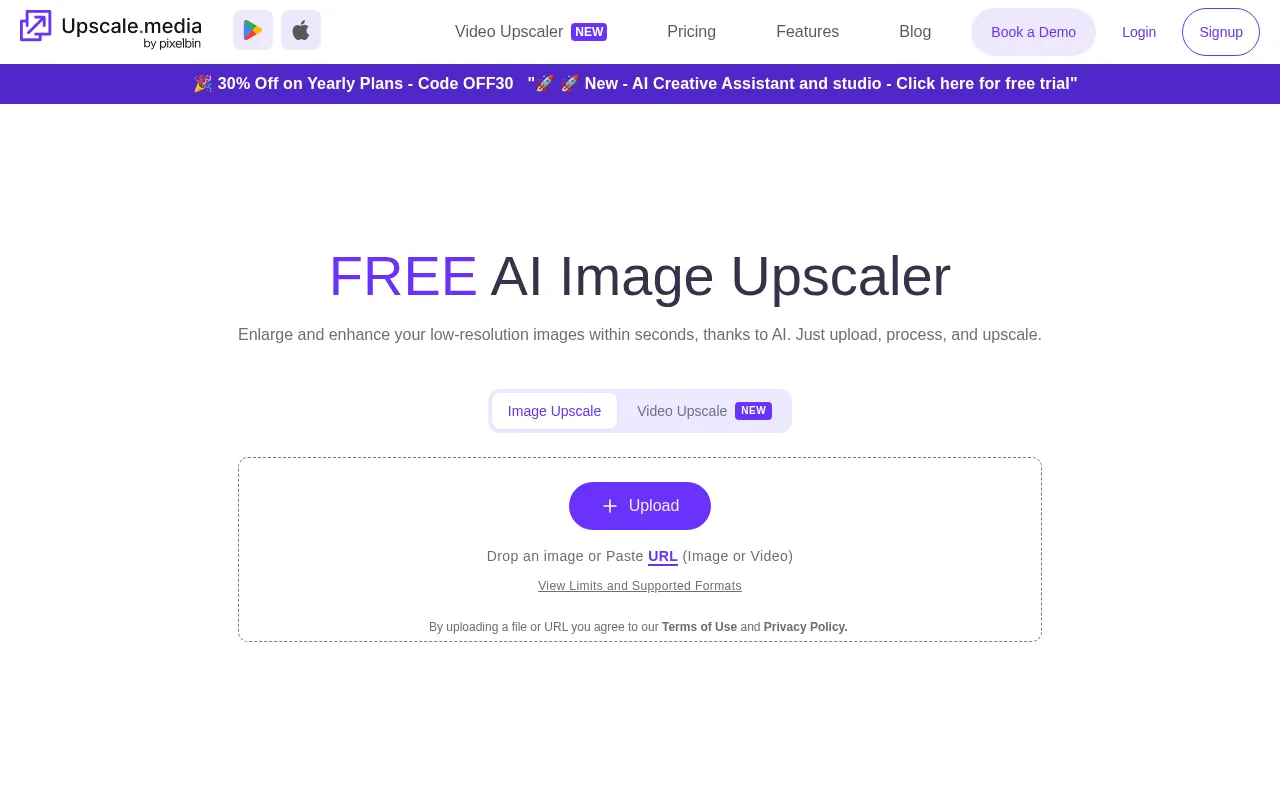
Upscale Media enlarges images up to 4× while reducing artifacts and sharpening details for creators and small teams.
4 monthly visitors 4 page views (30d)
Reviewed by Volvenix Editorial
7.2
Volvenix Verdict
AI-powered editorial review
Upscale Media
A straightforward and effective tool for quick image upscaling with good artifact reduction.
PROS
  • Simple and intuitive interface
  • Effective 4× image upscaling
  • Batch processing support
  • Good artifact reduction
  • Accessible for non-technical users
CONS
  • No API for automation
  • Limited advanced customization options

Is Upscale Media Right for You?

A quick checklist to help you decide.

You need to quickly enhance low-res images without technical skills.
You need API access for automated workflows or integrations.
You want batch processing for multiple images at once.
Free-tier limits are a blocker for processing large volumes regularly.
Your team requires a simple, web-based image upscaling tool.
You require advanced image editing or customization features.

Ideal for: Non-technical creators, designers, and small teams needing quick, batch image upscaling with artifact reduction.

Less suited for: Users requiring advanced customization, API integration, or enterprise-grade features should look elsewhere.

Bottom line: Ease of use combined with effective 4× upscaling and artifact reduction.

Editorial Review AI-generated
Upscale Media offers an easy-to-use solution for enhancing low-resolution images by upscaling them up to 4× while reducing artifacts and sharpening details. Its simplicity and batch processing capabilities make it ideal for non-technical users and small teams. However, it lacks advanced customization options and API access, limiting its use for professional workflows. Overall, it is best suited for creators and designers who need fast, quality image enhancement without complexity.

AI-assessed from 3 sources.

Pros & Cons

Pros

User-friendly interface for quick image enhancement
Supports batch processing for efficiency
Upscales images up to 4× with artifact reduction
Accessible to non-technical users
Affordable pricing tiers

Cons

No API available for automation major
Limited advanced editing or customization features moderate
Who Is It For & What Can It Do
AI Capabilities
Image Classification Image enhancement
Key Features
Image Upscaling
Enlarges images up to 4×
Artifact Reduction
Reduces compression artifacts during upscaling
Batch processing
Allows multiple images to be processed simultaneously
Custom Upscale Ratios
Advanced options for scaling images
API Access
Programmatic access to upscaling features
Best Use Cases
Enhancing low-resolution photos for social media Improving image quality for small design teams Batch upscaling product images for ecommerce Quick image enhancement for content creators Sharpening and cleaning compressed images
Inputs & Outputs
Imageinput Imageoutput
Supported Languages
English
Security & Compliance
Compliance Standards
GDPR
Privacy · EU
Pricing Plans

Free

Best for individuals

Free
 
  • Upscale images up to 4×
  • Limited daily usage

Team

For small teams

$30/mo
$30.00/mo billed annually
  • Team collaboration
  • Priority support
  • Higher usage limits

Offers a free plan with basic features and paid subscriptions for higher usage and additional capabilities.


Support Channels
Documentation
Did you find this page helpful?
Frequently Asked Questions
What is this tool?
Upscale Media is a web-based tool that enlarges low-resolution images up to 4× while reducing artifacts and sharpening details.
How much does it cost?
It offers a free plan with limited usage and paid subscriptions starting at $20 per month for higher limits and features.
Does it have a free plan?
Yes, Upscale Media provides a free plan suitable for individuals with basic usage needs.
What integrations does it support?
Currently, Upscale Media does not offer integrations or API access.
Who is it best for?
It is best suited for creators, designers, and small teams needing quick, easy image upscaling without technical complexity.
User Reviews

No reviews yet. Be the first to review Upscale Media!

Write a Review
Discussion
No discussions yet. Start the conversation!
0 tools selected
Compare Now →
Upscale Media Visit Tool