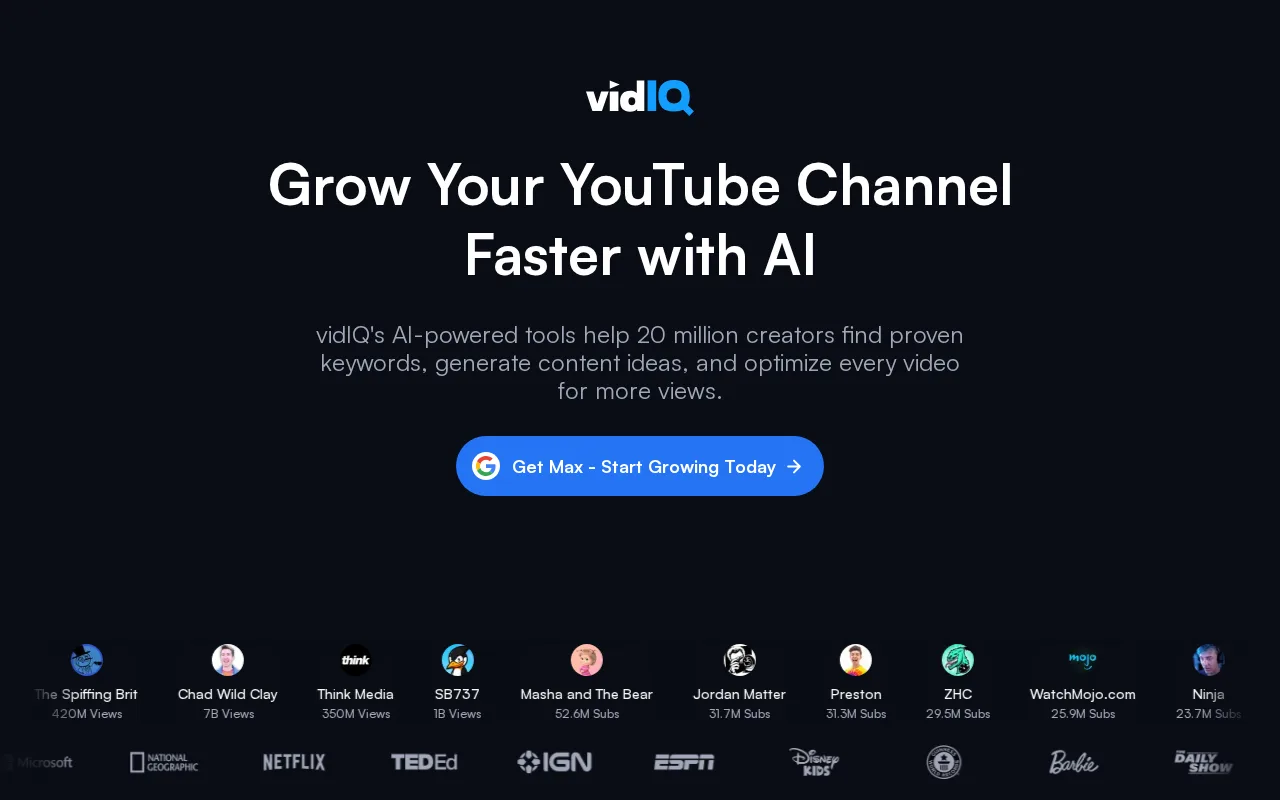
VidiQ AI Video Optimization logo
Rank #296
COMPUTER VISION FREEMIUM CLOUD #5 in Computer Vision

VidiQ AI Video Optimization Review — Video SEO Tools

Boost your YouTube video performance with keyword suggestions and analytics.

Updated Jun 1, 2026 creator-tools seo video
10 monthly visitors 11 page views (30d)
Reviewed by Volvenix Editorial
8.0
Volvenix Verdict
AI-powered editorial review
VidiQ AI Video Optimization
A powerful tool for YouTube creators seeking to improve their video reach.
PROS
  • Effective keyword suggestions for SEO
  • Real-time analytics for performance tracking
  • User-friendly interface for creators
CONS
  • Free tier has limited features
  • Some advanced tools require a paid plan

Is VidiQ AI Video Optimization Right for You?

A quick checklist to help you decide.

You need keyword suggestions to improve video SEO.
You need advanced video editing capabilities.
You want real-time analytics to track video performance.
Free-tier limits are a blocker for your needs.
Your team requires tools for audience engagement strategies.
You require comprehensive analytics beyond YouTube.

Ideal for: Ideal for YouTube creators and marketers looking to enhance video visibility and engagement.

Less suited for: Skip this tool if you are not focused on YouTube or require extensive video editing features.

Bottom line: The most important factor is the need for effective SEO tools tailored for YouTube.

Editorial Review AI-generated
VidiQ AI Video Optimization excels in providing actionable insights for YouTube creators. Its keyword suggestions and SEO analysis are particularly strong, helping users optimize their content effectively. However, the freemium model may limit some features for serious marketers, making the Pro plan more appealing for those needing advanced tools.

AI-assessed from 3 sources.

Pros & Cons

Pros

Strong keyword optimization features
User-friendly interface
Real-time performance tracking
Effective audience engagement tools
Affordable pricing for advanced features

Cons

Limited features in the free tier moderate
Workaround: Consider upgrading to Pro for full features.
Some advanced tools require a paid plan major
Who Is It For & What Can It Do
AI Capabilities
Audience Engagement Analysis Memory SEO Optimization Tool Calling
Key Features
Keyword Suggestions
Provides targeted keywords for video optimization
SEO Analysis
Analyzes video SEO performance
Real-time analytics
Tracks video performance metrics
Audience Engagement Tools
Strategies to enhance viewer interaction
Collaboration Features
Tools for team collaboration
Best Use Cases
Improving YouTube video SEO Tracking video performance metrics Enhancing audience engagement Keyword research for content creation
AI Models Used
AI Content Analysis by Unknown
Available Platforms
Web App
Integrations
Inputs & Outputs
Textinput Textoutput
Supported Languages
English
Security & Compliance
Compliance Standards
GDPR
Privacy · EU
Pricing Plans

Free

Best for individuals

Free
 
  • Basic keyword suggestions
  • Limited analytics

Team

For small teams

$30/mo
$30.00/mo billed annually
  • Collaborative tools
  • Team analytics

VidiQ offers a free plan with basic features and paid plans for advanced tools and analytics.

Support Channels
Email
Did you find this page helpful?
Frequently Asked Questions
What is this tool?
VidiQ AI Video Optimization helps YouTube creators optimize video performance.
How much does it cost?
It offers a free plan and paid plans starting at $20/month.
Does it have a free plan?
Yes, there is a free plan available.
What integrations does it support?
It integrates directly with YouTube.
Who is it best for?
It's best for YouTube creators and marketers.
User Reviews

No reviews yet. Be the first to review VidiQ AI Video Optimization!

Write a Review
Discussion
No discussions yet. Start the conversation!
0 tools selected
Compare Now →
VidiQ AI Video Optimization Visit Tool