
Applitools logo
Rank #78
BROWSER AUTOMATION FREEMIUM CLOUD #2 in Browser Automation

Applitools Review — Automated Visual Testing

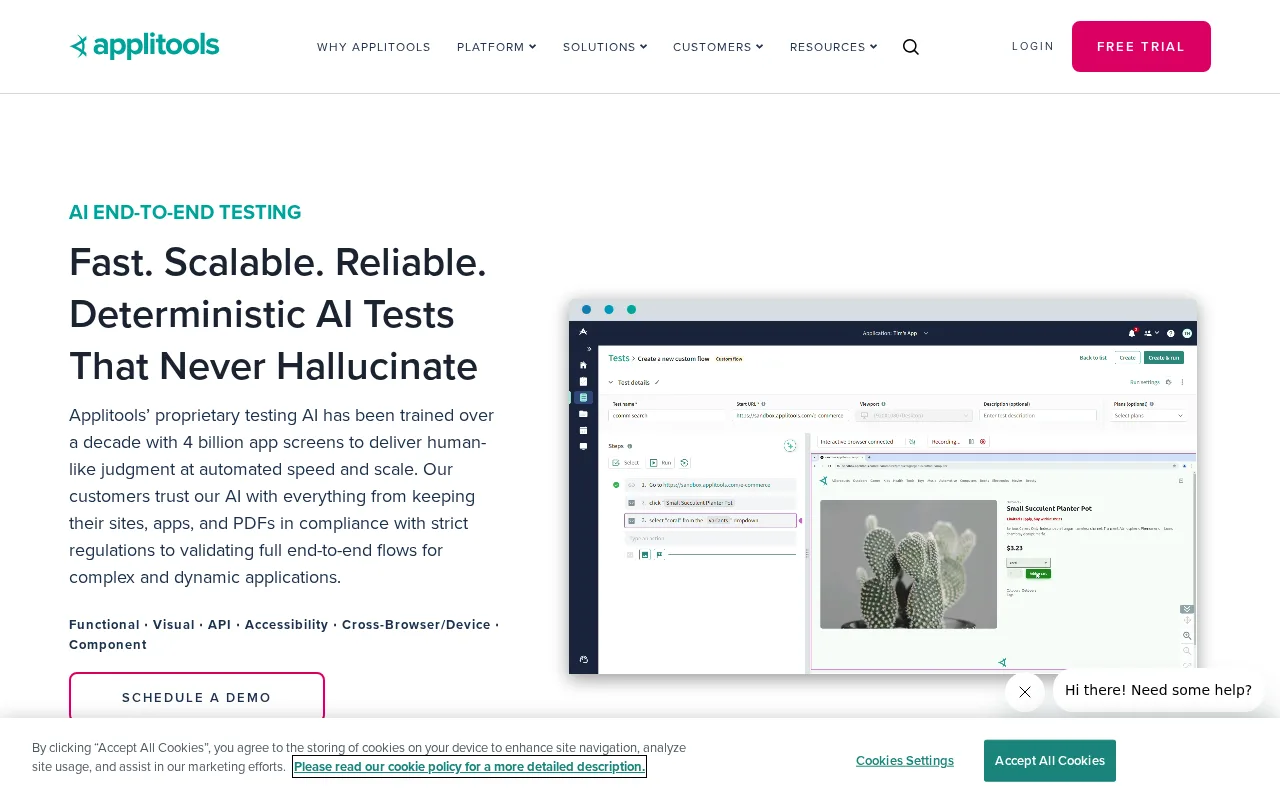
Automate visual testing for web and mobile apps to catch UI issues across browsers and devices.
28 monthly visitors 29 page views (30d)
Reviewed by Volvenix Editorial
7.5
Volvenix Verdict
AI-powered editorial review
Applitools
A top choice for teams needing reliable, scalable visual regression testing.
PROS
  • Highly accurate Visual AI engine
  • Seamless integration with test frameworks
  • Supports web and mobile platforms
  • Parallel test execution for speed
  • Detailed visual difference reporting
CONS
  • Limited free tier
  • Pricing can be high for large teams

Is Applitools Right for You?

A quick checklist to help you decide.

You need to catch subtle UI regressions across multiple browsers and devices automatically.
You need a fully open-source visual testing solution with no vendor lock-in.
You want seamless integration with your existing test automation and CI/CD pipelines.
Free-tier limits are a blocker for your high-volume or enterprise-scale testing needs.
Your team requires scalable, parallelized visual testing for complex web or mobile apps.
You require advanced API access or custom integrations not supported by the platform.

Ideal for: Development and QA teams at software companies who need to ensure pixel-perfect UI across browsers and devices.

Less suited for: Solo developers, hobbyists, or teams with minimal UI testing needs, or those requiring a fully open-source solution.

Bottom line: The accuracy and scalability of its Visual AI engine for cross-browser UI regression detection.

Editorial Review AI-generated
Applitools stands out for its robust Visual AI engine, which accurately detects UI changes and regressions that can slip past code-based tests. Its integrations with major test frameworks and CI/CD tools streamline adoption for development and QA teams. The platform is intuitive, with strong documentation and support for parallel test execution, making it suitable for both small and large teams. However, the free tier is limited, and pricing can become expensive for high-volume or enterprise use. Teams with simple UI needs or those seeking open-source solutions may find it less appealing. Overall, Applitools is best for organizations prioritizing visual consistency and cross-browser reliability.

AI-assessed from 4 sources.

Pros & Cons

Pros

Accurate visual regression detection
Integrates with major test frameworks
Supports web and mobile platforms
Parallel test execution
Detailed visual difference reports

Cons

Free plan has limited test runs per month moderate
Workaround: Upgrade to a paid plan for higher limits
Pricing for large teams or enterprise can be high major
No public API for custom integrations moderate
Who Is It For & What Can It Do
AI Capabilities
Error detection Image analysis Workflow Automation
Key Features
Visual AI engine
Detects visual differences across browsers and devices
Cross-browser testing
Runs tests on multiple browsers and devices
CI/CD Integration
Works with Jenkins, GitHub Actions, and more
Parallel Test Execution
Run multiple tests simultaneously
Detailed visual reports
Provides side-by-side visual diffs and logs
Best Use Cases
Automated UI regression testing Cross-browser compatibility checks Mobile app visual validation Continuous integration visual QA Pixel-perfect design verification
Integrations
Cypress GitHub Actions Jenkins Playwright Selenium
Inputs & Outputs
Imageinput Imageoutput
Supported Languages
English
Security & Compliance
Compliance Standards
GDPR
Privacy · EU
Enterprise Readiness
Private Cloud On-Premise
Pricing Plans

Free

Best for individuals

Free
 
  • Limited test runs
  • Basic visual testing

Team

For small teams

 
  • Team management
  • Parallel test execution

Applitools offers a free plan with limited usage, and paid plans for professional and team needs. Pricing increases with test volume and advanced features.

Support Channels
Ratings from Around the Web
Did you find this page helpful?
Frequently Asked Questions
What is this tool?
Applitools automates visual testing for web and mobile apps, detecting UI differences across browsers and devices.
How much does it cost?
Applitools offers a free plan with limited usage; paid plans are available for higher test volumes and advanced features.
Does it have a free plan?
Yes, Applitools provides a free plan with limited test runs per month.
What integrations does it support?
It integrates with popular test frameworks like Selenium, Cypress, Playwright, and CI/CD tools such as Jenkins and GitHub Actions.
Who is it best for?
Best for development and QA teams needing reliable, automated visual regression testing across browsers and devices.
User Reviews

No reviews yet. Be the first to review Applitools!

Write a Review
Discussion
No discussions yet. Start the conversation!
0 tools selected
Compare Now →
Applitools Visit Tool