 Volvenix
AVCLabs Video Enhancer AI Review — Video Enhancement
Improve video quality and restore details for filmmakers and content creators with AVCLabs Video Enhancer AI.
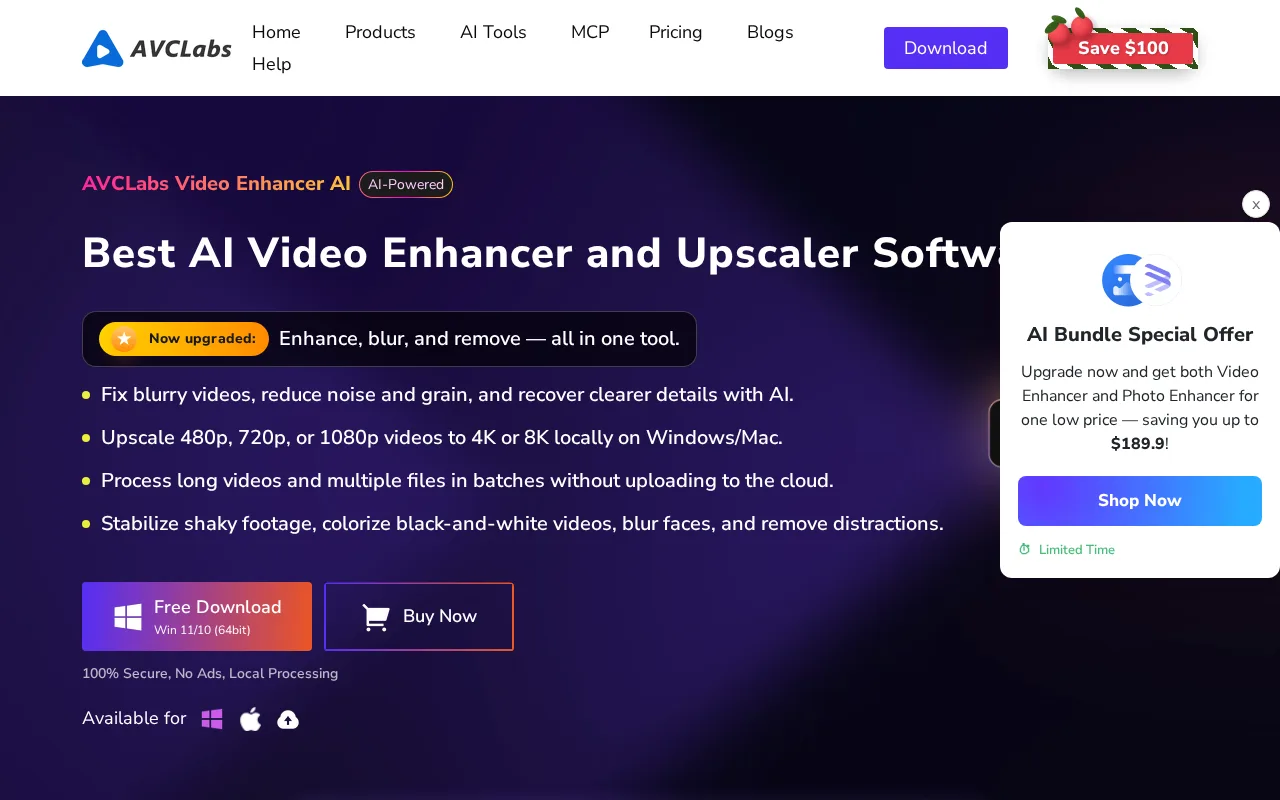
A solid video enhancement tool that balances quality and ease of use for creators.
- Effective video upscaling and restoration
- User-friendly interface for non-experts
- Supports various video formats
- Affordable freemium pricing
- Good output quality for low-res inputs
- Processing can be slow on large files
- Limited advanced customization options
Is AVCLabs Video Enhancer AI Right for You?
A quick checklist to help you decide.
Ideal for: Content creators, filmmakers, and video editors who need to enhance and restore low-quality videos quickly and easily.
Less suited for: Users requiring real-time video processing, extensive customization, or enterprise-grade video editing features should look elsewhere.
Bottom line: The quality of video enhancement and ease of use for non-expert users.
AI-assessed from 3 sources.
Pros
Cons
Free
Best for individuals
- Basic video enhancement
- Limited output resolution
Pro
- Faster processing
- Higher resolution output
Team
For small teams
- Multi-user access
- Priority support
Offers a free plan with basic features and paid subscriptions for higher quality and faster processing.








What is this tool?
How much does it cost?
Does it have a free plan?
What integrations does it support?
Who is it best for?
No reviews yet. Be the first to review AVCLabs Video Enhancer AI!
Scores are calculated algorithmically from feature coverage, pricing, user feedback & benchmark data — not influenced by commercial relationships. How we score → · Vendor Data Policy