 Volvenix
Cursor Review — AI Code Autocomplete & Chat
Cursor offers AI-powered code autocomplete and chat inside VSCode to boost developer productivity.
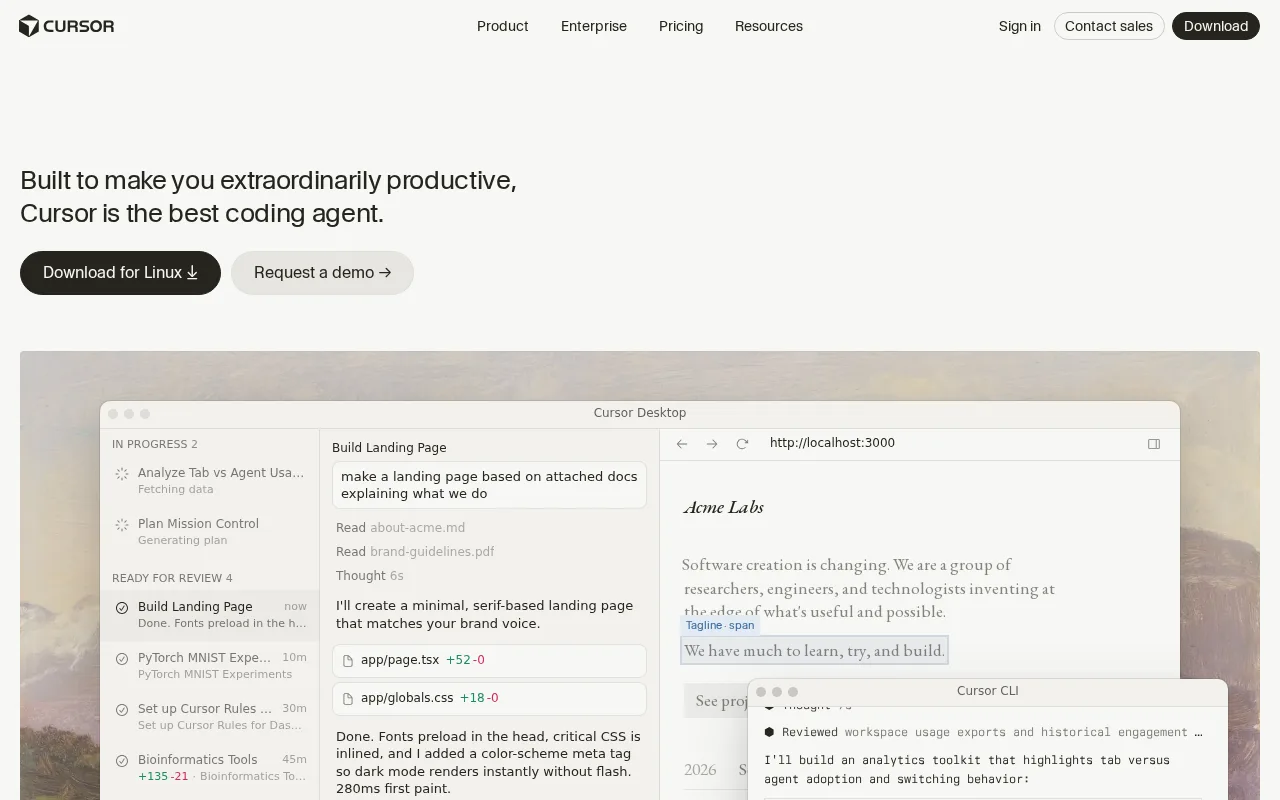
Cursor is a solid AI coding assistant that improves productivity with smart autocomplete and chat but lacks extensive integrations.
- Context-aware AI autocomplete improves coding speed and accuracy
- Integrated in-editor chat for quick developer assistance
- Seamless VSCode extension with minimal setup
- Limited third-party integrations restrict ecosystem connectivity
- No enterprise security features like SSO or MFA
Is Cursor Right for You?
A quick checklist to help you decide.
Ideal for: Individual developers or small teams using VSCode who want AI-assisted code completion and in-editor chat to speed up coding.
Less suited for: Teams requiring extensive third-party integrations or enterprise-grade security features should consider other tools.
Bottom line: Integration depth and quality of AI-powered code suggestions within VSCode.
AI-assessed from 3 sources.
Pros
Cons
Free
Best for individuals
- 100 messages/day
- 3 projects
Pro
- Unlimited messages
- 50 GB storage
Team
For small teams
- Unlimited usage
- 5 seats included
Offers a free tier with daily message limits and paid plans for unlimited usage and team features.






Inferred from shared AI-model tagging — not a confirmed product relationship.



What is this tool?
How much does it cost?
Does it have a free plan?
What integrations does it support?
Who is it best for?
No reviews yet. Be the first to review Cursor!
Scores are calculated algorithmically from feature coverage, pricing, user feedback & benchmark data — not influenced by commercial relationships. How we score → · Vendor Data Policy