
Codeium logo
Rank #971
AI CODING ASSISTANTS FREE BROWSER EXTENSION #4 in AI Coding Assistants

Codeium Review — AI Code Completion

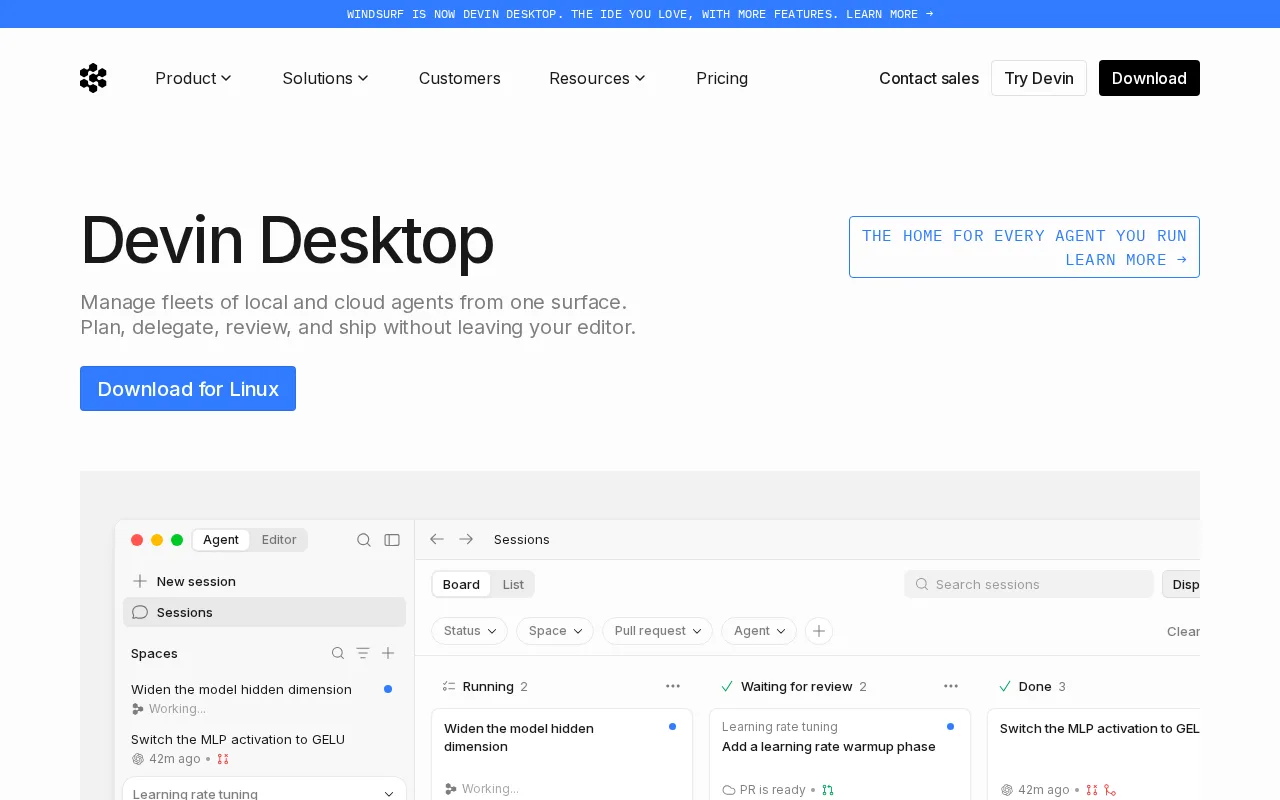
Codeium offers free AI-powered code completions and snippets for developers across popular IDEs.
61 monthly visitors 61 page views (30d)
Reviewed by Volvenix Editorial
7.5
Volvenix Verdict
AI-powered editorial review
Codeium
A solid, free AI code completion tool ideal for developers wanting open-source alternatives.
PROS
  • Free and open-source
  • Supports multiple IDEs and languages
  • Context-aware code completions
CONS
  • Limited enterprise features
  • No dedicated support or SLAs

Is Codeium Right for You?

A quick checklist to help you decide.

You want to speed up coding with AI-generated suggestions in your IDE
You need enterprise-grade security and compliance certifications
You prefer an open-source tool without subscription fees
Free-tier limits are a blocker for your high-volume coding needs
Your team uses multiple programming languages and IDEs
You require dedicated customer support and SLAs

Ideal for: Individual developers or small teams looking for free, open-source AI code completion integrated into popular IDEs.

Less suited for: Large enterprises needing advanced security, compliance, or dedicated support should consider other solutions.

Bottom line: Open-source, free AI code completion with multi-IDE integration.

Editorial Review AI-generated
Codeium delivers reliable AI-assisted code completions with broad IDE support and an open-source foundation. Its free pricing and ease of use make it attractive for individual developers and small teams. However, it lacks advanced enterprise features and extensive language model customization. Best suited for developers seeking a cost-free, community-driven code completion assistant without vendor lock-in.

AI-assessed from 3 sources.

Pros & Cons

Pros

Open-source with community contributions
Free with no usage limits
Supports popular IDEs like VS Code and JetBrains
Context-aware code suggestions improve productivity
Easy installation and setup

Cons

Lacks enterprise-grade security features moderate
No official paid support or SLAs moderate
Workaround: Rely on community forums and GitHub issues
Limited advanced customization of AI models minor
Who Is It For & What Can It Do
Best For
Developer / Engineer Product Manager Intermediate curve
AI Capabilities
Code generation Memory Tool Calling
Key Features
AI Code Completion
Context-aware code suggestions in real-time
Multi-model Support
Integrates with VS Code, JetBrains, and others
Open-Source
Community-driven development and transparency
Language Support
Supports multiple programming languages
No Usage Limits
Unlimited completions with free access
Best Use Cases
Speed up coding with AI-generated suggestions Improve code quality with context-aware completions Explore open-source AI tools for development Integrate AI completions into popular IDEs Support multi-language development workflows
AI Models Used
Codeium by Unknown
Available Platforms
Inputs & Outputs
Codeinput Codeoutput
Supported Languages
English
Security & Compliance
API & Developer Tools
Pricing Plans

Free

Best for individuals

Free
 
  • AI code completions
  • Multi-IDE support

Codeium is completely free to use with no paid tiers or subscriptions.

Price Range
Free $0–$0
Support Channels
Did you find this page helpful?
Frequently Asked Questions
What is this tool?
Codeium is a free, open-source AI code completion tool that provides context-aware code suggestions for developers.
How much does it cost?
Codeium is completely free to use with no paid plans or subscriptions.
Does it have a free plan?
Yes, Codeium offers a fully free plan with unlimited usage.
What integrations does it support?
Codeium integrates with popular IDEs including VS Code and JetBrains IDEs.
Who is it best for?
It is best suited for individual developers and small teams seeking free AI code completions.
User Reviews

No reviews yet. Be the first to review Codeium!

Write a Review
Discussion
No discussions yet. Start the conversation!
0 tools selected
Compare Now →
Codeium Visit Tool