GitHub Copilot logo
Rank #89
ASSET GENERATION PAID CLOUD #1 in Asset Generation State of the Art

GitHub Copilot Review — Code Generation

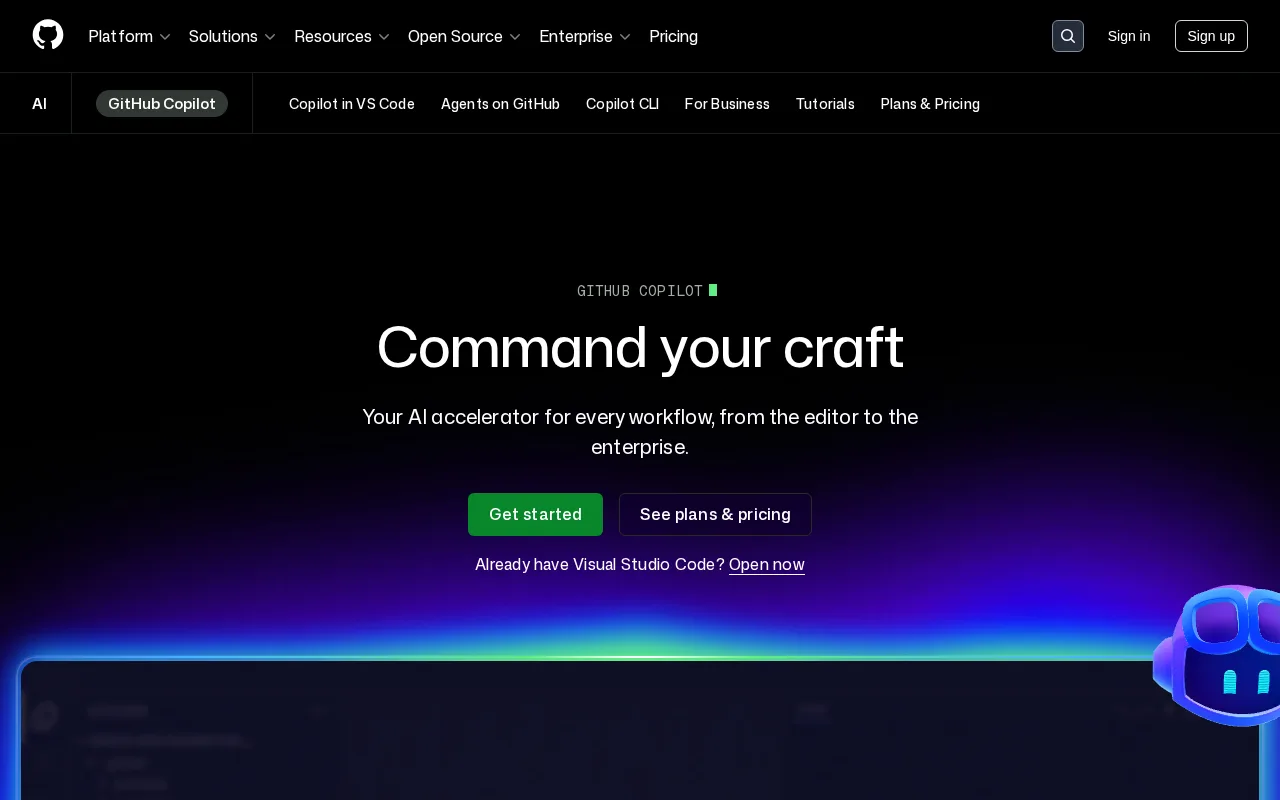
GitHub Copilot suggests code snippets, documentation, and tests as you type in your IDE.
34 monthly visitors 35 page views (30d)
Reviewed by Volvenix Editorial
8.2
Volvenix Verdict
AI-powered editorial review
GitHub Copilot
A powerful AI assistant that boosts coding productivity with accurate, context-aware suggestions.
PROS
  • Accurate and context-aware code completions
  • Seamless integration with popular IDEs
  • Supports multiple programming languages
  • Speeds up coding and reduces boilerplate
  • Regularly updated and improved
CONS
  • Sometimes suggests incorrect or insecure code
  • Requires subscription for full access

Is GitHub Copilot Right for You?

A quick checklist to help you decide.

You want to speed up coding by receiving real-time code suggestions in your IDE
You need a completely free tool with no subscription fees
You need assistance generating boilerplate code, tests, or documentation quickly
Free-tier limits prevent you from using paid AI coding assistants effectively
Your team uses supported IDEs like Visual Studio Code and values AI collaboration
You require fully autonomous code generation without manual validation

Ideal for: Developers and teams who want to accelerate coding with AI-assisted code suggestions and improve productivity in supported IDEs.

Less suited for: Users who require fully autonomous code generation without manual review or those unwilling to pay for a subscription.

Bottom line: The quality and relevance of AI-generated code suggestions within your preferred IDE.

Editorial Review AI-generated
GitHub Copilot excels at providing relevant code completions that speed up development workflows, especially for common programming tasks and boilerplate code. Its integration with popular IDEs makes it accessible and easy to use. However, it sometimes suggests incorrect or suboptimal code, requiring developer oversight. It is best suited for developers comfortable reviewing AI-generated code and looking to improve productivity rather than fully automate coding. Pricing may be a barrier for casual users.

Reviewed by Volvenix Editorial · Volvenix Editorial Team

AI-assessed from 3 sources.

Pros & Cons

Pros

Context-aware code completions improve developer productivity
Supports a wide range of programming languages and frameworks
Integrates natively with popular IDEs like Visual Studio Code
Regular updates improve suggestion quality and language support
Helps reduce repetitive coding tasks and boilerplate

Cons

Occasional inaccurate or insecure code suggestions moderate
Workaround: Review and test all AI-generated code carefully
Requires paid subscription for full access major
Limited support outside supported IDEs minor
Who Is It For & What Can It Do
AI Capabilities
Code generation
Key Features
Real-time Suggestions
Provides inline code completions as you type
Multi-language Support
Supports dozens of programming languages
IDE Integration
Works with Visual Studio Code and other editors
Code documentation generation
Suggests comments and documentation snippets
Test code generation
Generates unit test code suggestions
Best Use Cases
Accelerate software development with AI-assisted coding Generate boilerplate code and repetitive patterns quickly Improve code quality with suggested documentation and tests Support multiple programming languages in one tool Assist hobbyist and professional developers in IDEs
AI Models Used
Proprietary AI Models by Unknown
Available Platforms
API / SDK Browser Extension CLI Tool macOS Web App Windows App
Integrations
GitHub Codespaces Visual Studio Code
Inputs & Outputs
Codeinput Codeoutput
Supported Languages
English
Security & Compliance
Certifications
SOC 2 Type II
AICPA
ISO 27001
ISO
GDPR
European Union
Compliance Standards
GDPR
Privacy · EU
Pricing Plans

Business

For teams and enterprises

 
  • Team management
  • Enterprise security features

Subscription-based pricing with monthly and annual plans for individuals and teams; no free tier but a trial is available.


Support Channels
Tools using similar AI models

Inferred from shared AI-model tagging — not a confirmed product relationship.

Did you find this page helpful?
Frequently Asked Questions
What is this tool?
GitHub Copilot is an AI-powered code completion tool that suggests code snippets and documentation as you type.
How much does it cost?
GitHub Copilot offers a subscription starting at $10 per month or $100 per year for individuals.
Does it have a free plan?
There is no free plan, but a 30-day free trial is available for new users.
What integrations does it support?
It integrates primarily with IDEs like Visual Studio Code and GitHub Codespaces.
Who is it best for?
It is best for developers seeking to speed up coding with AI suggestions within supported IDEs.
User Reviews

No reviews yet. Be the first to review GitHub Copilot!

Write a Review
Discussion
No discussions yet. Start the conversation!
0 tools selected
Compare Now →
GitHub Copilot Visit Tool