
Sourcegraph logo
Rank #224
AGENT FRAMEWORKS FREEMIUM CLOUD #1 in Agent Frameworks State of the Art

Sourcegraph Review — Universal Code Search & Navigation

Sourcegraph enables powerful code search and navigation across multiple repositories for developer teams.
9 monthly visitors 9 page views (30d)
Reviewed by Volvenix Editorial
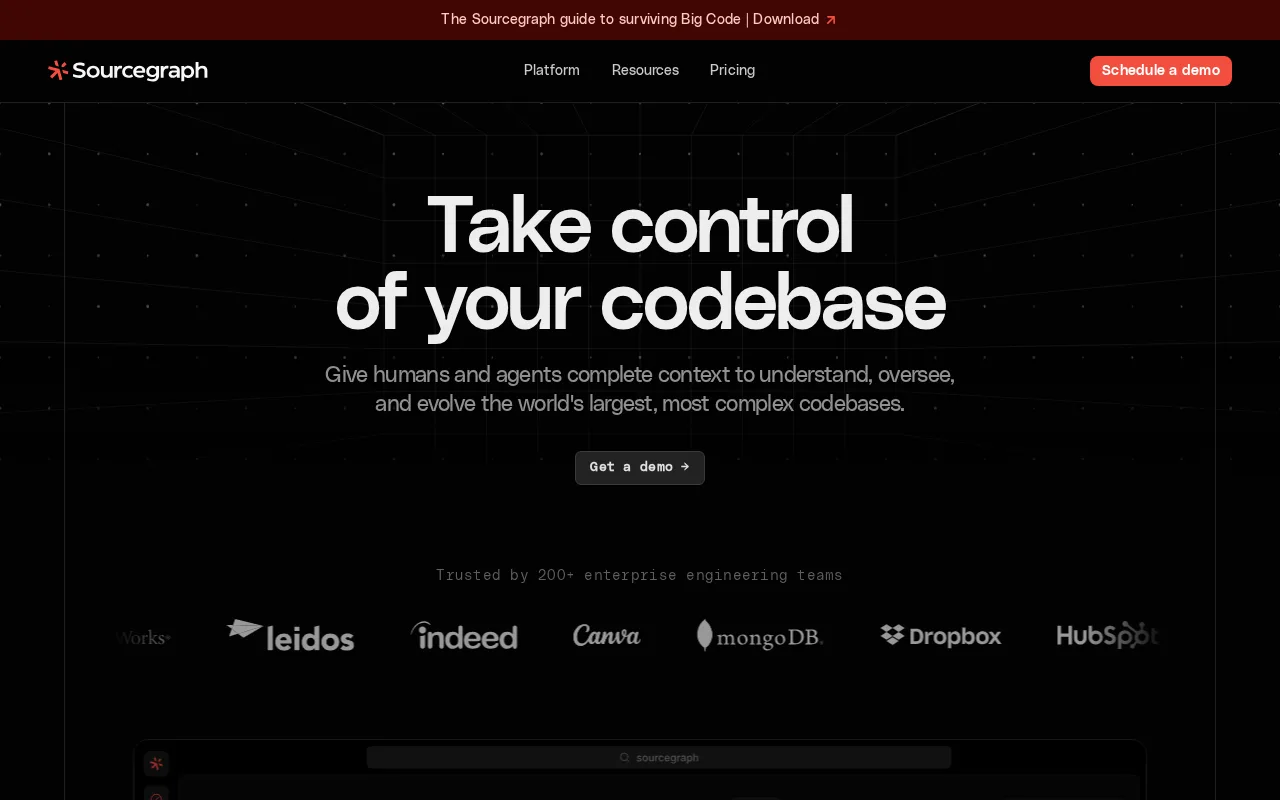
Sourcegraph — preview
8.0
Volvenix Verdict
AI-powered editorial review
Sourcegraph
A robust code search and navigation platform that enhances developer collaboration and code understanding.
PROS
  • Fast, scalable universal code search
  • Supports multiple code hosts and IDE integrations
  • Improves team collaboration and code understanding
CONS
  • Complex setup for smaller teams
  • Free tier has usage limits that may restrict larger teams

Is Sourcegraph Right for You?

A quick checklist to help you decide.

You need to search code across many repositories quickly and accurately
You need a lightweight tool for single repository code browsing
You want to improve team collaboration through shared code visibility
Free-tier limits are a blocker for your team’s scale or usage
Your team requires integration with existing code hosts and IDEs
You require an all-in-one IDE or code editor replacement

Ideal for: Engineering teams managing large or multiple codebases who need efficient code search and cross-repository navigation.

Less suited for: Individual developers or very small teams with simple codebases who may find Sourcegraph’s setup and features excessive.

Bottom line: The ability to perform fast, universal code search and navigation across multiple repositories.

Editorial Review AI-generated
Sourcegraph excels at providing fast, scalable code search and navigation, making it easier for developers to explore and understand large codebases. Its integration with popular code hosts and IDEs streamlines workflows and collaboration. However, its advanced features and setup can be complex for smaller teams or individual developers. It is best suited for engineering teams managing multiple repositories and seeking to improve code visibility and maintainability.

AI-assessed from 3 sources.

Pros & Cons

Pros

Scalable and fast code search across repositories
Integrates with popular code hosts and IDEs
Open source with active community
Enhances team collaboration and code understanding
Supports self-hosted and cloud deployment

Cons

Setup and configuration can be complex for small teams moderate
Workaround: Use cloud-hosted version for simpler setup
Free plan has limitations on usage and features moderate
Not a full IDE replacement, focused on search/navigation minor
Who Is It For & What Can It Do
Best For
Developer / Engineer Product Manager Intermediate curve
AI Capabilities
Automation Code Intelligence Search
Key Features
Universal Code Search
Search code across multiple repositories and languages
IDE Integration
Integrates with VS Code, JetBrains, and others
Code Intelligence
Provides hover tooltips, go-to-definition, and references
Self-Hosted Option
Deploy Sourcegraph on your own infrastructure
Batch Changes
Automate large-scale code refactoring
Best Use Cases
Cross-repository code search for large engineering teams Code review and navigation enhancement Automating large-scale code refactors Onboarding new developers with codebase exploration Improving code collaboration and knowledge sharing
Available Platforms
Web App
Integrations
Bitbucket GitHub GitLab JetBrains IDEs VS Code
Inputs & Outputs
Codeinput Codeoutput
Supported Languages
English
Security & Compliance
Compliance Standards
GDPR
Privacy · EU
Pricing Plans

Free

Best for individuals

Free
 
  • Basic code search
  • Limited repository access

Sourcegraph offers a free plan for individuals and small teams, with paid plans adding advanced features and higher usage limits.

Price Range
Free $0–$0 Mid Range $20–$100
Support Channels
More from Sourcegraph, Inc.
Did you find this page helpful?
Frequently Asked Questions
What is this tool?
Sourcegraph is a code search and navigation tool that helps developers explore and understand code across repositories.
How much does it cost?
Sourcegraph offers a free plan for individuals and paid plans for teams with advanced features and higher limits.
Does it have a free plan?
Yes, Sourcegraph provides a free plan suitable for individual developers with basic features.
What integrations does it support?
It integrates with popular code hosts like GitHub, GitLab, Bitbucket, and IDEs such as VS Code and JetBrains.
Who is it best for?
It is best for engineering teams needing fast, scalable code search and navigation across multiple repositories.
User Reviews

No reviews yet. Be the first to review Sourcegraph!

Write a Review
Discussion
No discussions yet. Start the conversation!
0 tools selected
Compare Now →
Sourcegraph Visit Tool