Descript logo
Rank #112
AUDIO EDITING FREEMIUM CLOUD #1 in Audio Editing State of the Art

Descript Review — Audio and Video Editing

Transform your media editing with text-based tools for creators.

Updated May 24, 2026 audio creator-tools editing podcast video
17 monthly visitors 18 page views (30d)
Reviewed by Volvenix Editorial
8.0
Volvenix Verdict
AI-powered editorial review
Descript
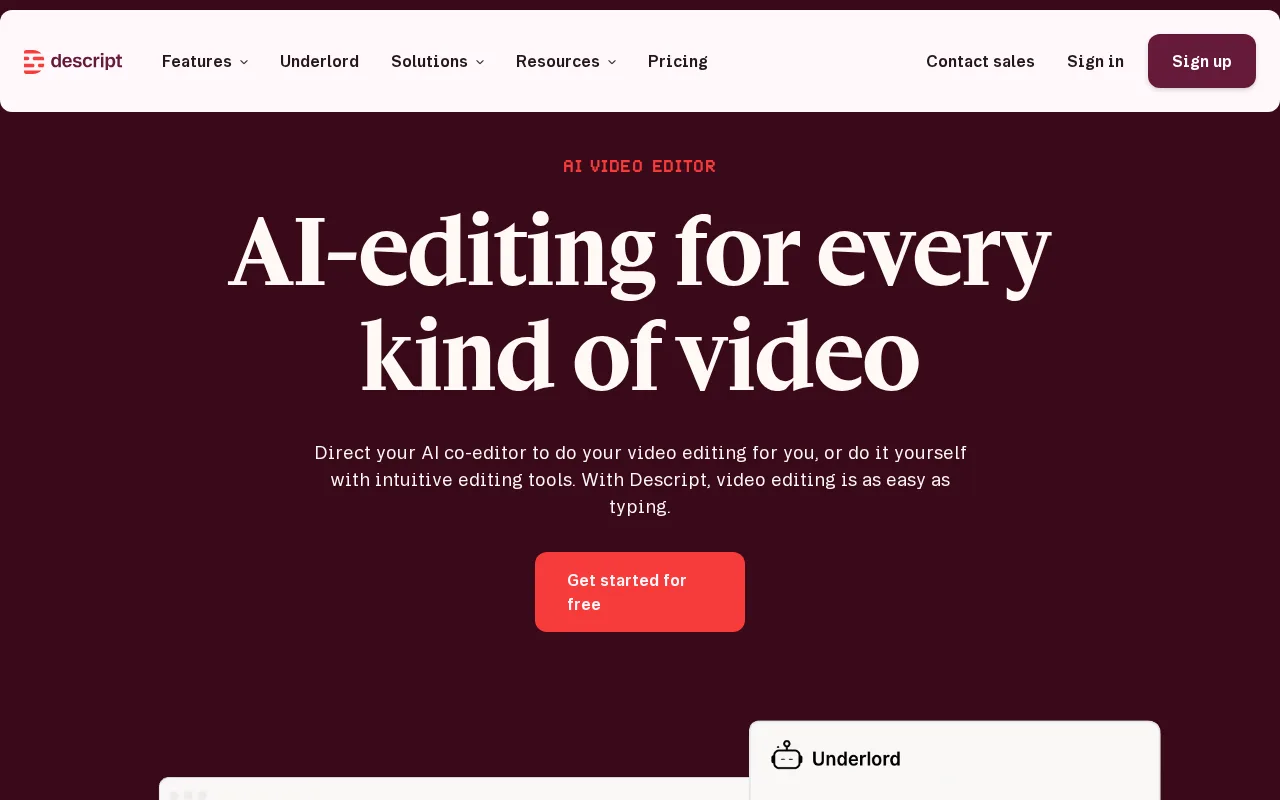
A powerful tool that simplifies media editing through text-based workflows.
PROS
  • User-friendly text-based editing interface
  • Powerful voice cloning with Overdub
  • High-quality audio enhancement with Studio Sound
CONS
  • Freemium model limits access to advanced features
  • May not meet the needs of professional audio engineers

Is Descript Right for You?

A quick checklist to help you decide.

You need to edit audio and video quickly and efficiently.
You need advanced audio engineering tools for professional production.
You want to create professional-quality content without extensive training.
Free-tier limits are a blocker for your editing needs.
Your team requires collaboration features for media projects.
You require extensive integrations with other software.

Ideal for: Ideal for podcasters, video creators, and teams looking for efficient editing solutions.

Less suited for: Not suitable for users needing advanced audio engineering features or large-scale production.

Bottom line: The ability to edit audio and video through text-based transcripts.

Editorial Review AI-generated
Descript excels in making audio and video editing intuitive with its text-based interface. The Overdub feature for voice cloning and Studio Sound for audio enhancement are standout tools. However, the freemium model may limit advanced features for serious users, making it best suited for content creators and small teams.

AI-assessed from 3 sources.

Pros & Cons

Pros

Intuitive editing process
Innovative voice cloning technology
High-quality audio enhancement features
Collaboration capabilities for teams
Accessible for non-experts

Cons

Limited features in the free plan major
Workaround: Upgrade to Pro for advanced features.
Not suitable for professional audio engineers moderate
Workaround: Use additional software for complex tasks.
Who Is It For & What Can It Do
AI Capabilities
Audio Editing Text-to-speech
Key Features
Text-based editing
Edit audio and video by modifying transcripts
Overdub
Voice cloning feature for creating custom voiceovers
Studio Sound
Enhances audio quality for recordings
Collaboration Tools
Features for team collaboration on projects
Screen recording
Record your screen for video content creation
Best Use Cases
Podcast editing Video content creation Transcription services Voiceover production
Available Platforms
Android App Desktop iOS App macOS Web App Windows App
Inputs & Outputs
Audioinput Audiooutput
Supported Languages
English
Security & Compliance
Certifications
SOC 2 Type II
AICPA
ISO 27001
ISO
GDPR
European Union
Compliance Standards
GDPR
Privacy · EU
Pricing Plans

Free

Best for individuals

Free
 
  • Basic audio and video editing
  • Text-based editing

Team

For small teams

$30/mo
$30.00/mo billed annually
  • Collaboration tools
  • Team management features

Descript offers a free plan with basic features, while paid plans unlock advanced tools and capabilities.

Support Channels
Email
Did you find this page helpful?
Frequently Asked Questions
What is this tool?
Descript is an audio and video editing platform that uses text-based editing.
How much does it cost?
Descript offers a free plan and paid plans starting at $20 per month.
Does it have a free plan?
Yes, Descript has a free plan with basic features.
What integrations does it support?
Descript integrates with various platforms for seamless editing.
Who is it best for?
Descript is best for podcasters, video creators, and small teams.
User Reviews

No reviews yet. Be the first to review Descript!

Write a Review
Discussion
No discussions yet. Start the conversation!
0 tools selected
Compare Now →
Descript Visit Tool