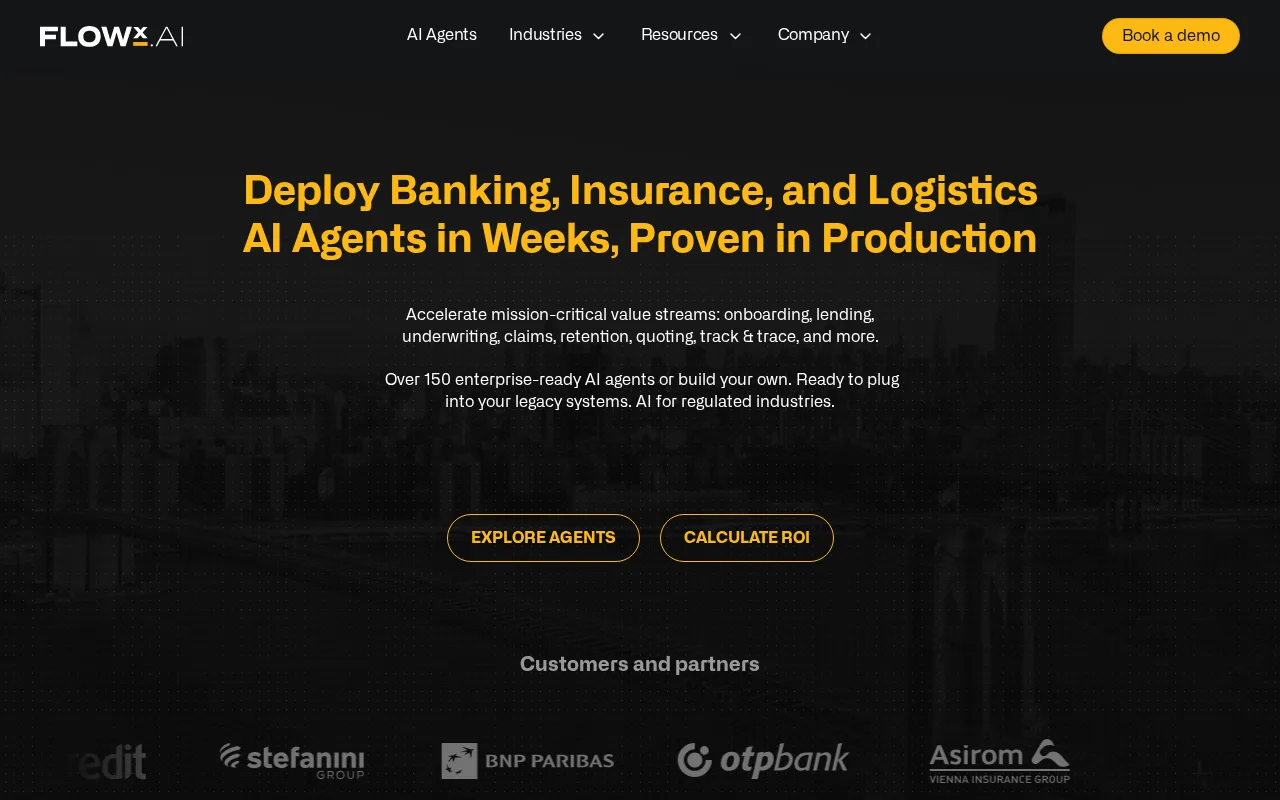
FlowX logo
Rank #681
TASK AUTOMATION FREEMIUM CLOUD #7 in Task Automation

FlowX Review — Workflow Automation

Streamline complex workflows for DevOps and IT teams with FlowX.

6.5 / 10
Visit FlowX
18 monthly visitors 18 page views (30d)
Reviewed by Volvenix Editorial
8.0
Volvenix Verdict
AI-powered editorial review
FlowX
FlowX is a robust solution for automating enterprise workflows, ideal for tech-savvy teams.
PROS
  • Strong integration capabilities with existing systems
  • Low-code/no-code workflow design for ease of use
  • Enterprise-grade scalability and security
CONS
  • Complexity may deter less technical users
  • Free tier may have limitations for larger teams

Is FlowX Right for You?

A quick checklist to help you decide.

This tool fits if you need to automate complex workflows.
Skip this tool if you need a simple, user-friendly interface.
This tool fits if your team requires low-code/no-code solutions.
Skip this tool if your team is small and less technical.
This tool fits if you want to unify disparate tools into one platform.
Skip this tool if free-tier limits are a blocker for your needs.

Ideal for: Ideal for IT and DevOps teams in large enterprises needing to streamline complex workflows.

Less suited for: Not suitable for small teams or non-technical users who may find the platform complex.

Bottom line: The ability to integrate with existing systems while providing low-code/no-code design.

Editorial Review AI-generated
FlowX excels in its ability to unify disparate tools into cohesive workflows, making it a strong choice for organizations looking to enhance operational efficiency. However, its complexity may pose a challenge for less technical users. Best suited for IT and DevOps teams seeking automation solutions.

AI-assessed from 3 sources.

Pros & Cons

Pros

Robust automation capabilities
Seamless integration with existing tools
Scalable for enterprise needs
User-friendly low-code/no-code design

Cons

Complex for non-technical users major
Workaround: Provide training resources
Free tier limitations moderate
Workaround: Upgrade to Pro for full features
Who Is It For & What Can It Do
AI Capabilities
Task Automation Tool Calling Workflow Builder
Key Features
Workflow Automation
Automate complex workflows
Integrations
Connect with existing tools
Low-Code Design
Create workflows without coding
Collaboration Tools
Work together on projects
Security Features
Enterprise-grade security
Best Use Cases
Automating software deployment processes Streamlining IT operations Enhancing DevOps workflows Integrating disparate tools into one platform
AI Models Used
Custom AI models by Unknown
Available Platforms
API / SDK Web App
Inputs & Outputs
Textinput Textoutput
Supported Languages
English
Security & Compliance
Compliance Standards
GDPR
Privacy · EU
Pricing Plans

Free

Best for individuals

Free
 
  • Basic workflow automation
  • Limited integrations

Team

For small teams

$30/mo
$30.00/mo billed annually
  • Collaborative workflow features
  • Team management tools

FlowX offers a free plan with basic features and paid plans for advanced capabilities.

Support Channels
Email
Tools using similar AI models

Inferred from shared AI-model tagging — not a confirmed product relationship.

Did you find this page helpful?
Frequently Asked Questions
What is this tool?
FlowX automates and optimizes enterprise workflows.
How much does it cost?
FlowX offers a free plan and paid subscriptions.
Does it have a free plan?
Yes, FlowX has a free plan available.
What integrations does it support?
FlowX integrates with various enterprise tools.
Who is it best for?
Best for IT and DevOps teams in large enterprises.
User Reviews

No reviews yet. Be the first to review FlowX!

Write a Review
Discussion
No discussions yet. Start the conversation!
0 tools selected
Compare Now →
FlowX Visit Tool