 Volvenix
Tines Review — Finance Task Automation
Create custom automated workflows for finance teams to boost efficiency and reduce manual tasks.
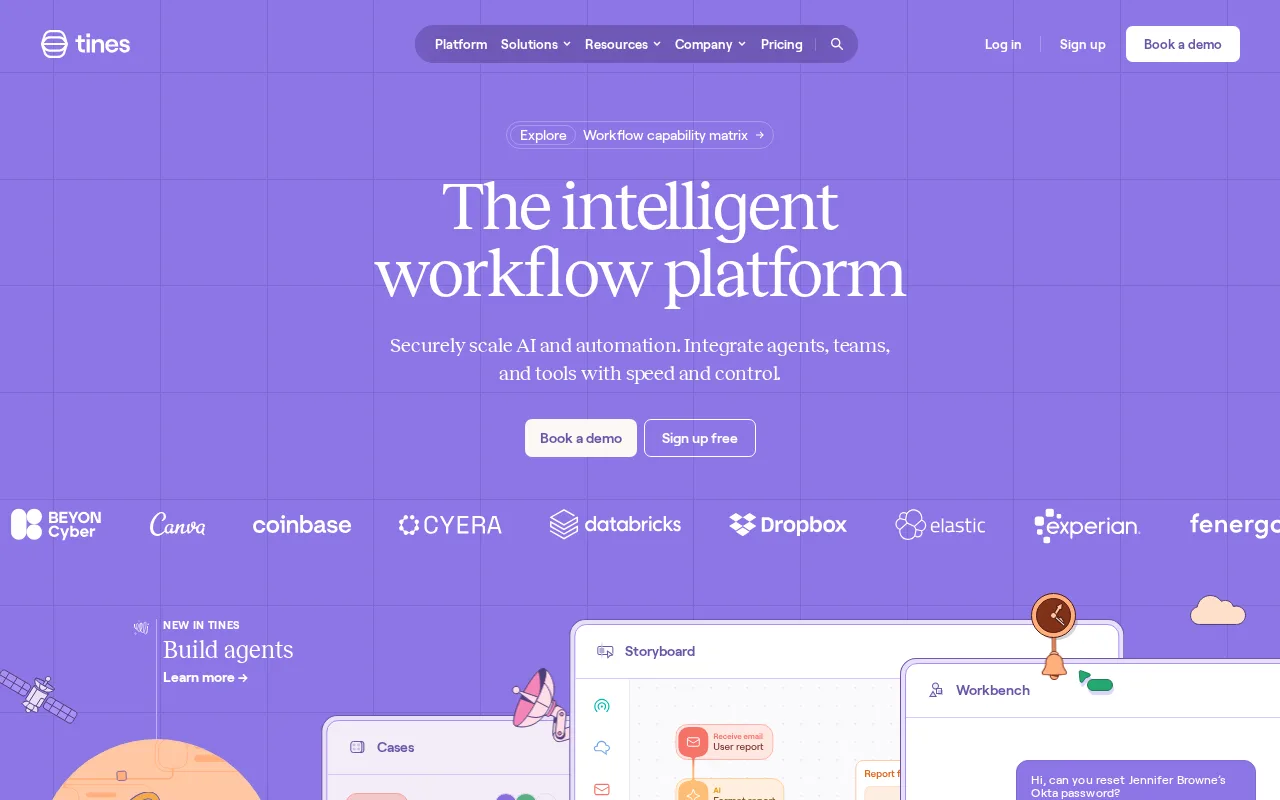
Tines offers powerful, no-code automation tailored for finance teams but lacks extensive integrations.
- Intuitive no-code workflow builder
- Tailored for finance and accounting automation
- Flexible and customizable workflows
- Reduces manual repetitive tasks
- Accessible to non-technical users
- Limited native third-party integrations
- Pricing and free tier may restrict larger teams
Is Tines Right for You?
A quick checklist to help you decide.
Ideal for: Finance teams and accounting professionals who want to automate repetitive workflows without coding and improve operational efficiency.
Less suited for: Teams needing extensive third-party app integrations or those requiring a fully managed automation platform with prebuilt connectors.
Bottom line: Ability to create custom, no-code automation workflows specifically for finance and accounting tasks.
AI-assessed from 3 sources.
Pros
Cons
Free
Best for individuals
- Basic workflow automation
- Limited event executions
Pro
- Advanced workflows
- Increased event executions
- Team collaboration
Tines offers a free tier with basic features and paid plans for advanced automation and team collaboration.








What is this tool?
How much does it cost?
Does it have a free plan?
What integrations does it support?
Who is it best for?
No reviews yet. Be the first to review Tines!
Scores are calculated algorithmically from feature coverage, pricing, user feedback & benchmark data — not influenced by commercial relationships. How we score → · Vendor Data Policy