Front logo
Rank #405
CONVERSATIONAL AI FREEMIUM CLOUD #10 in Conversational AI

Front Review — Multi-Channel Shared Inbox

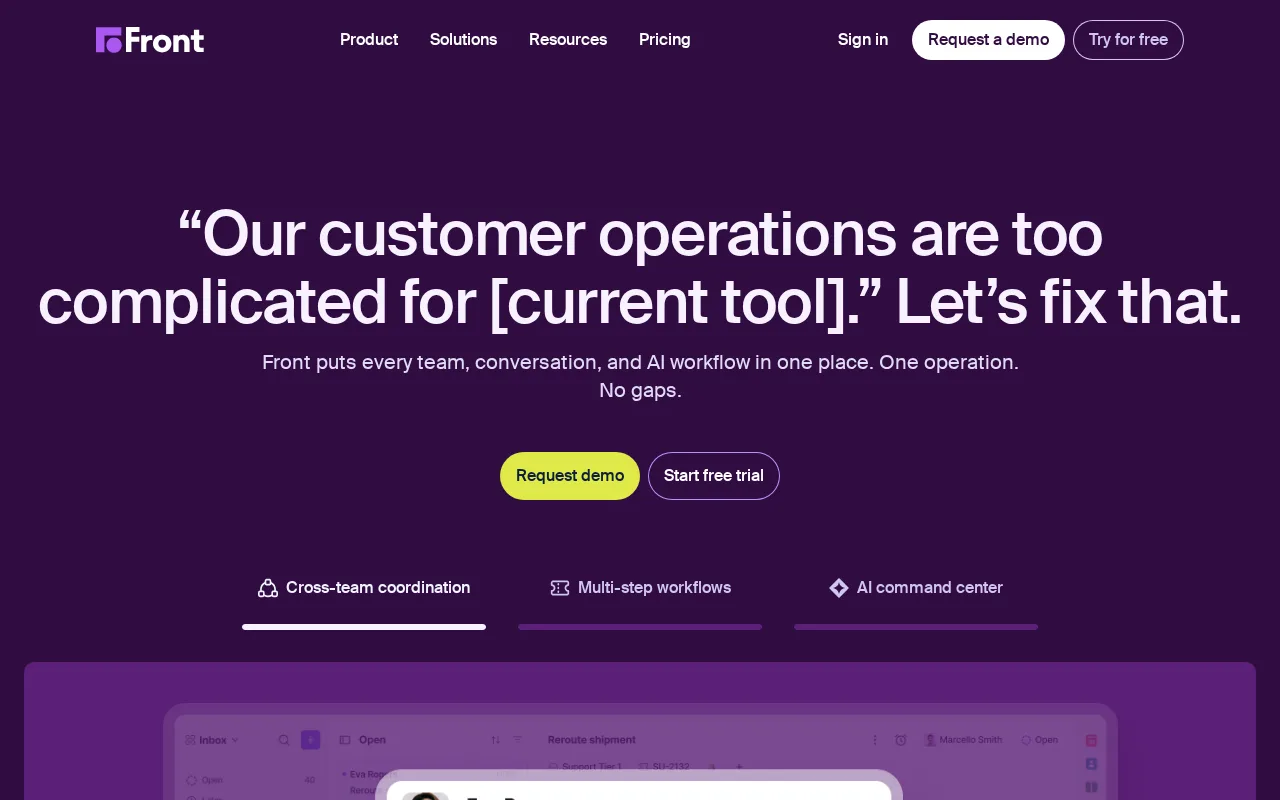
Front centralizes emails, chats, SMS, and social media messages for team collaboration and workflow automation.
6.9 / 10
Visit Front
7 monthly visitors 8 page views (30d)
Reviewed by Volvenix Editorial
7.5
Volvenix Verdict
AI-powered editorial review
Front
Front excels at unifying multi-channel customer communication with strong collaboration features.
PROS
  • Unified inbox for multiple communication channels
  • Strong workflow automation and task management
  • Real-time team collaboration features
CONS
  • Limited AI capabilities and no public API
  • Advanced features locked behind paid plans

Is Front Right for You?

A quick checklist to help you decide.

You need to manage emails, chats, SMS, and social media messages in one place.
You need a fully AI-driven conversational agent for customer interactions.
You want to automate workflows and assign tasks within a shared team inbox.
Free-tier limits are a blocker for your team's volume of messages and users.
Your team requires real-time collaboration on customer communications.
You require deep AI model integrations or public API access for custom development.

Ideal for: Customer support, sales, and operations teams needing centralized communication and real-time collaboration.

Less suited for: Individuals or teams with minimal communication channels or those requiring extensive AI-driven automation.

Bottom line: Ability to unify multiple communication channels into a single shared inbox for team collaboration.

Editorial Review AI-generated
Front offers a robust shared inbox solution that centralizes messages from various channels, making it easier for teams to collaborate and respond quickly. Its workflow automation and integrations improve efficiency, especially for customer-facing teams. However, some advanced features require paid plans, and the learning curve can be moderate for new users. Overall, it suits small to medium teams focused on customer support and sales.

AI-assessed from 3 sources.

Pros & Cons

Pros

Centralizes multiple communication channels
Enables real-time team collaboration
Includes workflow automation features
Supports extensive third-party integrations
User-friendly shared inbox interface

Cons

No public API for custom integrations major
Advanced features require paid plans moderate
Limited AI-powered automation capabilities minor
Who Is It For & What Can It Do
AI Capabilities
Conversational AI Memory Tool Calling Workflow Automation
Key Features
Shared Inbox
Centralizes emails, chats, SMS, and social media messages
Workflow Automation
Automate repetitive tasks and message routing
Real-time collaboration
Team commenting, assignments, and notifications
Integrations
Connects with popular tools like Salesforce and Slack
Analytics
Track team performance and response times
Best Use Cases
Customer support team inbox management Sales team communication tracking Operations team workflow automation Multi-channel message unification Real-time team collaboration on customer queries
Inputs & Outputs
Textinput Textoutput
Supported Languages
English
Security & Compliance
Compliance Standards
GDPR
Privacy · EU
Pricing Plans

Free

Best for individuals

Free
 
  • Shared inbox with basic integrations
  • Limited message volume and users

Team

For small teams

$30/mo
$30.00/mo billed annually
  • Team inbox management
  • Priority support and integrations

Offers a free plan with basic features; paid plans add advanced collaboration, automation, and integrations.

Support Channels
Did you find this page helpful?
Frequently Asked Questions
What is this tool?
Front is a shared inbox platform that consolidates customer messages from multiple channels for team collaboration.
How much does it cost?
Front offers a free plan with basic features and paid plans starting at $20 per user per month.
Does it have a free plan?
Yes, Front provides a free plan suitable for individuals with limited features.
What integrations does it support?
Front supports integrations with tools like Salesforce, Slack, and others, mostly on paid plans.
Who is it best for?
It is best for customer support, sales, and operations teams needing a unified communication inbox.
User Reviews

No reviews yet. Be the first to review Front!

Write a Review
Discussion
No discussions yet. Start the conversation!
0 tools selected
Compare Now →
Front Visit Tool