 Volvenix
Inpaint Review — Image Object Removal
Inpaint repairs photos by removing unwanted objects and filling gaps seamlessly.
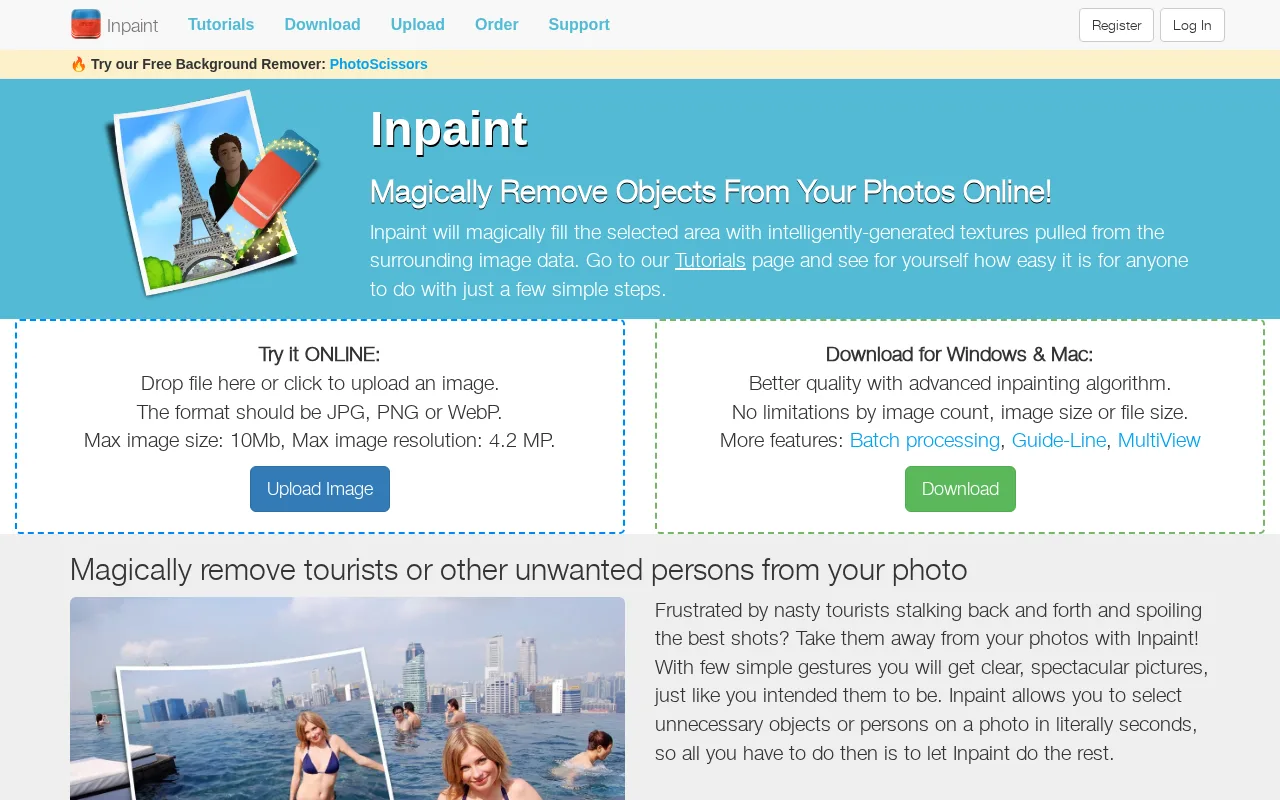
A straightforward and effective tool for quick photo object removal with easy usability.
- Simple and intuitive interface
- Effective object removal with seamless fills
- Fast processing suitable for casual users
- Limited advanced editing capabilities
- No integration with professional design tools
Is Inpaint Right for You?
A quick checklist to help you decide.
Ideal for: Photographers, graphic designers, and casual users needing fast, easy removal of unwanted photo objects.
Less suited for: Professional photo editors requiring advanced retouching tools and extensive manual control.
Bottom line: Effectiveness and simplicity of removing unwanted objects from images.
AI-assessed from 3 sources.
Pros
Cons
Free
Best for individuals
- Basic object removal
- Limited image resolution
Offers a free plan with basic features and paid options for higher usage and advanced capabilities.






What is this tool?
How much does it cost?
Does it have a free plan?
What integrations does it support?
Who is it best for?
No reviews yet. Be the first to review Inpaint!
Scores are calculated algorithmically from feature coverage, pricing, user feedback & benchmark data — not influenced by commercial relationships. How we score → · Vendor Data Policy