 Volvenix
Topaz Labs Review — Photo Enhancement & Upscaling
Upscale and enhance images with AI to restore detail and reduce noise for photographers and creatives.
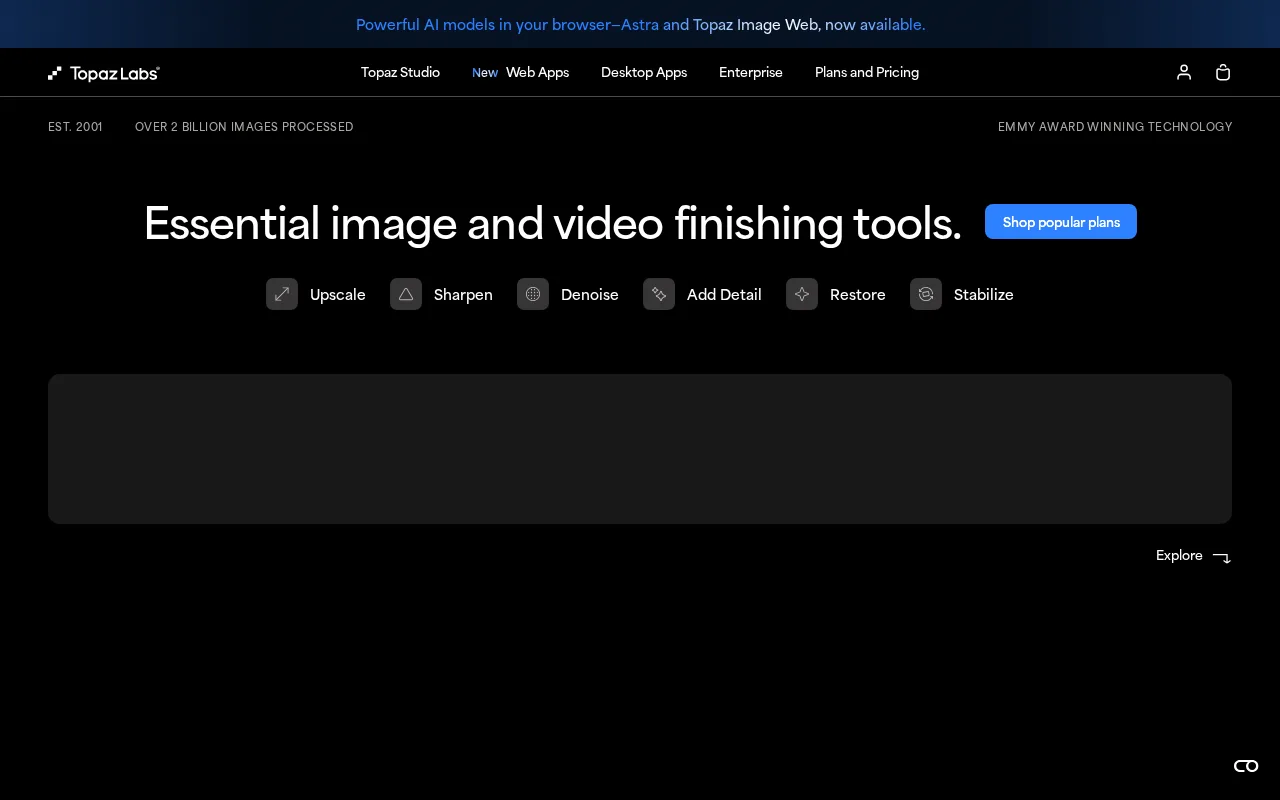
Topaz Labs excels at photo enhancement with powerful AI tools but may be overkill for casual users.
- High-quality AI image enhancement and noise reduction
- Flexible standalone and plugin workflows
- Strong upscaling capabilities preserving detail
- Resource-intensive software requiring powerful hardware
- Steeper learning curve for new users
Is Topaz Labs Right for You?
A quick checklist to help you decide.
Ideal for: Photographers, designers, and creatives who need advanced AI tools to enhance and upscale images with fine detail and noise reduction.
Less suited for: Casual users or those seeking simple, quick edits without investing time in learning or requiring high-end hardware.
Bottom line: The quality and flexibility of AI-powered image enhancement and upscaling capabilities.
Pros
Cons
Free
Best for individuals
- Basic image enhancement
- Limited upscaling
Pro
- Full AI enhancement suite
- Plugin support
- Batch processing
Offers a free tier with basic features; paid plans unlock full capabilities and plugins for professional use.





What is this tool?
How much does it cost?
Does it have a free plan?
What integrations does it support?
Who is it best for?
No reviews yet. Be the first to review Topaz Labs!
Scores are calculated algorithmically from feature coverage, pricing, user feedback & benchmark data — not influenced by commercial relationships. How we score → · Vendor Data Policy