Movavi Video Editor AI logo
Rank #175
FREEMIUM DESKTOP #2 in Artistic Video Editing

Movavi Video Editor AI Review — Artistic Video Editing

Combine manual editing with AI scene detection to create artistic videos fast and easily.
3 monthly visitors 3 page views (30d)
Reviewed by Volvenix Editorial
7.5
Volvenix Verdict
AI-powered editorial review
Movavi Video Editor AI
A user-friendly video editor that balances AI assistance with manual control for creative workflows.
PROS
  • Intuitive interface suitable for beginners
  • AI-powered scene detection speeds up editing
  • Good balance of AI assistance and manual control
CONS
  • Limited advanced editing features
  • No collaborative or cloud-based workflows

Is Movavi Video Editor AI Right for You?

A quick checklist to help you decide.

You want to speed up video editing with AI scene detection and enhancements
You need advanced video editing features like multi-cam or color grading
You prefer a simple interface that supports manual creative control
Free-tier limits prevent you from completing your projects effectively
You create artistic videos without needing professional-grade tools
You require collaborative editing or cloud-based team workflows

Ideal for: Beginners and content creators seeking fast, AI-assisted video editing with manual control.

Less suited for: Professional editors needing advanced features or teams requiring real-time collaboration.

Bottom line: The balance between AI-assisted automation and manual editing controls.

Editorial Review AI-generated
Movavi Video Editor AI excels at simplifying video editing for beginners and casual creators by integrating AI scene detection that speeds up the workflow. The interface is intuitive, making it easy to enhance videos artistically without steep learning curves. However, it lacks advanced features for professional editors and does not support collaborative workflows. It is best suited for users who want quick, polished edits with some AI help but still want hands-on control.
Pros & Cons

Pros

User-friendly interface ideal for beginners
AI scene detection accelerates editing workflow
Combines AI assistance with manual editing
Affordable freemium pricing model
Good for artistic and creative video projects

Cons

Lacks advanced professional editing features moderate
No support for collaborative or cloud workflows moderate
No mobile app available minor
Who Is It For & What Can It Do
Best For
Individual / Freelancer Non-Technical User Small Business (1–10) Beginner curve
AI Capabilities
Image enhancement Video generation
Key Features
AI Scene Detection
Automatically detects scenes to speed up editing
Manual Editing Tools
Cut, trim, and enhance videos with manual controls
Smart Enhancements
Apply AI-driven video quality improvements
Export Options
Supports multiple video formats for export
Watermark Removal
Available in paid plans to remove branding
Best Use Cases
Quick video editing for social media content Creating artistic video projects with manual control Editing home videos with AI-assisted scene detection Producing beginner-friendly video tutorials Enhancing video quality with smart AI tools
Available Platforms
Inputs & Outputs
Videoinput Videooutput
Supported Languages
English
Security & Compliance
Compliance Standards
GDPR
Privacy · EU
API & Developer Tools
Pricing Plans

Free

Best for individuals

Free
 
  • Basic video editing
  • AI scene detection

Team

For small teams

$30/mo
$30.00/mo billed annually
  • Multi-seat licenses
  • Full features
  • Priority support

Offers a free plan with basic features and paid subscriptions for additional tools and capabilities.


Price Range
Free $0–$0 Mid Range $20–$100
Support Channels
Documentation
Did you find this page helpful?
Frequently Asked Questions
What is this tool?
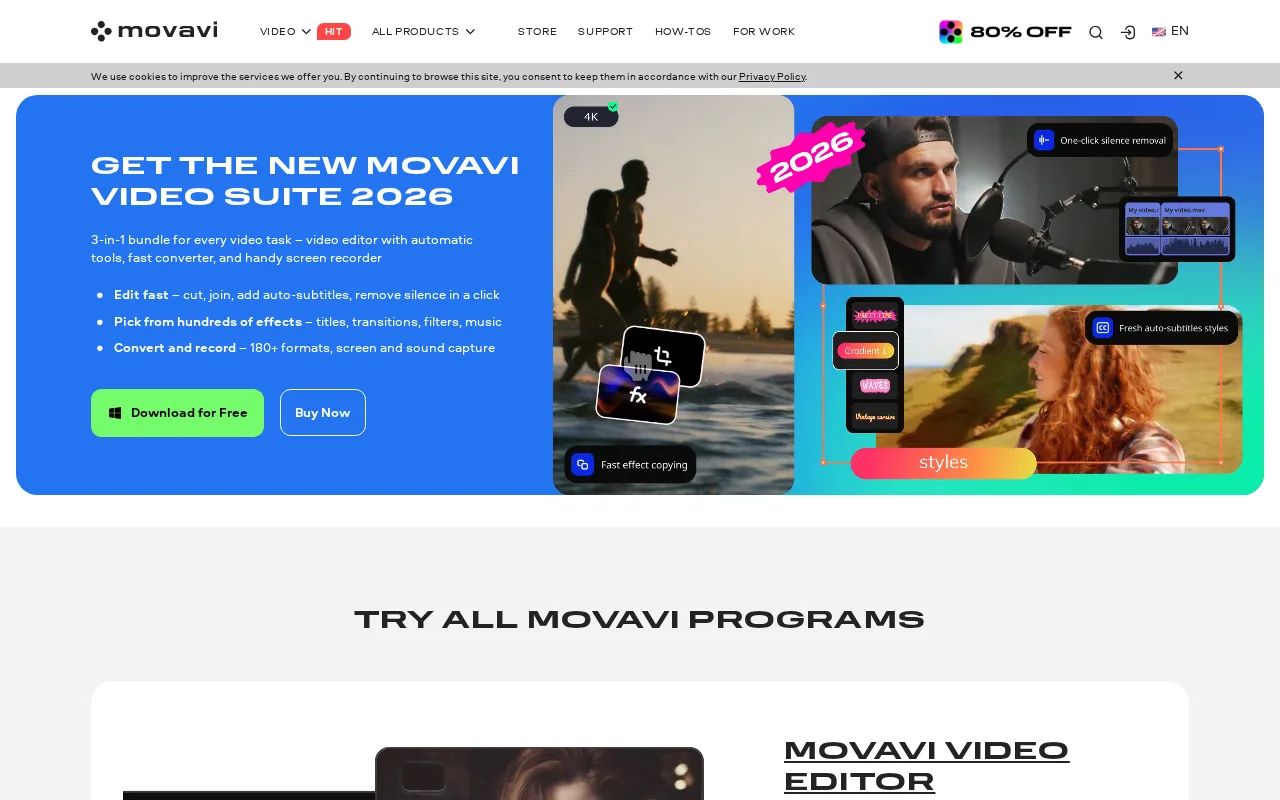
Movavi Video Editor AI is a desktop video editing software that combines manual tools with AI-powered scene detection and enhancements.
How much does it cost?
It offers a free plan with basic features and paid subscriptions starting at $20 per month for full features.
Does it have a free plan?
Yes, Movavi Video Editor AI provides a free plan with limited features suitable for individual users.
What integrations does it support?
No public information is available about third-party integrations.
Who is it best for?
It is best suited for beginners and content creators who want fast, AI-assisted video editing with manual control.
User Reviews

No reviews yet. Be the first to review Movavi Video Editor AI!

Write a Review
Discussion
No discussions yet. Start the conversation!
0 tools selected
Compare Now →
Movavi Video Editor AI Visit Tool