 Volvenix
Notion AI Review — Content Generation
Enhance your Notion workspace with AI drafting, rewriting, summarization, and translation features.
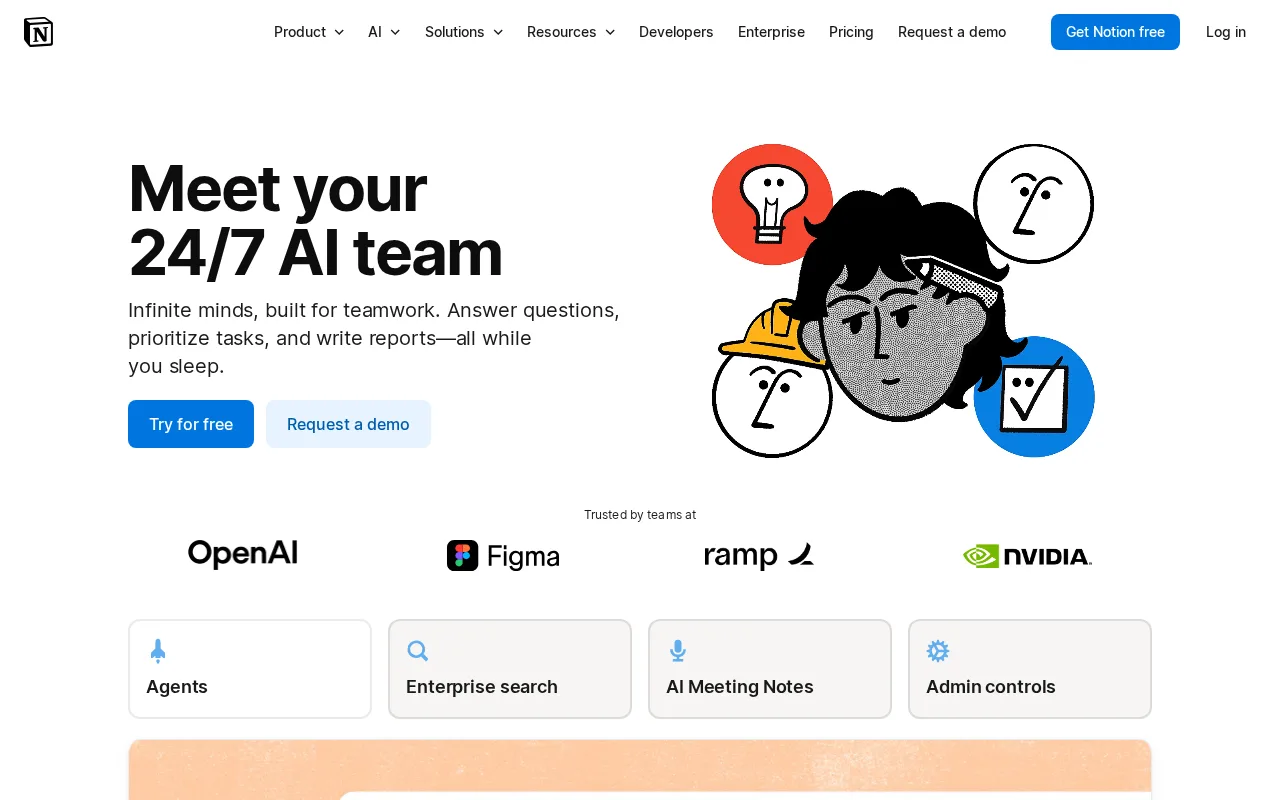
A seamless AI writing assistant embedded in Notion that boosts productivity for knowledge workers and teams.
- Seamless integration within Notion workspace
- Supports drafting, rewriting, summarization, and translation
- Personalizes outputs using existing content
- No public API available
- Limited advanced AI customization options
Is Notion AI Right for You?
A quick checklist to help you decide.
Ideal for: Knowledge workers and teams who use Notion daily and want integrated AI tools for drafting, rewriting, and summarizing content.
Less suited for: Users who require extensive API access, advanced AI customization, or standalone AI writing tools outside the Notion ecosystem.
Bottom line: Integration of AI writing capabilities directly within the Notion workspace.
Reviewed by Volvenix Editorial · Volvenix Editorial Team
AI-assessed from 3 sources.
Pros
Cons
Free
Best for individuals
- Basic AI content generation
- Limited usage
Pro
- Higher usage limits
- Priority access to AI features
Offers a free tier with basic AI features; paid plans unlock higher usage and advanced capabilities within Notion.





Inferred from shared AI-model tagging — not a confirmed product relationship.



Notion Q&A (GA) — Notion Q&A: ask questions about your workspace
- Search workspace by asking questions in plain English
- Citation links back to source pages in answers
- Permission-aware — only surfaces pages the asker can access
- Requires the Notion AI add-on on Plus and above
What is this tool?
How much does it cost?
Does it have a free plan?
What integrations does it support?
Who is it best for?
No reviews yet. Be the first to review Notion AI!
Scores are calculated algorithmically from feature coverage, pricing, user feedback & benchmark data — not influenced by commercial relationships. How we score → · Vendor Data Policy