PDFix logo
Rank #1148
FREEMIUM DESKTOP #4 in Document Layout Analysis

PDFix Review — Document Layout Analysis

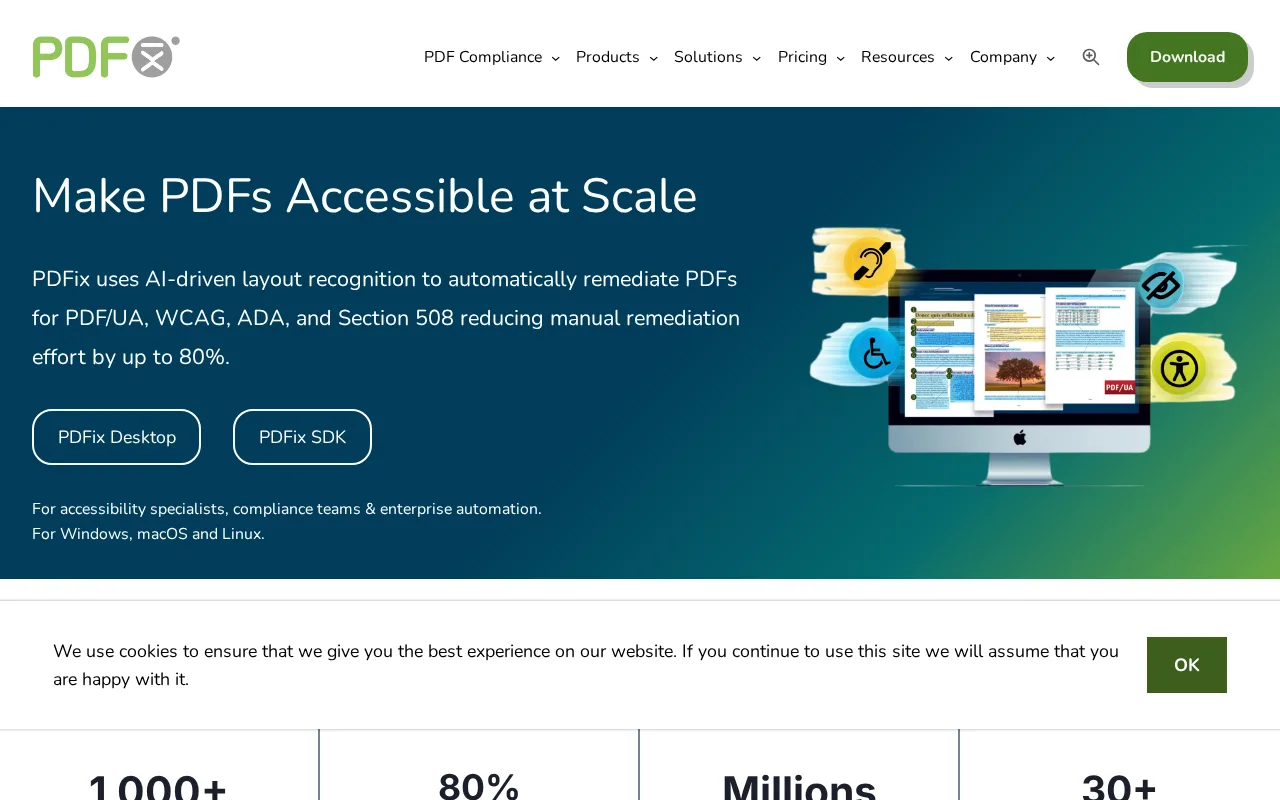
PDFix offers tools to extract, analyze, and convert PDFs while preserving complex layouts and tables.
7.1 / 10
Visit PDFix
7 monthly visitors 7 page views (30d)
Reviewed by Volvenix Editorial
7.5
Volvenix Verdict
AI-powered editorial review
PDFix
PDFix is a solid PDF extraction and conversion tool focused on layout accuracy and automation.
PROS
  • Accurate preservation of complex PDF layouts
  • Robust table and text recognition
  • Supports batch processing for automation
CONS
  • No public API available
  • Limited third-party integrations

Is PDFix Right for You?

A quick checklist to help you decide.

You need to extract structured data from complex PDF documents accurately.
You need a public API for custom integrations and automation workflows.
You want to automate batch processing of large volumes of PDFs efficiently.
Free-tier limits are a blocker for your PDF processing volume or features.
Your team requires precise layout recognition to maintain document integrity.
You require collaborative PDF editing or annotation capabilities.

Ideal for: Developers and enterprises needing accurate PDF extraction and batch processing for complex document layouts.

Less suited for: Users seeking extensive third-party integrations, public APIs, or collaborative PDF editing features.

Bottom line: Accuracy in preserving complex PDF layouts and tables during extraction and conversion.

Editorial Review AI-generated
PDFix excels at preserving complex PDF layouts and extracting structured data, making it valuable for enterprises needing reliable document automation. Its batch processing capabilities enhance productivity for large-scale PDF workflows. However, it lacks a public API and broader integrations, limiting flexibility for some developers. The tool is best suited for users focused on precise PDF content extraction rather than general PDF editing or collaboration.

AI-assessed from 3 sources.

Pros & Cons

Pros

Preserves complex PDF layouts accurately
Strong table and text recognition capabilities
Supports batch processing for automation
User-friendly developer tools
Reliable for enterprise PDF workflows

Cons

No public API available major
Limited third-party integrations moderate
No mobile app support minor
Who Is It For & What Can It Do
AI Capabilities
Batch Processing Layout Preservation Memory Text Extraction Tool Calling
Key Features
PDF Extraction
Extract text, tables, and images from PDFs
Layout Preservation
Maintain complex document structures and formatting
Batch processing
Process multiple PDFs automatically
PDF Conversion
Convert PDFs to other formats
OCR Support
Recognize text in scanned documents
Best Use Cases
Automated PDF data extraction Batch processing of invoices and reports Preserving complex document layouts Converting PDFs to editable formats Enterprise document workflow automation
Inputs & Outputs
Documentinput Documentoutput
Supported Languages
English
Security & Compliance
Compliance Standards
GDPR
Privacy · EU
Pricing Plans

Free

Best for individuals

Free
 
  • Basic PDF extraction
  • Limited batch processing

Team

For small teams

$30/mo
$30.00/mo billed annually
  • Team collaboration features
  • Priority support

Offers a free tier with basic features and paid subscriptions for advanced capabilities and higher usage limits.


Support Channels
Did you find this page helpful?
Frequently Asked Questions
What is this tool?
PDFix is a tool for extracting, analyzing, and converting PDF documents with accurate layout preservation.
How much does it cost?
PDFix offers a free tier and paid subscriptions starting at $20 per month.
Does it have a free plan?
Yes, PDFix provides a free plan with basic PDF extraction features.
What integrations does it support?
PDFix has limited third-party integrations and no public API.
Who is it best for?
It is best for developers and enterprises needing precise PDF extraction and batch processing.
User Reviews

No reviews yet. Be the first to review PDFix!

Write a Review
Discussion
No discussions yet. Start the conversation!
0 tools selected
Compare Now →
PDFix Visit Tool