
Xtracta logo
Rank #142
DOCUMENT LAYOUT ANALYSIS FREEMIUM CLOUD #1 in Document Layout Analysis State of the Art

Xtracta Review — Document Data Extraction

Automate key data extraction from invoices, receipts, and documents with flexible AI-driven visual processing.
5 monthly visitors 6 page views (30d)
Reviewed by Volvenix Editorial
7.5
Volvenix Verdict
AI-powered editorial review
Xtracta
Xtracta offers robust document data extraction with flexible layout handling, ideal for businesses automating invoice and receipt processing.
PROS
  • Template-free extraction adapts to diverse document layouts
  • Improves accuracy and reduces manual data entry
  • Supports multiple document types including invoices and receipts
CONS
  • No publicly documented API for integrations
  • Closed-source with limited customization options

Is Xtracta Right for You?

A quick checklist to help you decide.

You need to automate data extraction from invoices and receipts with minimal manual setup.
You need a fully open-source or self-hosted document extraction tool.
You want a solution that adapts to diverse document layouts without relying on templates.
Free-tier limits are a blocker for your volume or feature needs.
Your team requires improved accuracy and speed in processing business documents.
You require extensive API access for deep integration and customization.

Ideal for: Businesses and teams needing automated extraction of structured data from invoices, receipts, and diverse document layouts.

Less suited for: Users requiring extensive API integrations or open-source solutions should consider alternatives, as Xtracta lacks public API and is closed-source.

Bottom line: Ability to accurately extract data from varied document layouts without templates.

Editorial Review AI-generated
Xtracta excels at extracting structured data from diverse document types without relying on fixed templates, which reduces manual data entry errors and speeds workflows. Its AI-driven visual processing adapts well to varying layouts, making it suitable for businesses with heterogeneous document formats. However, it lacks publicly documented API access and advanced integrations, which may limit extensibility for some users. Overall, it is a solid choice for companies prioritizing accuracy and automation in document processing.
Pros & Cons

Pros

Flexible template-free document layout handling
Improves data extraction accuracy
Supports multiple document types
Easy to use cloud-based platform
Reduces manual data entry workload

Cons

No public API for integrations major
Closed-source with limited customization moderate
Limited publicly available pricing details minor
Who Is It For & What Can It Do
Best For
Small Business (1–10) Product Manager SMB (11–200) Intermediate curve
AI Capabilities
Computer Vision Data extraction
Key Features
Template-free extraction
Handles diverse document layouts without templates
Multi-document support
Processes invoices, receipts, and other documents
Cloud-Based Platform
Accessible via web with no local installation
Batch processing
Supports processing multiple documents at once
Data export
Exports extracted data to common formats
Best Use Cases
Automated invoice data extraction Receipt processing for expense management Data entry automation for accounting Document digitization and archiving Streamlining procurement workflows
AI Models Used
Proprietary AI Models by Unknown
Available Platforms
Web App
Integrations
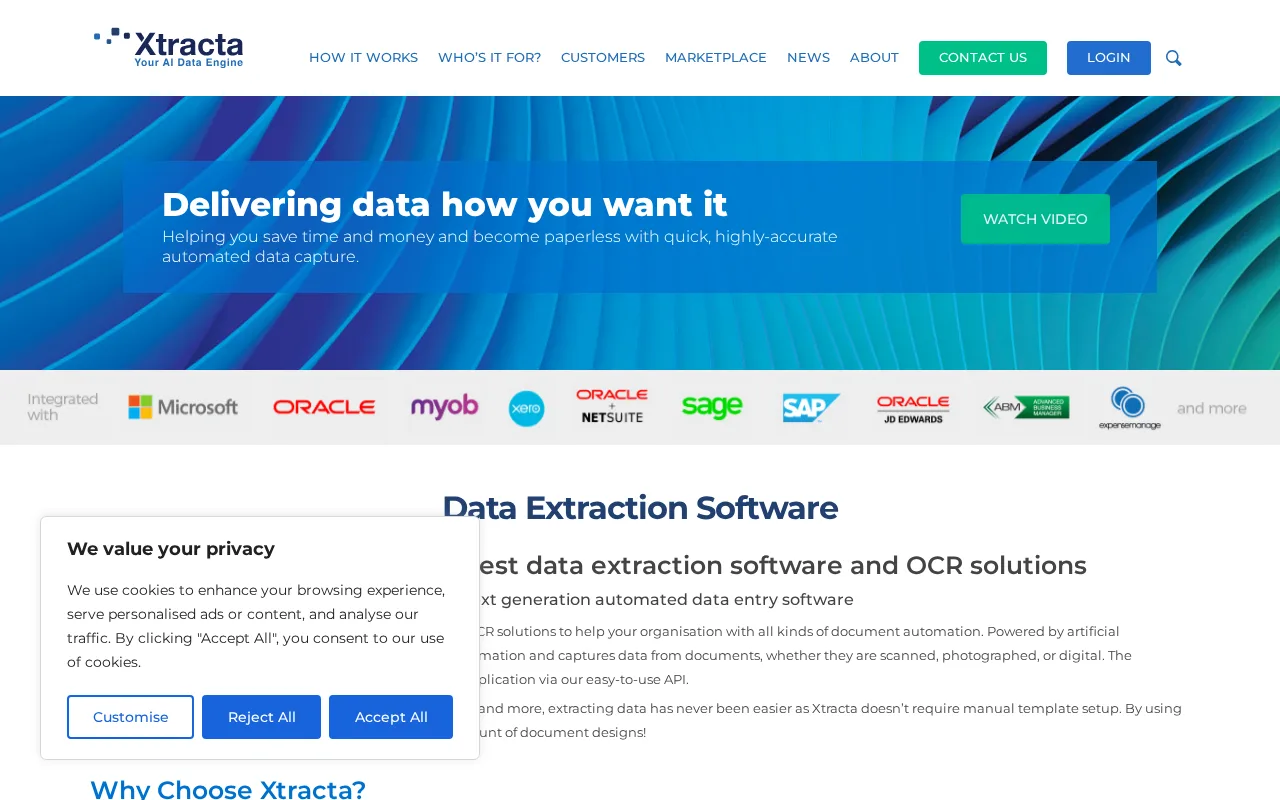
Cash Manager Greentree Infusion Microsoft MYOB Oracle Sage SAP Workbench Xero
Inputs & Outputs
Imageinput Textoutput
Supported Languages
English
Security & Compliance
Certifications
SOC 2 Type II
AICPA
ISO 27001
ISO
GDPR
European Union
Compliance Standards
GDPR
Privacy · EU
Pricing Plans

Free

Best for individuals

Free
 
  • Basic document processing
  • Limited monthly usage

Xtracta offers a free tier with basic usage and paid plans for higher volume and advanced features.


Price Range
Free $0–$0
Support Channels
Email
Tools using similar AI models

Inferred from shared AI-model tagging — not a confirmed product relationship.

Did you find this page helpful?
Frequently Asked Questions
What is this tool?
Xtracta automates extraction of structured data from documents like invoices and receipts using AI-based visual processing.
How much does it cost?
Xtracta offers a free tier with limited usage and paid plans for higher volume and advanced features.

Does it have a free plan?
Yes, Xtracta provides a free plan suitable for individuals or low-volume users.
What integrations does it support?
Publicly documented integrations or APIs are not available; integrations may be limited.
Who is it best for?
It is best for businesses needing automated, accurate data extraction from diverse document layouts.
User Reviews

No reviews yet. Be the first to review Xtracta!

Write a Review
Discussion
No discussions yet. Start the conversation!
0 tools selected
Compare Now →
Xtracta Visit Tool