
Anima logo
Rank #502
ARCHITECTURE MODELING SOLUTIONS FREEMIUM CLOUD #2 in Architecture Modeling Solutions

Anima Review — Responsive Prototyping Tool

Turn Figma and Sketch designs into developer-ready prototypes that improve collaboration.
6.8 / 10
Visit Anima
14 monthly visitors 14 page views (30d)
Reviewed by Volvenix Editorial
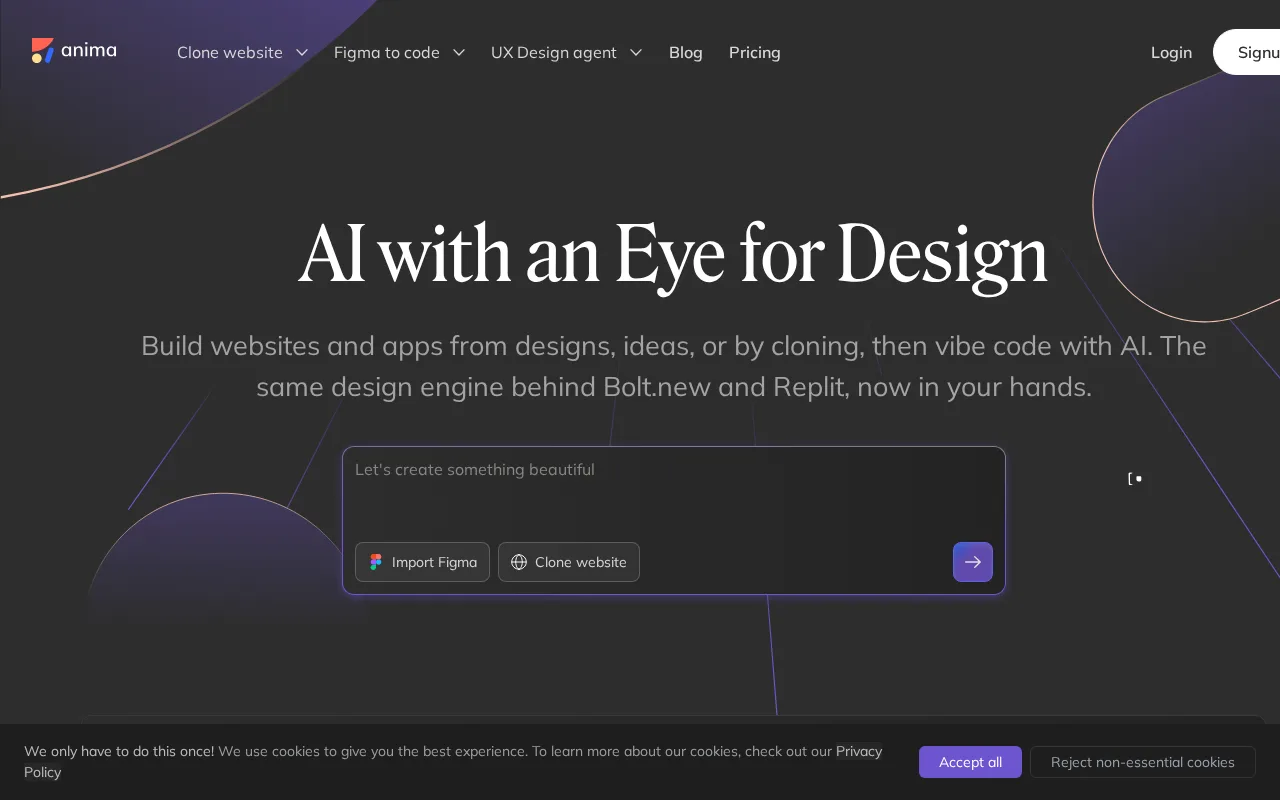
Anima — preview
7.5
Volvenix Verdict
AI-powered editorial review
Anima
A solid prototyping tool that bridges design and development with responsive outputs.
PROS
  • Seamless integration with Figma and Sketch
  • Responsive prototype generation
  • Improves designer-developer collaboration
  • User-friendly interface
  • Freemium pricing model
CONS
  • Limited advanced interaction features
  • Some key features behind paywall

Is Anima Right for You?

A quick checklist to help you decide.

You want to quickly create interactive prototypes from Figma or Sketch designs
You need advanced animation or micro-interaction capabilities beyond basic prototyping
You need responsive prototypes that adapt to different screen sizes
Free-tier limits are a blocker for your prototyping needs
Your team requires better collaboration between designers and developers
You require a full design-to-production code export solution

Ideal for: UI/UX designers and small teams needing to create responsive prototypes directly from design files for smoother developer collaboration.

Less suited for: Users requiring highly complex animations or full design-to-code solutions should consider other tools; also less ideal if budget constraints limit access to paid features.

Bottom line: How well it integrates with your existing design tools and supports responsive prototype creation.

Editorial Review AI-generated
Anima excels at converting static design files into interactive prototypes, enhancing communication between designers and developers. Its integration with popular design tools like Figma and Sketch makes it convenient for UI/UX workflows. However, some advanced features require paid plans, and it may not fully replace dedicated prototyping platforms for complex interactions. Best suited for teams focused on responsive web and app design.

AI-assessed from 3 sources.

Pros & Cons

Pros

Strong integration with popular design tools
Generates responsive, interactive prototypes
Enhances collaboration between designers and developers
Intuitive and easy to use
Flexible freemium pricing

Cons

Limited advanced animation features moderate
Workaround: Use complementary prototyping tools for complex animations
Key features require paid subscription moderate
No mobile app available minor
Who Is It For & What Can It Do
Best For
Designer / Creative Developer / Engineer Product Manager Intermediate curve
AI Capabilities
Collaboration Memory Tool Calling Transformation
Key Features
Design Integration
Supports Figma and Sketch file imports
Responsive Prototyping
Creates prototypes that adapt to screen sizes
Interactive Elements
Basic interactions like links and hover states
Team collaboration
Shared projects and libraries for teams
Code Export
Exports HTML/CSS code snippets
Best Use Cases
Creating interactive prototypes from design files Improving handoff between designers and developers Testing responsive UI layouts Collaborating on design projects within teams Exporting code snippets for front-end development
Available Platforms
Web App
Integrations
Figma Sketch
Inputs & Outputs
Documentinput Codeoutput
Supported Languages
English
Security & Compliance
Compliance Standards
GDPR
Privacy · EU
Pricing Plans

Free

Best for individuals

Free
 
  • Basic prototype creation
  • Limited projects

Team

For small teams

$30/mo
$30.00/mo billed annually
  • Team collaboration
  • Shared libraries

Offers a free tier with basic features; paid plans unlock advanced prototyping and team collaboration tools.


Price Range
Free $0–$0 Low Cost $0–$20 Mid Range $20–$100
Support Channels
Documentation
Did you find this page helpful?
Frequently Asked Questions
What is this tool?
Anima converts design files from Figma and Sketch into interactive, responsive prototypes.
How much does it cost?
Anima offers a free tier and paid plans starting at $20/month for advanced features.
Does it have a free plan?
Yes, there is a free plan with basic prototyping features.
What integrations does it support?
It integrates natively with Figma and Sketch design tools.
Who is it best for?
UI/UX designers and small teams needing responsive prototypes and better developer collaboration.
User Reviews

No reviews yet. Be the first to review Anima!

Write a Review
Discussion
No discussions yet. Start the conversation!
0 tools selected
Compare Now →
Anima Visit Tool