Uizard logo
Rank #1491
ARCHITECTURE MODELING SOLUTIONS FREEMIUM CLOUD #3 in Architecture Modeling Solutions

Uizard Review — Sketch to UI Prototyping

Convert hand-drawn sketches into digital UI mockups and prototypes quickly.
13 monthly visitors 14 page views (30d)
Reviewed by Volvenix Editorial
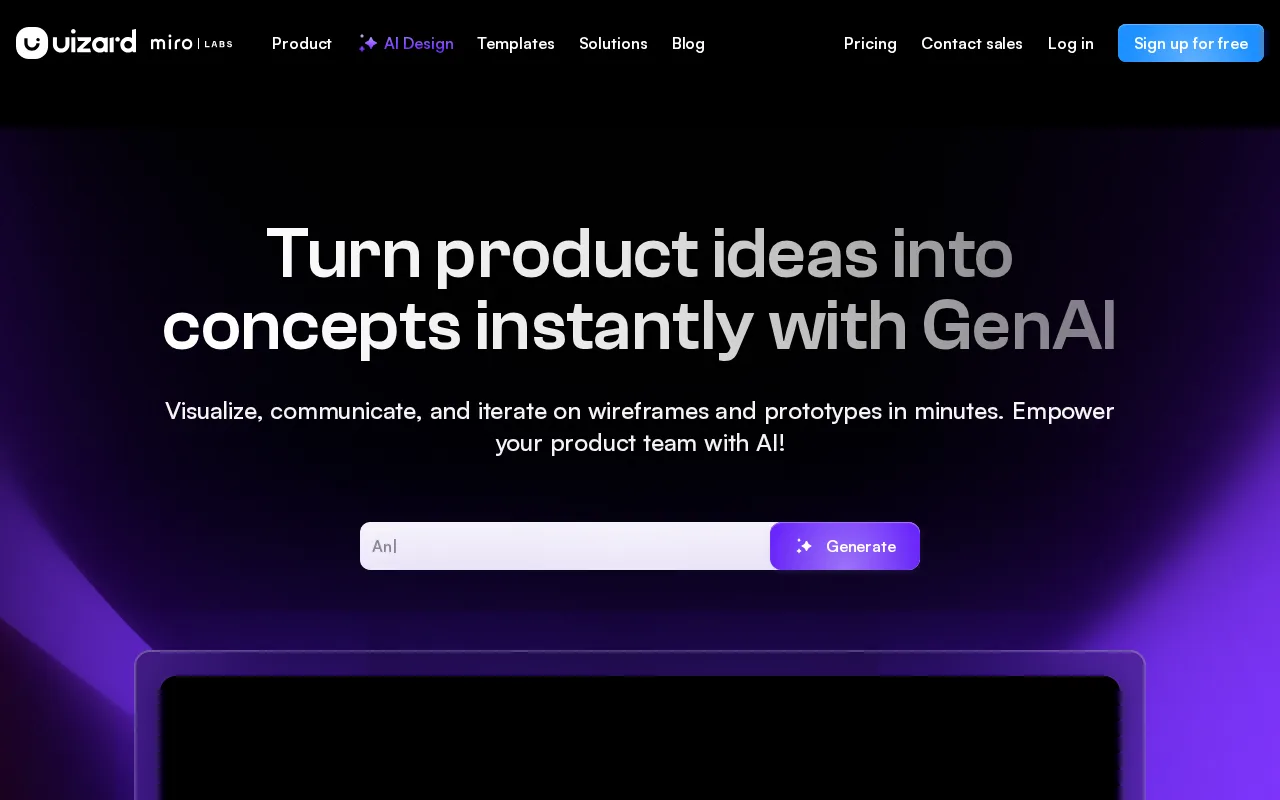
Uizard — preview
7.2
Volvenix Verdict
AI-powered editorial review
Uizard
Uizard is a practical tool for quickly turning sketches into digital UI prototypes with ease.
PROS
  • Fast conversion of sketches to digital mockups
  • User-friendly interface for quick prototyping
  • Supports both designers and developers
  • Freemium pricing with accessible entry point
  • Good for early-stage design workflows
CONS
  • Limited advanced design customization
  • Lacks extensive third-party integrations

Is Uizard Right for You?

A quick checklist to help you decide.

You want to rapidly prototype UI designs from sketches without complex software.
You need detailed UI design and customization capabilities for production-ready assets.
You need a simple tool for early-stage UI mockups and wireframes.
Free-tier limits are a blocker for your team’s scale or feature needs.
Your team values speed and ease of use over advanced design features.
You require deep integrations with other design or development tools.

Ideal for: Designers and developers who need fast, simple UI mockups from sketches or wireframes in early project stages.

Less suited for: Users requiring advanced UI design features, extensive integrations, or detailed customization should look elsewhere.

Bottom line: Ability to convert hand-drawn sketches into digital UI prototypes quickly and easily.

Editorial Review AI-generated
Uizard excels at transforming hand-drawn sketches into digital UI mockups, saving time in early design phases. Its intuitive interface suits designers and developers who want rapid prototyping without heavy design software. However, it lacks advanced customization and integration features found in more mature design tools. It’s best for teams focused on speed and simplicity rather than detailed design refinement.

AI-assessed from 3 sources.

Pros & Cons

Pros

Quick sketch-to-digital conversion
Intuitive and easy to use
Supports rapid prototyping
Accessible freemium model
Good for early design phases

Cons

Limited advanced design features moderate
Few integrations with other tools moderate
No public API available minor
Who Is It For & What Can It Do
Best For
Designer / Creative Developer / Engineer Product Manager Beginner curve
AI Capabilities
Content Generation
Key Features
Sketch to Prototype Conversion
Transforms hand-drawn sketches into digital UI mockups
Wireframe Design
Create wireframes quickly with drag-and-drop tools
Export Options
Export designs as images or code snippets
Collaboration Tools
Team collaboration features for shared projects
Template Library
Access to pre-built UI templates
Best Use Cases
Rapid UI prototyping from sketches Early-stage design visualization Wireframe creation for apps and websites Collaborative design for small teams Design handoff preparation
Available Platforms
Web App
Inputs & Outputs
Imageinput Imageoutput
Supported Languages
English
Security & Compliance
Certifications
SOC 2 Type II
AICPA
ISO 27001
ISO
GDPR
European Union
Compliance Standards
GDPR
Privacy · EU
Pricing Plans

Free

Best for individuals

Free
 
  • Basic UI mockup creation
  • Limited projects and exports

Team

For small teams

$30/mo
$30.00/mo billed annually
  • Team collaboration
  • Priority support

Offers a free plan with basic features; paid plans add more projects, exports, and collaboration tools.

Price Range
Free $0–$0 Low Cost $0–$20 Mid Range $20–$100
Support Channels
Documentation
Did you find this page helpful?
Frequently Asked Questions
What is this tool?
Uizard converts hand-drawn sketches into digital UI mockups and prototypes quickly.
How much does it cost?
Uizard offers a free plan and paid subscriptions starting at $20 per month.
Does it have a free plan?
Yes, Uizard provides a free plan with basic features and limited projects.
What integrations does it support?
Uizard has limited integrations and does not currently support public APIs.
Who is it best for?
It is best for designers and developers needing fast UI mockups from sketches.
User Reviews

No reviews yet. Be the first to review Uizard!

Write a Review
Discussion
No discussions yet. Start the conversation!
0 tools selected
Compare Now →
Uizard Visit Tool