

TeleportHQ logo
Rank #450
ARCHITECTURE MODELING SOLUTIONS FREEMIUM CLOUD #1 in Architecture Modeling Solutions State of the Art

TeleportHQ Review — Visual Front-End Code Generation

Visual platform converting UI mockups into exportable front-end code with live collaboration and multi-framework support.
4 monthly visitors 4 page views (30d)
Reviewed by Volvenix Editorial
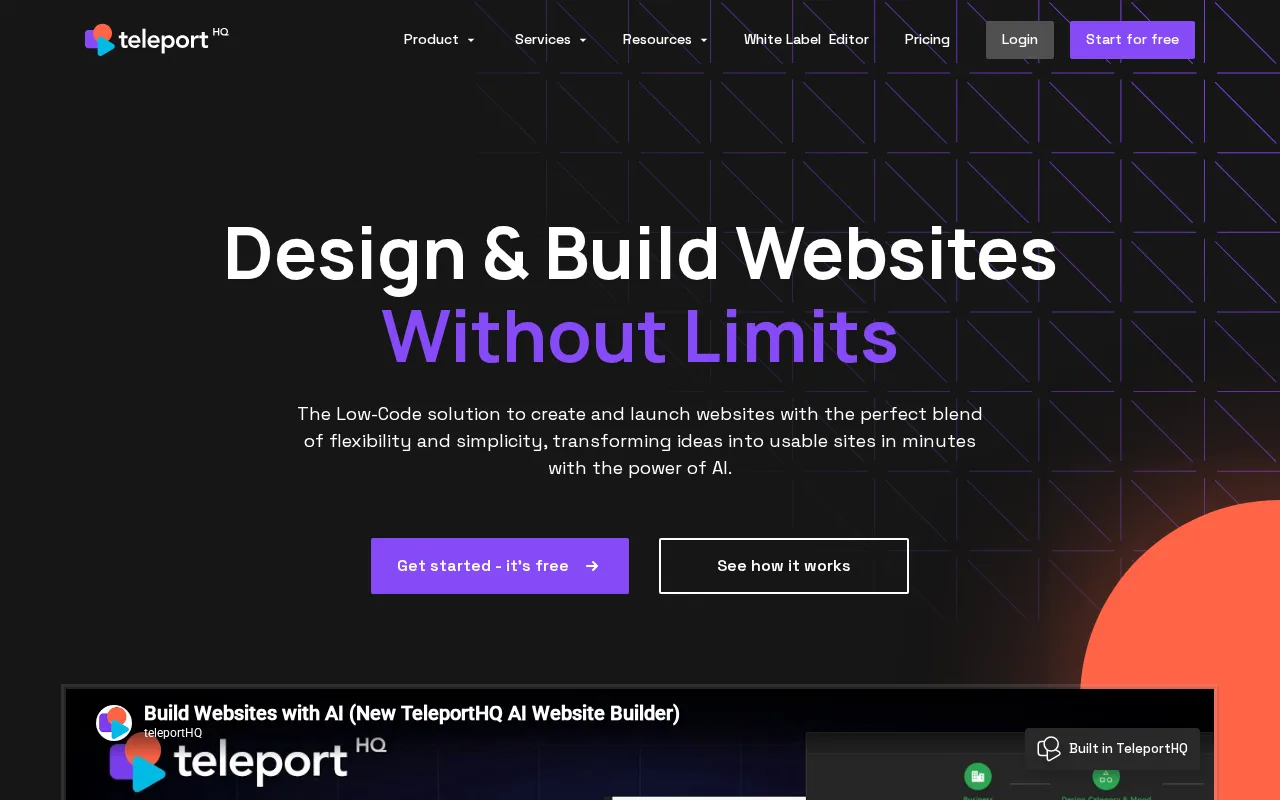
TeleportHQ — preview
7.5
Volvenix Verdict
AI-powered editorial review
TeleportHQ
A solid tool for teams seeking fast, visual front-end code generation with collaborative features.
PROS
  • Visual front-end code generation from UI designs
  • Supports multiple front-end frameworks for export
  • Live collaboration for design and development teams
  • Figma import integration
  • Rapid prototyping and handoff capabilities
CONS
  • Limited backend or full-stack code support
  • Lacks advanced customization options

Is TeleportHQ Right for You?

A quick checklist to help you decide.

You need to quickly convert UI designs into front-end code without manual coding.
You need backend or full-stack code generation beyond front-end UI code.
You want live collaboration features to work simultaneously with your team on designs.
Free-tier limits are a blocker for your project scale or team size.
Your team requires multi-framework code export to support diverse front-end stacks.
You require enterprise-grade security features like SSO or MFA.

Ideal for: Designers and developers who need quick, visual front-end code generation with live collaboration and multi-framework export.

Less suited for: Teams requiring deep backend integration, advanced customization, or extensive enterprise security features should consider other tools.

Bottom line: Ability to visually generate responsive front-end code from UI designs with multi-framework export.

Editorial Review AI-generated
TeleportHQ excels at converting UI designs into clean, responsive front-end code, supporting multiple frameworks which is a major plus for diverse development teams. Its live collaboration and Figma import streamline design-to-code workflows effectively. However, it may lack some advanced customization options and deeper integrations compared to more mature platforms. Best suited for designers and developers focused on rapid prototyping and code handoff rather than full-scale production development.

AI-assessed from 3 sources.

Pros & Cons

Pros

Visual, no-code front-end code generation
Multi-framework export options
Live collaboration support
Figma import integration
Rapid prototyping and handoff

Cons

Limited backend or full-stack code support moderate
Lacks advanced customization options minor
No public API available minor
Who Is It For & What Can It Do
AI Capabilities
Code generation
Key Features
Visual Code Generation
Convert UI designs into front-end code visually
Multi-Framework Export
Export code for React, Vue, Angular, and more
Live Collaboration
Work simultaneously with team members on projects
Figma Import
Import designs directly from Figma for code generation
Rapid Prototyping
Quickly create and iterate on UI prototypes
Best Use Cases
Rapid front-end prototyping Design-to-code handoff Collaborative UI development Multi-framework front-end projects Figma-based design workflows
Available Platforms
API / SDK Browser Extension Web App
Integrations
Inputs & Outputs
Imageinput Codeoutput
Supported Languages
English
Security & Compliance
Certifications
SOC 2 Type II
AICPA
ISO 27001
ISO
GDPR
European Union
Compliance Standards
GDPR
Privacy · EU
Pricing Plans

Free

Best for individuals

Free
 
  • Basic visual code generation
  • Single user access

Team

For small teams

$30/mo
$30.00/mo billed annually
  • Team management
  • Priority support

Offers a free tier with basic features; paid plans add collaboration, team features, and higher usage limits.

Support Channels
Did you find this page helpful?
Frequently Asked Questions
What is this tool?
TeleportHQ is a visual platform that converts UI mockups into exportable front-end code for designers and developers.
How much does it cost?
TeleportHQ offers a free tier and paid plans starting at $20 per month with added collaboration and team features.
Does it have a free plan?
Yes, TeleportHQ provides a free plan suitable for individuals with basic features.
What integrations does it support?
It supports Figma import natively; other integrations are limited or unavailable.
Who is it best for?
It is best for designers and developers needing fast, visual front-end code generation with collaboration.
User Reviews

No reviews yet. Be the first to review TeleportHQ!

Write a Review
Discussion
No discussions yet. Start the conversation!
0 tools selected
Compare Now →
TeleportHQ Visit Tool