Kepler.gl logo
Rank #84
FREE CLOUD #1 in Geospatial Visualization State of the Art

Kepler.gl Review — Geospatial Visualization

Build high-performance, interactive maps for extensive location datasets.
Updated Jun 1, 2026 geospatial mapping visualization
15 monthly visitors 12K GitHub stars 15 page views (30d)
Reviewed by Volvenix Editorial
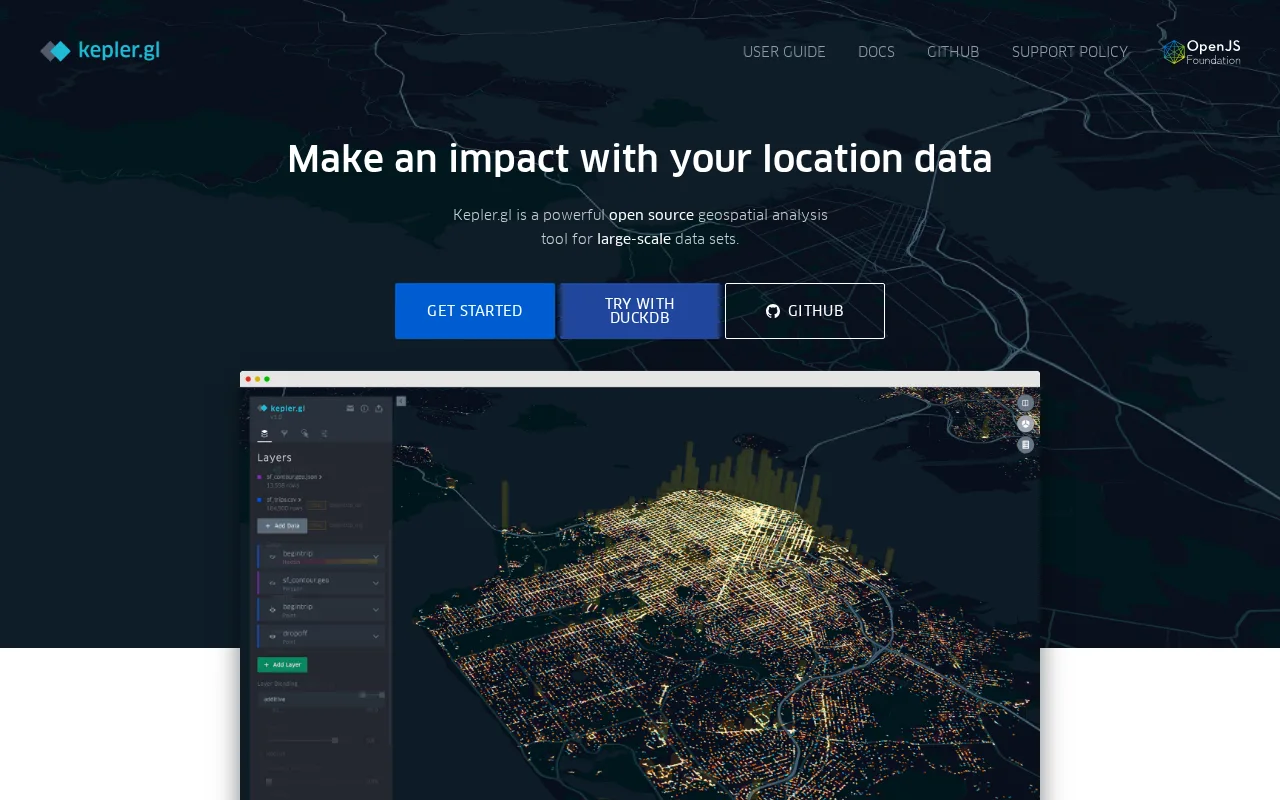
Kepler.gl — preview
8.0
Volvenix Verdict
AI-powered editorial review
Kepler.gl
A powerful tool for geospatial visualization with a user-friendly interface.
PROS
  • User-friendly interface for map creation
  • Handles large datasets efficiently
  • GPU-accelerated for fast performance
CONS
  • Limited advanced analytical features
  • No offline capabilities

Is Kepler.gl Right for You?

A quick checklist to help you decide.

You need to visualize large geospatial datasets interactively.
You need advanced analytical tools for data analysis.
You want a user-friendly interface for map creation.
Free-tier limits are a blocker for extensive usage.
Your team requires fast exploration of location data.
You require offline capabilities for map creation.

Ideal for: Data analysts and GIS teams needing to visualize large geospatial datasets interactively.

Less suited for: Skip this tool if you require advanced analytical capabilities beyond visualization.

Bottom line: The ability to create interactive maps from extensive geospatial data.

Editorial Review AI-generated
Kepler.gl excels in its ability to handle large datasets and create visually appealing maps. Its GPU-accelerated interface makes it fast and responsive, ideal for data analysts and GIS professionals. However, users looking for advanced analytical features may find it lacking in depth.

AI-assessed from 4 sources.

Pros & Cons

Pros

User-friendly interface for map creation
Handles large datasets efficiently
GPU-accelerated for fast performance
Open-source and free to use

Cons

Limited advanced analytical features moderate
Workaround: Use additional tools for in-depth analysis.
No offline capabilities major
Who Is It For & What Can It Do
Best For
Data Scientist / Analyst Developer / Engineer Intermediate curve
AI Capabilities
Data Visualization
Key Features
Interactive Map Creation
Build maps from large datasets easily
GPU Acceleration
Fast rendering of maps
Data Layering
Combine multiple data layers for analysis
Custom Styling
Style maps to fit your needs
Export Options
Export maps in various formats
Best Use Cases
Visualizing environmental data Mapping urban development Analyzing transportation routes Displaying demographic information
Available Platforms
Web App
Integrations
deck.gl Mapbox React
Inputs & Outputs
Otherinput Otheroutput
Supported Languages
English
Security & Compliance
Pricing Plans

Free

Best for individuals

Free
 
  • Interactive map creation
  • GPU-accelerated performance

Kepler.gl is free to use, making it accessible for individuals and teams.

Price Range
Free $0–$0
Support Channels
Ratings from Around the Web
Did you find this page helpful?
Frequently Asked Questions
What is this tool?
Kepler.gl is a web-based tool for creating interactive maps from geospatial data.
How much does it cost?
Kepler.gl is free to use.
Does it have a free plan?
Yes, it is completely free.
What integrations does it support?
Currently, it does not have documented integrations.
Who is it best for?
It is best for data analysts and GIS teams.
User Reviews

No reviews yet. Be the first to review Kepler.gl!

Write a Review
Discussion
No discussions yet. Start the conversation!
0 tools selected
Compare Now →
Kepler.gl Visit Tool